
Pixelhance FAQs
This free online tool uses advanced AI to quickly remove image backgrounds, supporting JPG and PNG with high-quality, private processing.

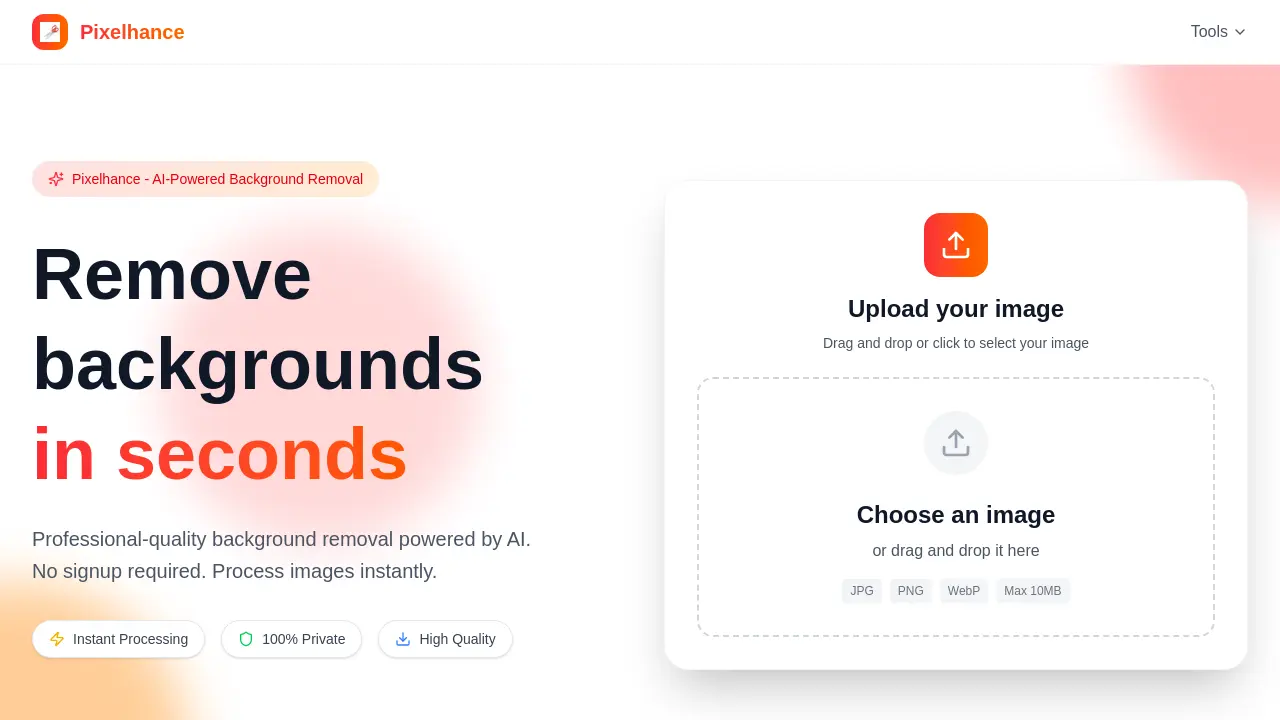
FAQs of Pixelhance
What is Pixelhance?
Pixelhance is an AI-powered online tool designed for professional-quality background removal from images. It utilizes advanced AI algorithms to instantly detect and remove backgrounds, providing users with a transparent background image without requiring any sign-up.
What image formats are supported by Pixelhance?
Pixelhance supports common image formats including JPG, PNG, and WebP. Users can upload their images in these formats for background removal, ensuring broad compatibility for various projects and needs.
How is the quality of processed images from Pixelhance?
Pixelhance delivers high-quality processed images, with its advanced AI technology meticulously preserving intricate details, such as hair and fur, even on complex edges. The resulting images maintain professional-grade quality for diverse applications.
Will my images be saved by Pixelhance?
No, Pixelhance guarantees 100% privacy. Uploaded images are processed securely and deleted immediately after the background removal operation is completed. This ensures complete user data privacy and confidentiality for every use.
Is there a file size limit for uploads on Pixelhance?
Yes, there is a file size limit for images uploaded to Pixelhance. The maximum file size supported is 10MB. Users should ensure their images do not exceed this limit for successful processing and background removal.
How does Pixelhance ensure fast processing?
Pixelhance employs optimized AI algorithms to process images in seconds, offering lightning-fast background removal. This efficiency means users experience no waiting times or delays, making it a highly productive tool for quick edits.
What are the steps to remove a background using Pixelhance?
Removing a background with Pixelhance involves three simple steps: first, upload your image via drag and drop or selection; second, the advanced AI automatically processes and removes the background; and third, download your high-quality image with a transparent background in PNG format.
How to use Pixelhance
Pixelhance offers AI-powered background removal, enabling users to instantly achieve professional-quality image edits. This tool prioritizes privacy and delivers high-quality results for various image formats without requiring user registration.
- Navigate to the Pixelhance website to begin the background removal process.
- Locate the upload area and either drag and drop your image file or click to select it.
- Ensure your image is in JPG, PNG, or WebP format and under 10MB for optimal processing.
- Allow the advanced AI to automatically detect and remove the image background within seconds.
- Once processing is complete, download your pixel-perfect image with a transparent background in high-quality PNG format.
