
Pixelhance offers free AI background removal for images.
| Added on: | Sep 27, 2025 |
| Monthly Visits: | -- |
| Social & Email: | -- |

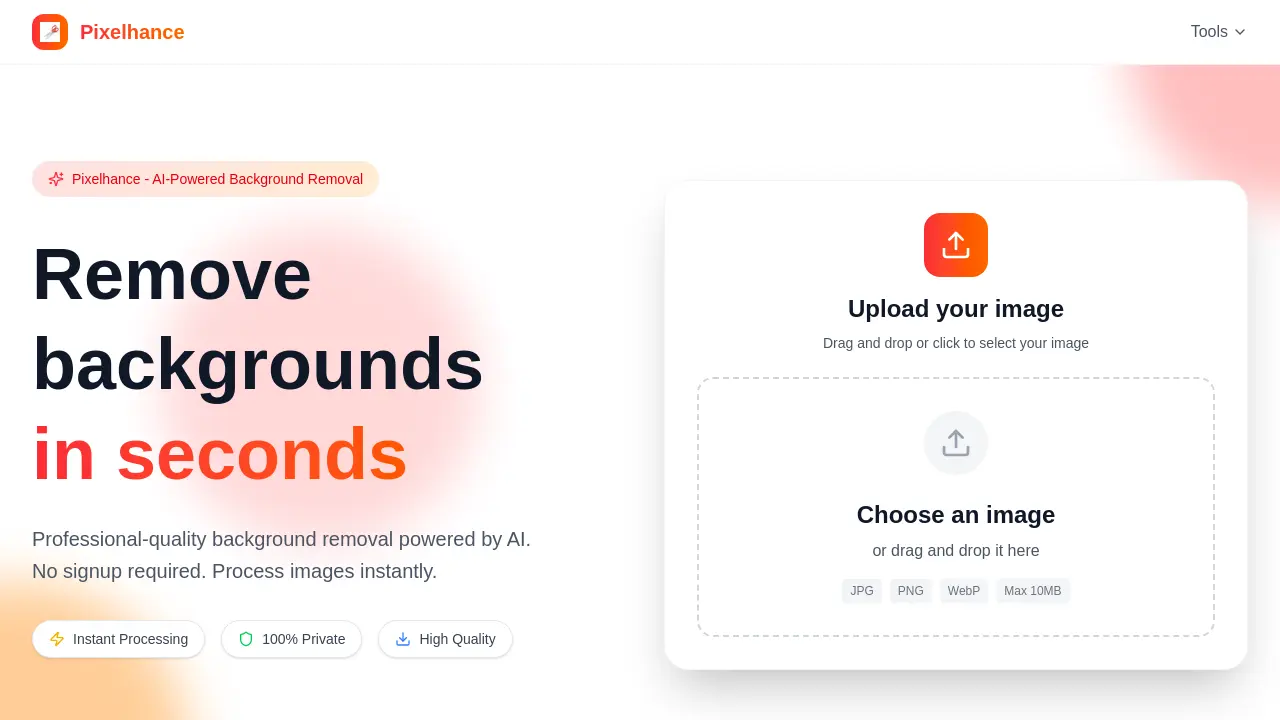
What is Pixelhance
Pixelhance is an AI-powered tool designed for professional-quality background removal. This platform enables users to efficiently remove backgrounds from images in seconds, without requiring signup. Key features include instant processing, ensuring rapid results, and a commitment to 100% privacy by immediately deleting uploaded images. The tool utilizes advanced AI algorithms to preserve intricate details, even on complex edges such as hair and fur. Pixelhance supports JPG, PNG, and WebP formats, with a maximum file size of 10MB, delivering high-quality outputs suitable for various applications.
How does Pixelhance work
Pixelhance operates as an AI-powered background removal tool, offering instant image processing. Users upload JPG, PNG, or WebP images, up to 10MB, which are then analyzed by advanced AI algorithms. This technology automatically detects and precisely removes backgrounds, even complex edges, ensuring pixel-perfect results. The processed image, featuring a transparent background, is then available for download in high-quality PNG format. Pixelhance emphasizes privacy, deleting images immediately post-processing, making it a secure option for background enhancement.
Benefits of Pixelhance
Pixelhance offers professional-grade, AI-powered background removal, providing instant processing without requiring user signup. This tool ensures 100% privacy by immediately deleting uploaded images post-processing. Users can achieve pixel-perfect results, as the advanced AI preserves intricate details like hair and fur. Supporting JPG, PNG, and WebP formats up to 10MB, Pixelhance delivers high-quality transparent background images, streamlining workflow for various applications. It serves as an efficient pixel enhancer, simplifying image editing tasks.
Pros and Cons of Pixelhance
Pros
- AI-powered background removal is quick.
- No signup is required for instant use.
- Guarantees 100% image privacy.
- Preserves intricate details like hair.
- Supports JPG, PNG, WebP formats.
Cons
- Max file size limit is 10MB.
- Limited to background removal functionality.
- Output format is solely PNG.
Core Features of Pixelhance
AI-Powered Background Removal
Utilizes advanced AI to accurately and quickly remove backgrounds from images, producing professional-quality results with intricate detail preservation for various subjects.
Instant Image Processing
Processes images instantly, eliminating wait times and delays, which enhances user efficiency without requiring any account registration.
Secure and Private Image Handling
Ensures 100% privacy by securely processing images and deleting them immediately after use, guaranteeing no data retention.
Use Cases of Pixelhance
- Graphic Designers: Utilize Pixelhance for instant, high-quality background removal, enhancing efficiency in creative workflows.
- E-commerce Businesses: Enhance product images with professional background removal, improving visual appeal for online listings.
- Photographers: Achieve pixel-perfect background enhancements for portraits and object photography using AI-powered tools like pixel enhancer.
- Marketing Professionals: Quickly prepare images for campaigns by leveraging Pixelhance's fast and private background removal capabilities.
- Web Developers: Optimize website imagery by using Pixelhance to remove backgrounds, ensuring clean, transparent assets.
FAQs of Pixelhance
What is Pixelhance?
Pixelhance is an AI-powered online tool designed for professional-quality background removal from images. It utilizes advanced AI algorithms to instantly detect and remove backgrounds, providing users with a transparent background image without requiring any sign-up.
What image formats are supported by Pixelhance?
Pixelhance supports common image formats including JPG, PNG, and WebP. Users can upload their images in these formats for background removal, ensuring broad compatibility for various projects and needs.
How is the quality of processed images from Pixelhance?
Pixelhance delivers high-quality processed images, with its advanced AI technology meticulously preserving intricate details, such as hair and fur, even on complex edges. The resulting images maintain professional-grade quality for diverse applications.
Will my images be saved by Pixelhance?
No, Pixelhance guarantees 100% privacy. Uploaded images are processed securely and deleted immediately after the background removal operation is completed. This ensures complete user data privacy and confidentiality for every use.
Is there a file size limit for uploads on Pixelhance?
Yes, there is a file size limit for images uploaded to Pixelhance. The maximum file size supported is 10MB. Users should ensure their images do not exceed this limit for successful processing and background removal.
How does Pixelhance ensure fast processing?
Pixelhance employs optimized AI algorithms to process images in seconds, offering lightning-fast background removal. This efficiency means users experience no waiting times or delays, making it a highly productive tool for quick edits.
What are the steps to remove a background using Pixelhance?
Removing a background with Pixelhance involves three simple steps: first, upload your image via drag and drop or selection; second, the advanced AI automatically processes and removes the background; and third, download your high-quality image with a transparent background in PNG format.
How to use Pixelhance
Pixelhance offers AI-powered background removal, enabling users to instantly achieve professional-quality image edits. This tool prioritizes privacy and delivers high-quality results for various image formats without requiring user registration.
- Navigate to the Pixelhance website to begin the background removal process.
- Locate the upload area and either drag and drop your image file or click to select it.
- Ensure your image is in JPG, PNG, or WebP format and under 10MB for optimal processing.
- Allow the advanced AI to automatically detect and remove the image background within seconds.
- Once processing is complete, download your pixel-perfect image with a transparent background in high-quality PNG format.
Pixelhance Alternatives
A browser collection of 13 free creative editors for photos, vector art, PDFs, documents, video, audio, and CAD, opening without an account or install.

An online AI photo editor that removes image backgrounds, erases people, objects and text, and upscales photos 4x. Preview every photo free before paying per image.
Meta Image: browser AI studio powered by Muse Image. Edit photos with prompts, remove backgrounds, restore old photos, generate new images.
Remove image backgrounds, video watermarks, burned-in subtitles and video backgrounds with Rmark AI. Upload a file, preview, then download a clean copy.
Koozee turns a single clothing image into AI product photos, model try-on images, and marketing videos for apparel sellers, cutting costs by up to 99%.
OmniEnhancer is an AI image enhancer and photo editor that improves photo quality, clarity, color, and resolution online, with free daily credits.
TranslateImage AI translates images to 70+ languages while preserving font, layout, and style. Free online AI image translator for photos and manga.
AI Clothes Changer is an online tool that replaces the clothing in a person photo using either a reference image or a text description.
AI Gazou offers free AI-powered image upscaling to enhance photos, product images, and illustrations. Upscale 2x or 4x with natural detail preservation.
PixMira AI is a free AI photo editor and image generator. Use text prompts for precise edits, style changes, and high-quality results in seconds.
AI Gazou removes image backgrounds for free using AI. Upload photos, products, or logos to get transparent PNGs with clean edges and customizable margins.
AI Image Text Editor lets users replace, remove, translate, and redact text inside finished images while preserving the original font, background, and layout.