
Picture to Drawing Introduction
Transform any photo into artistic drawings with AI-powered picture to drawing converter. Free, instant results with multiple styles including pencil sketch and watercolor.

What is Picture to Drawing
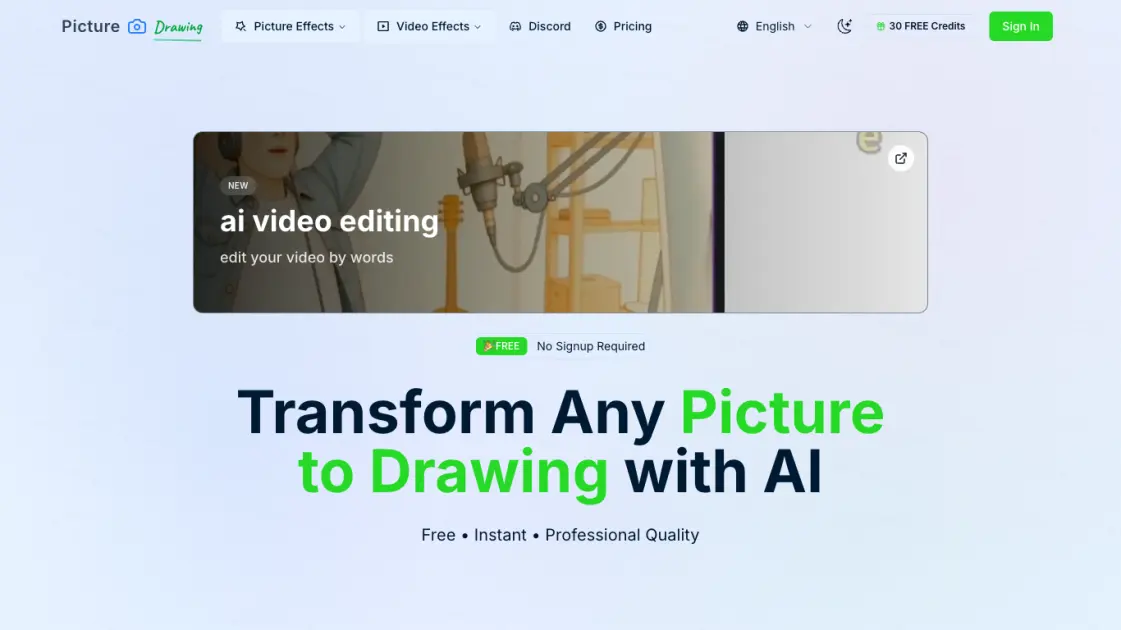
Picture to Drawing is an AI-powered online tool that transforms ordinary photos into artistic drawings with a single click. No registration, no fees — just upload an image and watch as advanced AI algorithms convert it into a pencil sketch, charcoal drawing, watercolor painting, or other artistic style. Supporting multiple output formats and offering 8 distinct art styles, this free web application caters to artists, designers, and casual users who want to add a creative touch to their images. The entire process completes in seconds, with premium models offering even faster processing and higher quality results for those who need regular access.
How does Picture to Drawing work
Picture to Drawing uses deep learning models trained on millions of artistic image pairs to analyze uploaded photos and generate corresponding drawings. When a user uploads an image, the AI identifies key visual elements such as edges, textures, shading, and color composition. It then applies the selected artistic style — whether pencil sketch, charcoal, watercolor, or another effect — by transforming these elements through style-specific neural network layers. The processed image is rendered at high resolution, with free models prioritizing accessibility and premium models utilizing more computational resources for faster, higher-quality output.
Benefits of Picture to Drawing
Picture to Drawing provides a free, accessible way to transform photos into professional-quality artistic drawings without requiring artistic skills or expensive software. The tool eliminates the need for registration, allowing immediate use with no upfront commitment. With 8 distinct art styles and high-resolution output, users can create diverse visual content for personal projects, social media, or professional work. The service offers both free and premium tiers, making it suitable for casual experimentation as well as regular, high-volume use with faster processing speeds and commercial usage rights.
Pros and Cons of Picture to Drawing
Pros
- Free to use with no registration required
- 8 diverse artistic styles to choose from
- Fast processing even on free tier
- High-resolution output suitable for printing
- Supports multiple image formats
Cons
- Free models have limited daily usage (2 images)
- Free processing slower than premium (20-50 seconds)
- No mobile app, web-only interface
