
PicMoss Introduction
PicMoss offers free online tools for background removal, image enhancement, and more, using AI for efficient image editing.

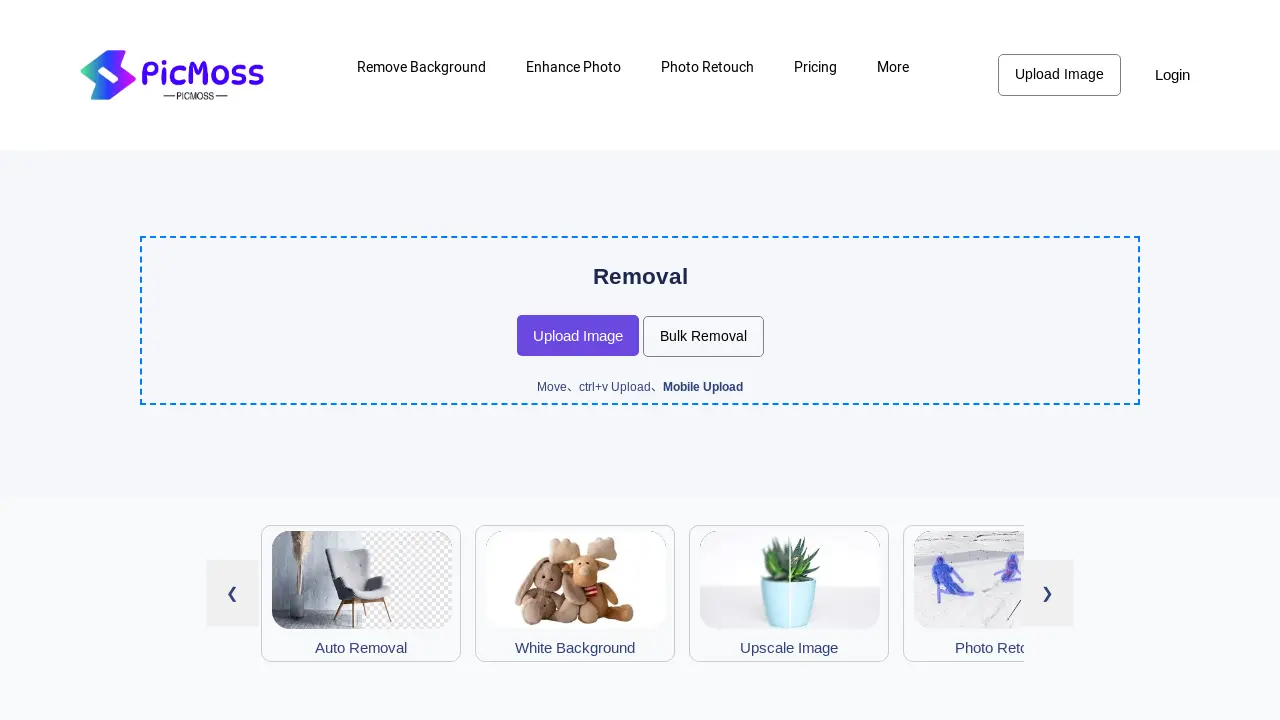
What is PicMoss
PicMoss offers a suite of AI-powered image editing tools. Features include background removal (automatic and manual options, including white background creation), image enhancement (upscaling and colorization), photo retouching, and ID photo generation. Additional functionalities encompass image compression, JPG conversion, and image-to-text conversion. PicMoss provides both free and paid options, catering to various user needs and image editing projects. The platform supports batch processing and offers various tools for image manipulation and restoration. Users can access PicMoss via web browser or mobile device.
How does PicMoss work
PicMoss provides online image editing tools, including background removal, image enhancement, and photo retouching services. The platform offers both automatic and manual options for background removal, supporting batch processing for increased efficiency. Additional AI-powered features include image upscaling, colorization, and old photo restoration. Further capabilities encompass image compression, JPG conversion, and optical character recognition (OCR) for converting images to text. These tools cater to users needing quick and easy image manipulation, accessible via web browser. PicMoss’s functionality combines automated AI tools with manual adjustments for precise image editing, suitable for various applications such as ID photo creation.
Benefits of PicMoss
PicMoss offers a suite of AI-powered image editing tools, including background removal (auto and manual), photo retouching, and image upscaling. Users can enhance photos, colorize images, restore old photos, and create ID photos. Additional features include image compression, JPG conversion, and image-to-text functionality. PicMoss provides both free and paid options, catering to various needs and skill levels. This versatile platform simplifies image editing tasks with its user-friendly interface, making PicMoss a valuable tool for students and professionals alike.
Pros and Cons of PicMoss
Pros
- Offers diverse image tools.
- Includes free image editing.
- Provides AI-powered features.
Cons
- Website navigation unclear.
- Limited details on pricing.
- Context lacks user reviews.
