
PicMoss Core Features
PicMoss offers free online tools for background removal, image enhancement, and more, using AI for efficient image editing.

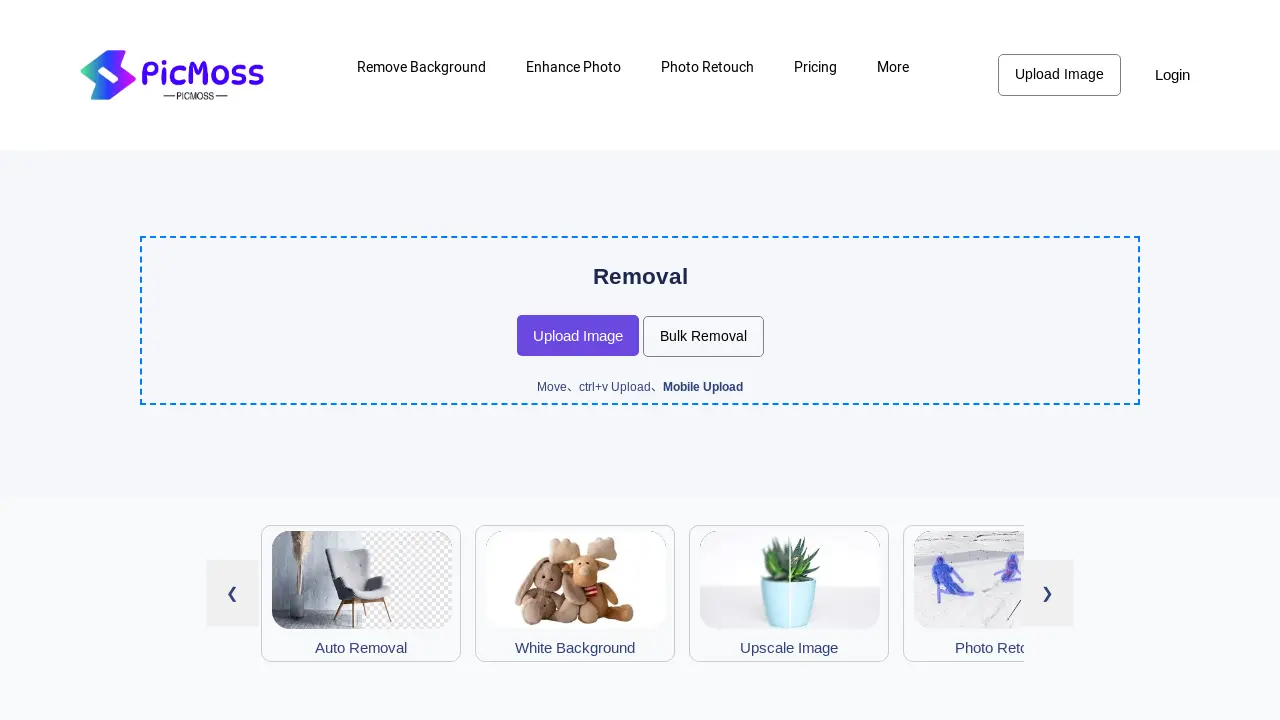
Core Features of PicMoss
Background Removal
Offers automated and manual background removal from images, enhancing image quality and usability.
Image Upscaling
Improves image resolution, making low-resolution images clearer and more detailed for various applications.
Photo Retouching
Provides tools to enhance and improve image aesthetics, correcting imperfections and improving overall quality.
ID Photo Creation
Generates standardized ID photos, simplifying the process of creating compliant identification images.
Image Colorization
Adds color to black and white photos, restoring and enhancing old or faded images.
Image Restoration
Repairs damaged or deteriorated photos, recovering lost details and improving overall image quality.
Image Compression
Reduces image file sizes without significant quality loss, optimizing images for storage and sharing.
Image Format Conversion
Converts images between different formats (e.g., JPG), providing flexibility and compatibility across platforms.
Optical Character Recognition (OCR)
Extracts text from images, enabling easy digitalization and data extraction from scanned documents or images.
Use Cases of PicMoss
- E-commerce Businesses: PicMoss facilitates efficient background removal for product photos, streamlining online listings.
- Graphic Designers: PicMoss's image enhancement tools, including upscaling and photo retouching, improve design quality.
- Photographers: PicMoss offers AI-powered photo restoration and colorization for old or damaged images.
- Students: PicMoss provides convenient ID photo creation and image compression for academic documents.
- Social Media Managers: PicMoss simplifies image editing for social media posts, including background removal and upscaling.
