
One More Shot AI FAQs
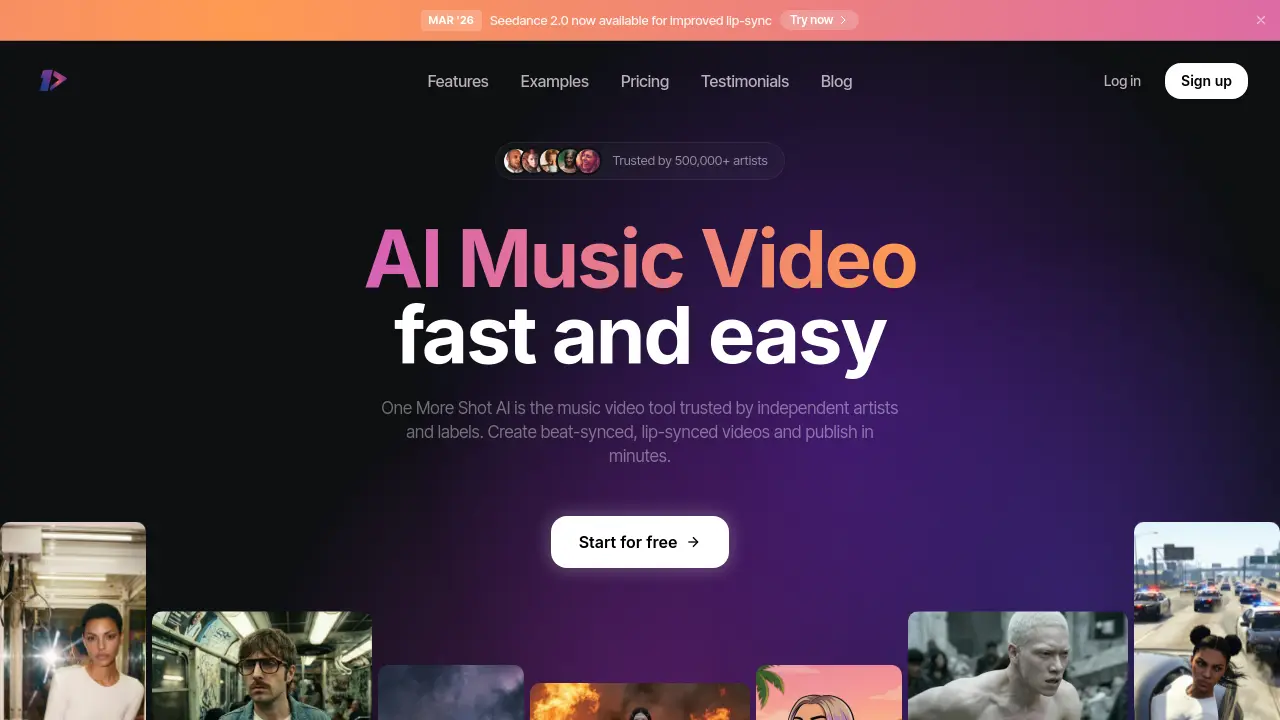
This AI music video generator allows independent artists and labels to create beat-synced, lip-synced videos automatically, transforming songs into captivating visual experiences without editing skills.

FAQs of One More Shot AI
How does One More Shot AI create music videos?
One More Shot AI uses advanced artificial intelligence to automatically generate professional music videos from your audio tracks. The AI analyzes your music's rhythm, mood, and style, then creates synchronized visuals, effects, and animations that match your song perfectly.
What are the main features of One More Shot AI?
One More Shot AI offers several key features including AI Artist for creating virtual artists, Auto Videos for complete automatic video generation, Precise Editing with Project Mode for granular control, and Top Notch Lip-Sync for natural singing scenes. The platform supports various integrations including Suno, Udio, Mureka, FL Studio, Ableton, and Spotify.
How much does it cost to create a music video with One More Shot AI?
One More Shot AI offers two pricing modes. Auto Mode costs approximately 33 tokens per second, starting from $0.05 per second with the Hyper plan. Project Mode uses about 10 tokens per second, with costs varying by AI model and clip duration. For example, a 3:30 minute video would cost around $11.57 with the Hyper plan.
What video formats can I export from One More Shot AI?
You can export videos in multiple formats including HD 1080p for YouTube, vertical format for TikTok and Instagram Reels, and square format for social media posts. The platform supports all major audio formats including MP3, WAV, FLAC, AAC, and OGG.
Do I need any video editing experience to use One More Shot AI?
No video editing experience is required. Simply upload your music, choose your style preferences, and let the AI handle all the complex video creation and editing automatically. The platform is designed to be user-friendly for both beginners and experienced creators.
How to use One More Shot AI
- Visit the One More Shot AI website at https://www.onemoreshot.ai/ to access the AI music video generator.
- Click the "Create your video" button to start generating your music video.
- Upload your audio track by selecting a file or pasting a link from supported platforms like Suno, Udio, or YouTube.
- Choose your preferred video style and settings, such as aspect ratio and visual effects.
- Let the AI process your request; video generation typically takes 2-5 minutes.
- Review the generated video and make any necessary adjustments using the editing tools.
- Export your final video in your desired format, such as HD 1080p for YouTube or vertical for TikTok.
