
Gemini Omni Video Introduction
Gemini Omni Video is an AI video generator for content creators, converting text or images into clips with synchronized audio, aspect ratios, and resolutions, powered by Google Gemini.

What is Gemini Omni Video
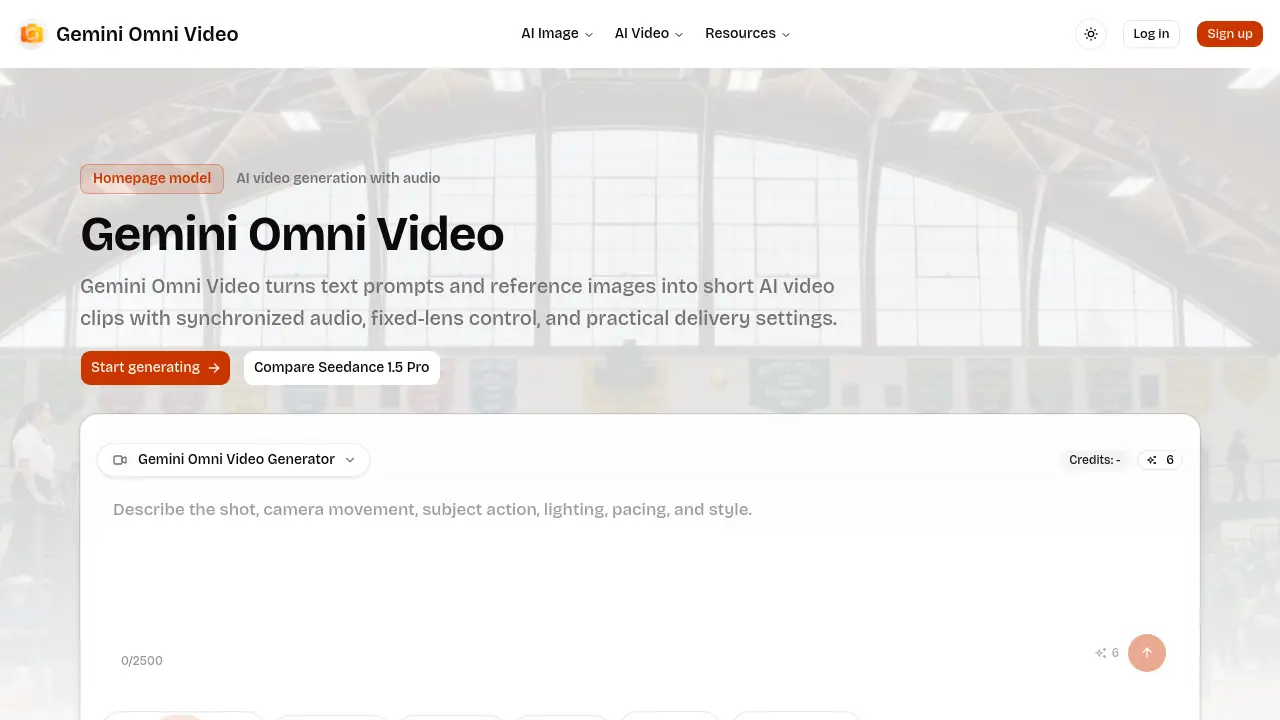
Gemini Omni Video is an AI‑driven generator that converts text prompts or reference images into short video clips with synchronized audio. Users select the input mode (text‑to‑video or image‑to‑video), then define delivery parameters such as aspect ratio, resolution (480p, 720p, or 1080p), and duration (4, 8, or 12 seconds) before rendering. An optional fixed‑lens setting stabilizes the camera for product demos, character shots, or interface showcases, while built‑in audio synthesis adds ambient or action‑driven soundtracks. The workflow is presented on a compact homepage interface, allowing rapid iteration and credit‑aware production. Gemini Omni Video supports six aspect ratios—including square, portrait, landscape, vertical, and cinematic formats—making it suitable for social media, advertising, and prototype visualisation. The tool is positioned for teams that need controllable, cost‑effective short‑form video output without extensive post‑production.
How does Gemini Omni Video work
Gemini Omni Video processes a user‑supplied text prompt or reference image through a generative AI pipeline that first extracts visual concepts, then animates them into a short clip while optionally synthesising synchronized audio. The interface lets the user select resolution (480p‑1080p), aspect ratio (including 1:1, 16:9, 9:16), and duration (4‑12 seconds) before credits are consumed, ensuring cost‑effective output. A fixed‑lens mode locks camera movement, preserving stability for product or character shots. By aligning prompt details, audio requirements, and delivery settings early in the workflow, the system delivers consistent, platform‑ready video assets.
Benefits of Gemini Omni Video
Gemini Omni Video converts text prompts or reference images into short AI‑generated clips with synchronized audio and optional fixed‑lens control. Users can select from six aspect ratios—including square, portrait, and cinematic—plus 480p, 720p, or 1080p resolutions to match budget and quality needs. The workflow lets creators set duration (4, 8, or 12 seconds), aspect ratio, and audio requirements before rendering, ensuring predictable credit use. Fixed‑lens mode stabilizes the camera for product demos, character shots, or clean interface visuals, while built‑in audio adds ambience or narrative depth. The compact homepage interface streamlines repeat production for social or marketing content.
Pros and Cons of Gemini Omni Video
Pros
- Generates synchronized audio with video clips.
- Supports multiple resolutions up to 1080p.
- Offers six aspect ratios for diverse platforms.
- Fixed‑lens mode stabilizes product or character shots.
- Simple homepage workflow for quick iterations.
Cons
- Limited to 4‑12 second clip durations.
- No mention of higher frame‑rate options.
- Audio generation may increase credit cost.
- Fixed‑lens prevents dynamic camera movement.
- Lacks advanced editing or post‑processing features.
