
Gemini Omni Video FAQs
Gemini Omni Video is an AI video generator for content creators, converting text or images into clips with synchronized audio, aspect ratios, and resolutions, powered by Google Gemini.

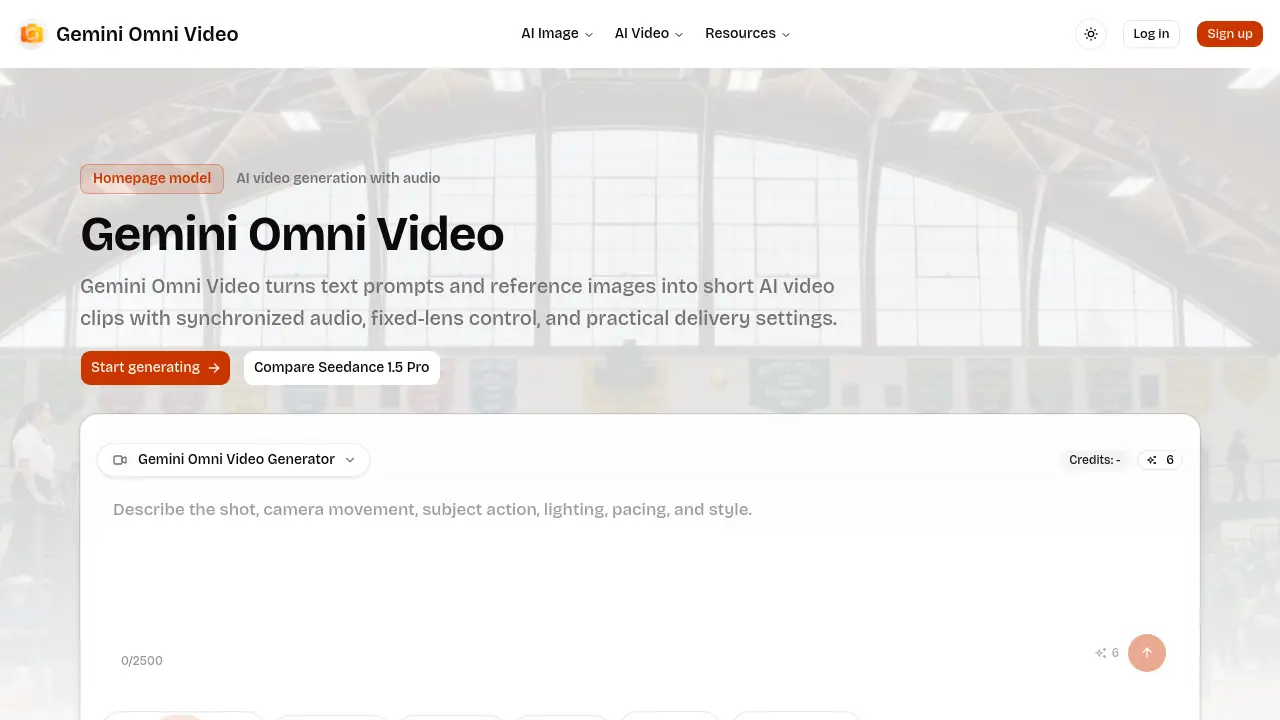
FAQs of Gemini Omni Video
What is Gemini Omni Video?
Gemini Omni Video is an AI-powered video generation tool that creates short video clips from text prompts or reference images. It offers synchronized audio, fixed‑lens control, and multiple delivery options such as resolution, aspect ratio, and duration.
Can Gemini Omni Video generate audio?
Yes. The platform can synthesize synchronized audio that matches the visual content, making it suitable for ambience, action sequences, or brief storytelling without requiring external soundtracks.
Which aspect ratios does Gemini Omni Video support?
Gemini Omni Video supports six aspect ratios: 1:1 (square), 4:3, 3:4, 16:9 (standard landscape), 9:16 (vertical), and 21:9 (cinematic widescreen), allowing creators to target various social and broadcast formats.
How long can Gemini Omni Video clips be?
The generator provides three fixed duration options: 4 seconds, 8 seconds, and 12 seconds. These lengths are optimized for short‑form content such as ads, social media stories, and quick product demos.
When should I use fixed lens?
Fixed‑lens mode should be selected when a stable camera view is required, for example in product showcases, character close‑ups, or any scene where camera movement would distract from the main subject.
How should teams plan Gemini Omni Video generation?
Teams are advised to decide on the input mode (text or image), set credit budgets, choose resolution, aspect ratio, and duration, and define review criteria before initiating generation. Clear planning reduces iteration cycles and cost.
What resolutions are available for Gemini Omni Video output?
Users can choose from three resolution tiers: 480p for low‑bandwidth needs, 720p for standard high‑definition delivery, and 1080p for full HD quality. Selecting a resolution balances visual fidelity against credit consumption.
Is there a credit system, and how does it affect usage?
Gemini Omni Video operates on a credit model where each generated clip consumes a predetermined number of credits based on selected resolution, duration, and audio inclusion. Monitoring credits helps manage budgets and avoid unexpected usage spikes.
Can I generate videos from an existing image?
Yes. The image‑to‑video mode allows users to upload a reference picture and define motion constraints, enabling the AI to animate the static subject while preserving recognizability and composition.
What types of content are best suited for Gemini Omni Video?
The tool excels at short‑form scenarios such as product demos, social media clips, sports highlights with ambient sound, street‑dance showcases, and turning sketches into animated sequences, thanks to its quick turnaround and configurable settings.
How to use Gemini Omni Video
Gemini Omni Video converts text prompts or reference images into short AI‑generated video clips, offering synchronized audio, fixed‑lens stability, selectable resolution, aspect ratio, and duration.
Choose the input mode on the homepage: enter a descriptive text prompt for open concepts or upload an image when the subject’s appearance must stay recognizable.
Define delivery settings before rendering—select aspect ratio (e.g., 16:9, 9:16), resolution (480p, 720p, 1080p), and clip length (4, 8, or 12 seconds) to match the intended platform.
Enable synchronized audio if the scene requires ambience, action cues, or storytelling cues; the AI will generate matching background sound aligned with visual events.
Activate Fixed‑Lens mode when the shot should remain stable—useful for product demos, character close‑ups, or interface showcases to avoid distracting camera motion.
Click “Start generating”; the system reserves credits, processes the prompt, and displays a preview thumbnail once rendering completes.
Review the generated video and audio track, checking visual fidelity, audio sync, and framing against the original brief; note any mismatches for prompt refinement.
Export the final clip in the chosen format, then integrate it into ads, social feeds, or presentations, leveraging the resolution and aspect ratio that best serve the distribution channel.
