
Omni Flash FAQs
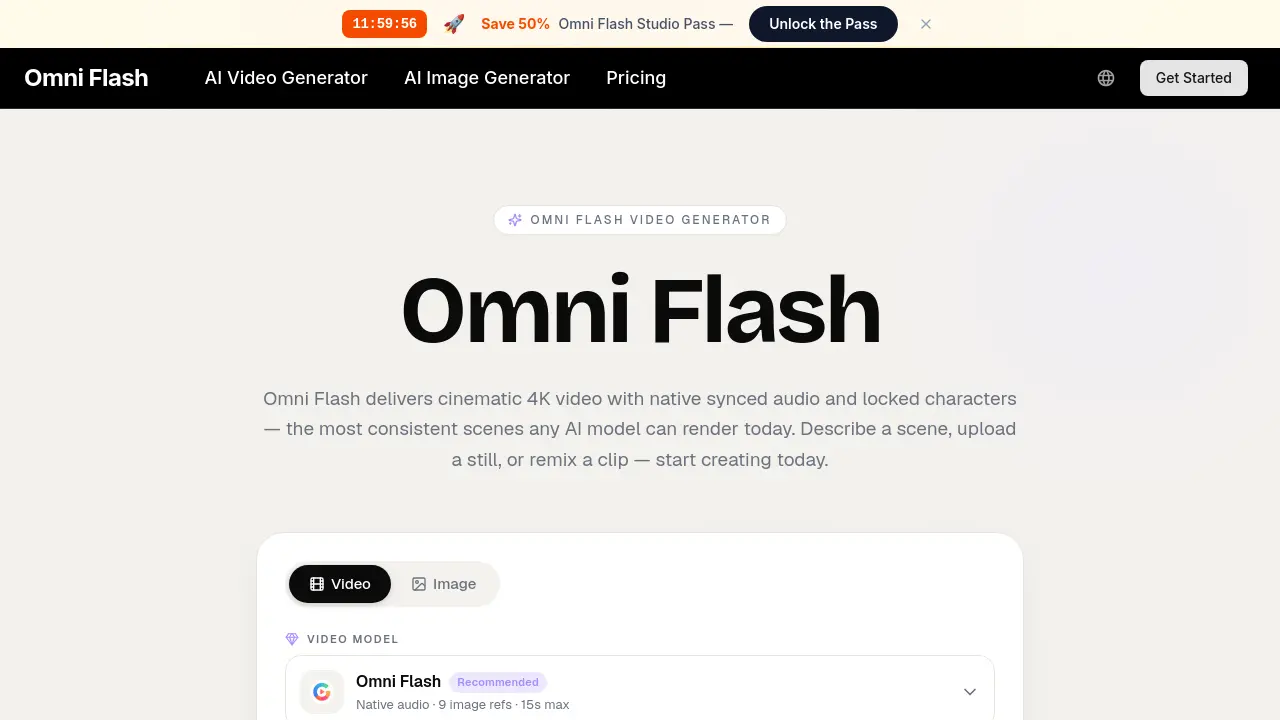
Omni Flash is an AI video generator for creators and marketers, producing 4K cinematic clips from text, images or clips with synced audio, lip‑sync and locked‑character consistency, delivering fast, commercial‑ready results.

FAQs of Omni Flash
What is Omni Flash?
Omni Flash is an AI‑powered video generator that creates cinematic 4K clips with native synced audio, lip‑sync, and locked character consistency. Users can describe a scene, upload reference images, or remix existing footage, and the multimodal engine produces a ready‑to‑publish video in seconds.
How does Omni Flash handle audio?
The platform generates native audio tracks that are automatically synchronized to the visual content, including dialogue, sound effects, and background music. This integrated audio‑video workflow eliminates the need for separate scoring or dubbing steps, delivering a seamless, broadcast‑ready output.
Can Omni Flash keep a character looking the same across shots?
Yes. Omni Flash’s “locked character consistency” feature preserves facial features, wardrobe, and branding assets throughout multiple generations, ensuring that a character or product remains visually identical across all frames and scenes.
How long can an Omni Flash clip be?
Each clip can be up to 15 seconds in duration, which is ideal for short‑form marketing, social media, and educational explainer videos while still providing enough narrative space for a complete cinematic take.
What resolution does Omni Flash output?
The engine renders videos at up to 4K resolution (3840 × 2160) with high‑quality color grading and detail preservation. Lower resolutions such as 1080p are also available for faster preview renders.
Can I use Omni Flash output commercially?
All Omni Flash renders are delivered with a commercial‑use license, watermark‑free masters, and provenance metadata, allowing creators to publish videos for advertising, brand campaigns, or any revenue‑generating purpose without additional clearance.
Do I need editing skills to use Omni Flash?
No prior editing experience is required. Omni Flash provides a conversational interface where users can refine shots by simple text commands (“hold the close‑up two beats longer”), and the system updates only the requested elements while preserving the rest of the scene.
How does Omni Flash compare to single‑purpose video tools?
Unlike tools that handle only text‑to‑video, image‑to‑video, or audio overlay, Omni Flash combines all stages—storyboarding, framing, motion, audio, and rendering—into a single multimodal engine. This reduces the toolchain complexity, speeds up iteration, and maintains continuity across assets.
How do I get support for Omni Flash?
Support is available via email at support@omniflash.ai. The team offers documentation, FAQs, and direct assistance during business hours, and premium users receive priority help and dedicated technical support.
What credit plans are available for Omni Flash?
Omni Flash offers three subscription tiers—Lite, Pro, and Ultra—each providing a monthly credit allowance, commercial license, private generation, and varying levels of concurrent renders and priority speed. Users can purchase credits at discounted rates and cancel at any time.
How fast is the preview generation in Omni Flash?
Preview renders typically return in under a minute, allowing creators to test dozens of creative directions before committing to a final 4K export, which speeds up the overall production workflow.
How to use Omni Flash
Define the product’s purpose: Omni Flash is a multimodal AI video generator that creates cinematic 4K clips with native synced audio, locked character consistency, and conversational editing.
Prepare the input: Enter a textual scene description, upload a reference image, or paste a draft script; the platform accepts any brief that matches the creator’s vision.
Generate the preview: Click “Generate” and let Omni Flash plan framing, motion, dialogue, and audio in a single pass, returning a cinematic preview within roughly one minute.
Refine through conversation: Use the chat interface to adjust specific elements—e.g., extend a close‑up or change lighting—while the model rewrites only the requested portion.
Export the final clip: Once satisfied, download the 4K master with commercial‑use license, watermark‑free, and provenance metadata for immediate integration into editing workflows.
Interpret and apply results: Review the locked character consistency, audio‑lip‑sync quality, and stylistic presets; use these metrics to streamline production pipelines, reduce costs, and accelerate content delivery.