
NanoPhoto.AI Introduction
NanoPhoto.AI offers an AI-powered online background remover for product photos, portraits, and creative assets. Upload and get a transparent PNG in seconds.

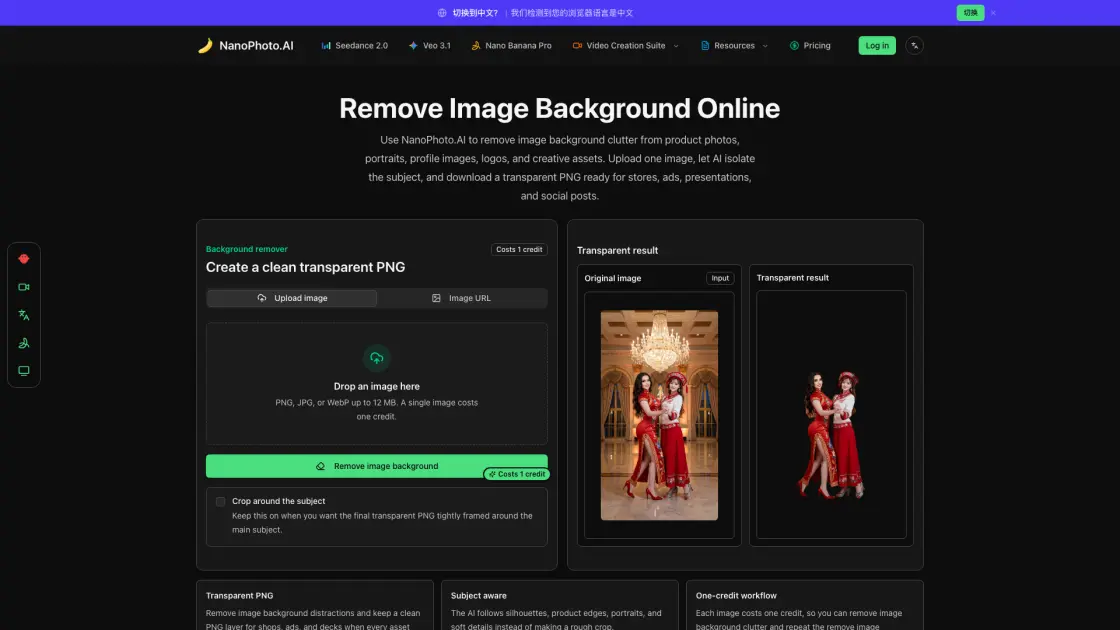
What is NanoPhoto.AI
NanoPhoto.AI provides an online background removal tool that turns product photos, portraits, logos, and design assets into transparent PNG files. Instead of opening a heavy image editor and tracing masks by hand, users upload an image, let the AI separate the subject from its background, and download a clean cutout ready for e-commerce, presentations, or social media. Each image costs one credit, and the entire workflow stays inside the browser without exposing API keys. The tool is built for marketplace sellers, content creators, and design teams who need a fast, repeatable way to prepare assets without switching between multiple applications.
How does NanoPhoto.AI work
When a user uploads an image or provides a public URL, NanoPhoto.AI sends the file to the fal.ai rembg model through a secure server-side route. The model analyzes the image, identifies the primary subject by detecting edges, contrast boundaries, and depth cues, then generates an alpha mask that separates the subject from the background. The result is returned as a transparent PNG. A credit is deducted before processing begins, and if the request fails for any reason, the credit is automatically refunded so the user does not lose a charge on an incomplete operation.
Benefits of NanoPhoto.AI
Using NanoPhoto.AI saves time compared to manual masking in traditional editors. The AI handles complex edges like hair and product packaging, producing results that would take much longer by hand. The credit-based system means teams only pay for what they use, and the automatic refund on failed requests reduces waste. Because the tool runs entirely in the browser, there is no software to install and no API key to manage on the client side, which makes it accessible for small teams and individual creators who need a lightweight asset preparation step.
Pros and Cons of NanoPhoto.AI
Pros
- Fast AI-powered background removal
- Simple three-step workflow
- Automatic credit refund on failures
- No software installation needed
Cons
- Limited to single image processing
- Requires internet connection
- No batch upload option
