
NanoBanana FAQs
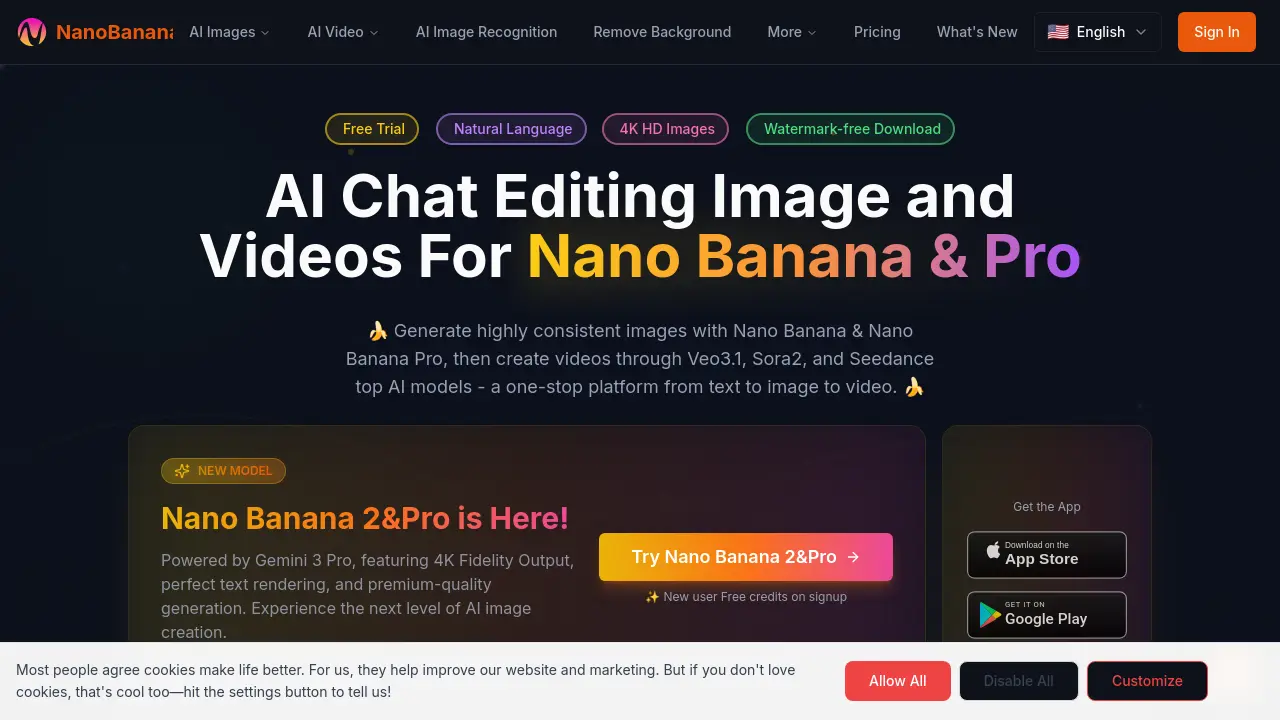
NanoBanana is an AI image and video editing platform for creators, offering text‑to‑image, image‑to‑video, and editing tools powered by Gemini‑3 Pro and Veo3.1.

FAQs of NanoBanana
What is NanoBanana?
NanoBanana is an AI-powered platform that enables users to generate and edit high‑resolution images and videos using natural language prompts. The system leverages models such as Gemini 3 Pro, Veo3.1, Sora2, and Seedance to produce content across multiple languages and styles.
How does NanoBanana’s AI image generation work?
Users input textual descriptions, and NanoBanana’s backend processes the prompt through Gemini 3 Pro, which synthesizes pixel data to create images up to 4096×4096 pixels. The model maintains consistency in character details and scene context.
What features are included in NanoBanana Pro compared to the free version?
NanoBanana Pro offers higher generation limits, priority access to premium models, watermark‑free downloads, and advanced editing tools such as multi‑image merging and character consistency preservation, which are not available in the free tier.
Can I use NanoBanana for commercial video projects?
Yes, videos generated with NanoBanana’s integrated models (Veo3.1, Sora2, Seedance) can be used commercially, provided users adhere to the terms of service and retain proper licensing, as the platform offers watermark‑free outputs suitable for advertising and marketing.
Does NanoBanana provide an API for developers?
NanoBanana offers an API that allows developers to programmatically access image generation and editing functions, supporting prompt submission, result retrieval, and credit management, enabling integration into custom applications or workflows.
How are credits consumed when generating images or videos?
Each image generation at maximum resolution consumes 30 credits, while video generation consumes credits based on duration and model; the system displays remaining credits to users, and additional credits can be purchased or earned through free trial sign‑ups.
What languages does NanoBanana support for interface and output?
The platform interface is available in over ten languages, including English, Hindi, Japanese, Simplified Chinese, Urdu, Portuguese, Spanish, French, German, Korean, and Traditional Chinese, allowing users worldwide to interact with the service in their native language.
How can I edit an existing image using natural language commands?
Users upload an image, then type a description such as “remove the background and replace it with a forest,” and NanoBanana’s AI interprets the instruction, modifies the image accordingly, and preserves the original composition while applying the requested changes.
Is there a limit to the number of images I can edit in a single session?
Free accounts receive a limited number of daily credits, typically allowing up to a few dozen edits; premium plans provide higher daily limits and unlimited session duration, enabling extensive multi‑image workflows without interruption.
What steps are required to create a brand video using NanoBanana’s tools?
The workflow involves uploading a brand image, selecting a video generation mode, crafting a descriptive prompt that outlines scene transitions and effects, and then letting the integrated Veo3.1 or Seedance model produce a short promotional video that can be downloaded without watermarks.
How to use NanoBanana
- Create an account on NanoBanana website (nanobanana官网), choose the free tier, and claim your initial credit allocation for future edits.
- Enter a descriptive nano banana prompt and select desired output size, such as 4K ultra HD, to generate images or videos.
- Review the generated results, adjust the nano banana prompt if needed, and apply edits using the AI image recognition or background removal tools.
- Download watermark‑free outputs, optionally using the nanobanana free credits, and share via the nanobanana app or social platforms directly or through the website.
- Access advanced features like multi‑image merging, AI video generation with Veo3.1 or Seedance, and API integration for programmatic use within your project.
- Monitor usage stats on the dashboard, manage subscription, and explore pricing options or enterprise plans as required for scalable production needs.
