
Nana Banana FAQs
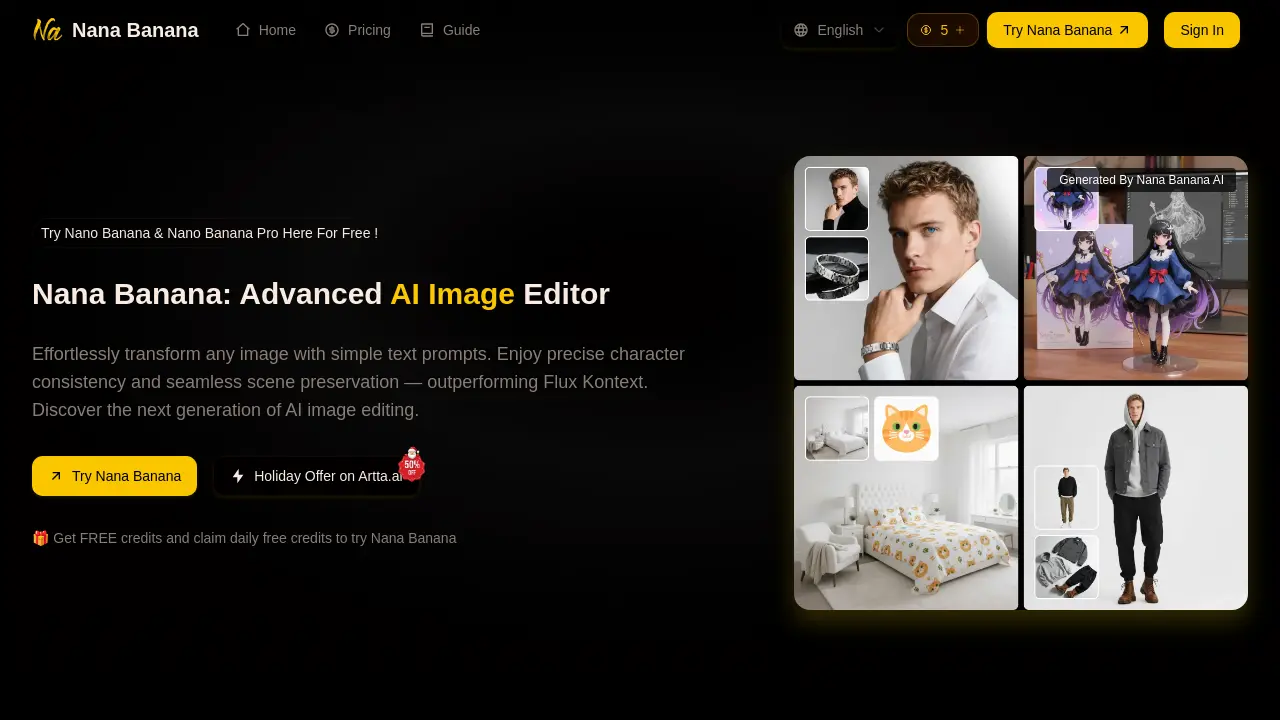
Nana Banana AI image editor enables text-based image editing with advanced character consistency and scene preservation, ideal for content creators and marketers.

FAQs of Nana Banana
How does Nana Banana's technology work?
Nana Banana utilizes a proprietary AI model to interpret complex text prompts and generate or edit images. The system processes the input to understand elements like objects, styles, and compositions, producing results with high fidelity to the user's description.
What is character consistency?
Character consistency in Nana Banana refers to the ability to maintain identical details for a specific character, such as facial features, clothing, and accessories, across multiple generated images. This is essential for creating cohesive narratives, branding, or series content.
Can Nana Banana handle complex editing tasks?
Yes, Nana Banana is designed for one-shot editing perfection, meaning it can often achieve the desired result in a single attempt. It handles tasks like adding or removing objects, changing backgrounds, and modifying scenes while intelligently preserving lighting and perspective.
Is Nana Banana suitable for commercial use?
Nana Banana is suitable for commercial applications. All paid subscription plans include commercial usage rights, allowing generated images to be used for marketing, advertising, product design, and other business purposes without additional licensing fees.
What types of images can Nana Banana create?
Nana Banana can generate a wide variety of image types, including photorealistic portraits, artistic illustrations, product visualizations, and complex multi-element scenes. Its natural language understanding allows for detailed prompt execution across diverse styles and subjects.
What are the pricing plans for Nana Banana?
Nana Banana offers tiered subscription plans: Basic at $6.90/month for 100 credits, Pro at $13.90/month for 250 credits, Max at $34.90/month for 750 credits, and Pro Max at $59.90/month for 1500 credits. Each plan includes cloud storage, watermark removal, priority processing, and commercial rights. Annual subscriptions provide a 30% discount. One-time credit packages are also available for purchase.
What is Nana Banana Pro Mode?
Pro Mode is an optional setting that enables higher output resolutions (1K, 2K, 4K) and a broader selection of aspect ratios. This mode is intended for users requiring maximum detail and specific dimensional formats for professional or print-oriented projects.
How many images can I upload for editing?
Nana Banana allows users to upload up to 5 reference images per editing session. These images provide contextual data to improve the AI's understanding of subjects, styles, or scenes, enhancing output consistency and accuracy, particularly for character-based or stylistic tasks.
What is the HD Upscale feature?
HD Upscale is a post-generation tool that enhances the resolution and detail of an output image. For portraits, an optional Face Improvement feature refines facial details. This process improves overall image quality, making it suitable for larger displays or high-resolution requirements.
Is Nana Banana affiliated with Artta.ai?
Nana Banana is an independent product developed by NanaImage.ai and is not affiliated with Artta.ai. The promotional holiday offer for Artta.ai is a separate partnership. Users can access Nana Banana's services directly through its own platform and subscription plans.
How to use Nana Banana
Nana Banana is an AI image editor that modifies visuals using text prompts. It focuses on character consistency and scene preservation, claiming performance advantages over tools like Flux Kontext. The tool supports multi-image uploads and offers Pro mode for higher resolutions.
- Access the Nana Banana AI editor interface via the provided website URL.
- Upload one to five source images in JPEG, PNG, or WebP format using drag-and-drop or the upload button.
- Enter a detailed text prompt specifying desired changes, referencing original image elements for clarity.
- Optionally enable Nana Banana Pro Mode to generate higher resolution images with additional aspect ratios.
- Select an output image size from presets like 1:1 or 16:9, and choose between PNG or JPEG format.
- Click "Start AI Edit" to process the request; this action consumes one credit from the user's balance.
- Review the generated image for adherence to the prompt, character consistency, and seamless scene integration.
- Apply HD Upscale or Face Enhancement for quality improvements, then download the final image or save it to "My Creations."
