
Lyria 3 FAQs
Generate professional music from text, lyrics, or images with Lyria 3. Create MP3/WAV tracks instantly using AI. Start free with 10 credits—no sign-up required.

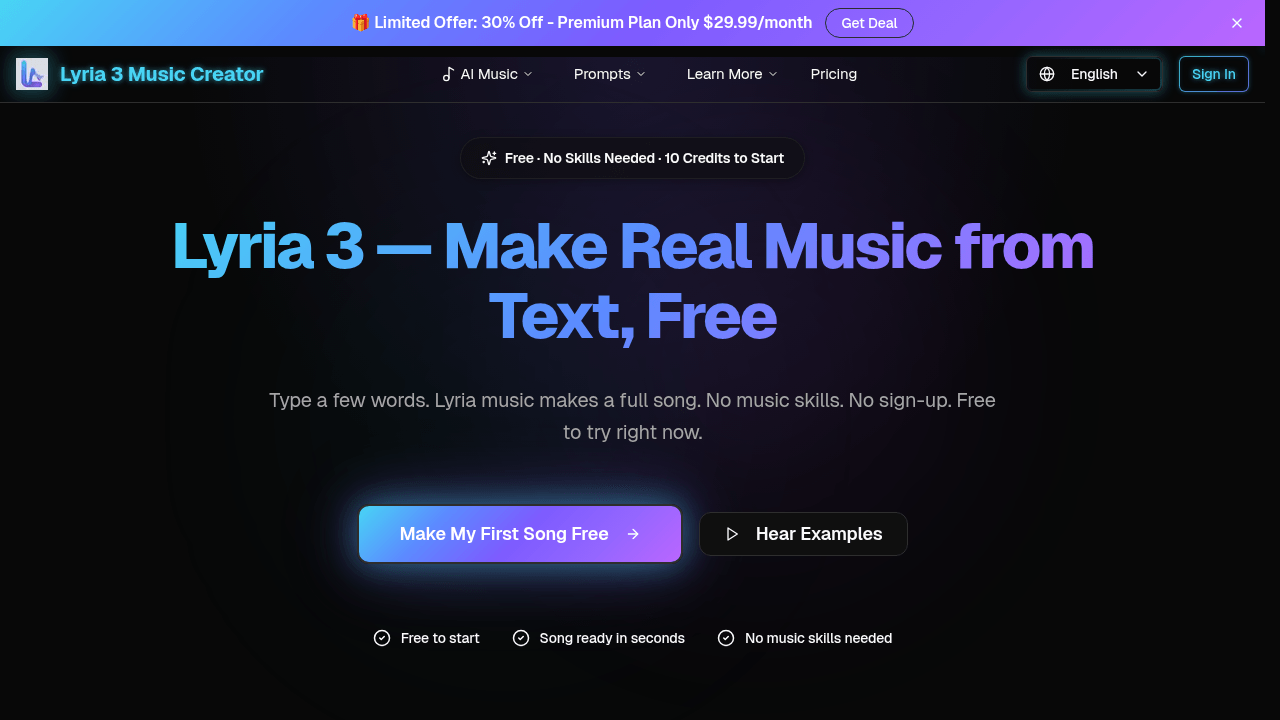
FAQs of Lyria 3
What is Lyria 3?
Lyria 3 is an AI music generator developed by Google DeepMind that creates original songs from text descriptions, lyrics, images, or other inputs. It uses advanced AI technology to produce professional-quality music in seconds without requiring any music skills from the user.
Is Lyria 3 really free?
Yes, Lyria 3 offers a free tier that provides 10 credits to start generating songs immediately. There is no requirement for a credit card or sign-up, allowing users to try the AI music creation process at no cost before considering paid plans.
Do I need music skills to use Lyria 3?
No, Lyria 3 is designed for users with no musical background. The AI handles all aspects of music production, from melody composition to vocal generation, based solely on the user's text or image inputs, making it accessible to everyone.
How fast does Lyria 3 generate a song?
Most songs created with Lyria 3 are ready in under 30 seconds after submitting a prompt. The AI processes inputs quickly, delivering a complete track with minimal waiting time, which enhances user efficiency and experimentation.
What types of music can Lyria 3 create?
Lyria 3 can generate a wide variety of music genres, including pop, rock, jazz, hip-hop, classical, orchestral, electronic, and lo-fi. Users simply describe their desired style, mood, or elements in text, and the AI adapts to create matching tracks.
Can Lyria 3 add a singing voice to generated songs?
Yes, Lyria 3 includes a vocal generator that adds realistic-sounding singing voices to tracks. This feature supports multiple languages such as English, Spanish, French, and others, allowing for diverse vocal styles in the generated music.
How do I create a song from a photo using Lyria 3?
To make a song from a photo, users upload an image to Lyria 3. The AI analyzes the visual mood, colors, and composition to generate a corresponding musical track that fits the photo's atmosphere, providing a unique cross-modal creative experience.
Can I download Lyria 3 songs, and in what formats?
Yes, all generated songs can be downloaded as MP3 or WAV files. These universal audio formats ensure compatibility with various devices and software, enabling use in videos, podcasts, social media, and other projects without restrictions.
Who developed Lyria 3?
Lyria 3 was developed by Google DeepMind, a leading AI research organization. The tool leverages DeepMind's expertise in artificial intelligence to power its text-to-music and other generative music capabilities.
How does Lyria 3 compare to other AI music tools?
Lyria 3 distinguishes itself by producing music that sounds more natural and less robotic than many competitors. It emphasizes ease of use, free access to start, and versatile input methods like text, lyrics, and images, making it suitable for casual and professional creators alike.
How does the credit system work in Lyria 3?
Lyria 3 uses a credit-based model where each song generation consumes a set number of credits. The free plan includes 10 initial credits, while paid plans like Lite provide 12,000 annual credits for up to 2,400 songs, Pro offers 36,000 credits for 7,200 songs, and Premium includes 120,000 credits for 24,000 songs, with usage varying by plan.
What are the differences between the Lite, Pro, and Premium pricing plans?
The Lite plan costs $13.93 per month with 12,000 yearly credits, standard quality, and basic features. The Pro plan at $27.93 monthly adds 36,000 credits, HD audio, custom music length, commercial license, and priority support. The Premium plan for $55.93 monthly includes 120,000 credits, highest priority queue, API access, and all Pro features, catering to high-volume and team needs.
Can I customize the length or structure of music generated by Lyria 3?
Yes, Lyria 3 allows custom music length adjustments for users on Pro and Premium plans through the track extender feature. This enables extending songs while maintaining consistency, though detailed editing of individual elements like melody or instrumentation is not explicitly supported in the current interface.
What audio quality options are available for Lyria 3 outputs?
Lyria 3 offers standard audio quality on the free and Lite plans, while Pro and Premium plans provide HD audio quality. This higher fidelity ensures clearer sound and better suitability for professional projects, with all downloads available in MP3 or WAV formats.
Is API access available for Lyria 3, and what can it be used for?
API access is exclusively available with the Premium plan, allowing developers to integrate Lyria 3's AI music generation capabilities into external applications, workflows, or services. This enables automated music creation for platforms like games, apps, or content creation tools.
How to use Lyria 3
Lyria 3 is an AI music generation tool that creates original songs from text descriptions, lyrics, images, or photo uploads. Its primary functions include text-to-music conversion, lyric augmentation with melody and vocals, instrumental track extension, and export in standard audio formats. The tool operates on a credit-based system with a free tier offering initial credits.
- Navigate to the Lyria 3 web interface at the provided source URL.
- Locate the primary text input field labeled for music description.
- Enter a detailed text prompt describing the desired song's genre, mood, instruments, and vocals.
- Alternatively, select the lyrics input option to paste existing song lyrics for melodic arrangement.
- Use the image upload function to select a local photo; the AI will analyze visual elements to infer musical mood.
- Configure optional parameters like vocal inclusion or instrumental-only output using the provided toggles.
- Initiate generation by clicking the 'Create Music' or equivalent action button.
- Wait for the processing period, typically under 30 seconds, for the AI to compose the track.
- Preview the generated song using the integrated audio player to assess the result.
- If unsatisfied, refine the initial prompt for specificity and regenerate a new version.
- For longer tracks, utilize the track extender function on a satisfactory base composition.
- Download the final audio file in MP3 or WAV format using the export button.
- Access the 'Music Gallery' or history section to locate and manage previously generated tracks.
- Review the track's licensing details; free credits typically grant personal and commercial usage rights.
- For high-volume needs, evaluate the subscription pricing plans for increased credit allowances.
The generated output is a complete, structured audio file. Users interpret results by evaluating if the musical style, instrumentation, and vocal performance (if enabled) align with the prompt's intent. The primary user goal is obtaining a usable, original music track for projects such as video background scores, podcast intros, social media content, or personal enjoyment without requiring music production skills. The free credit model allows for immediate testing of the AI's capability to translate descriptive text into coherent musical arrangements.
