
Lyria 3 AI Music Generator: Create Songs from Text & Lyrics

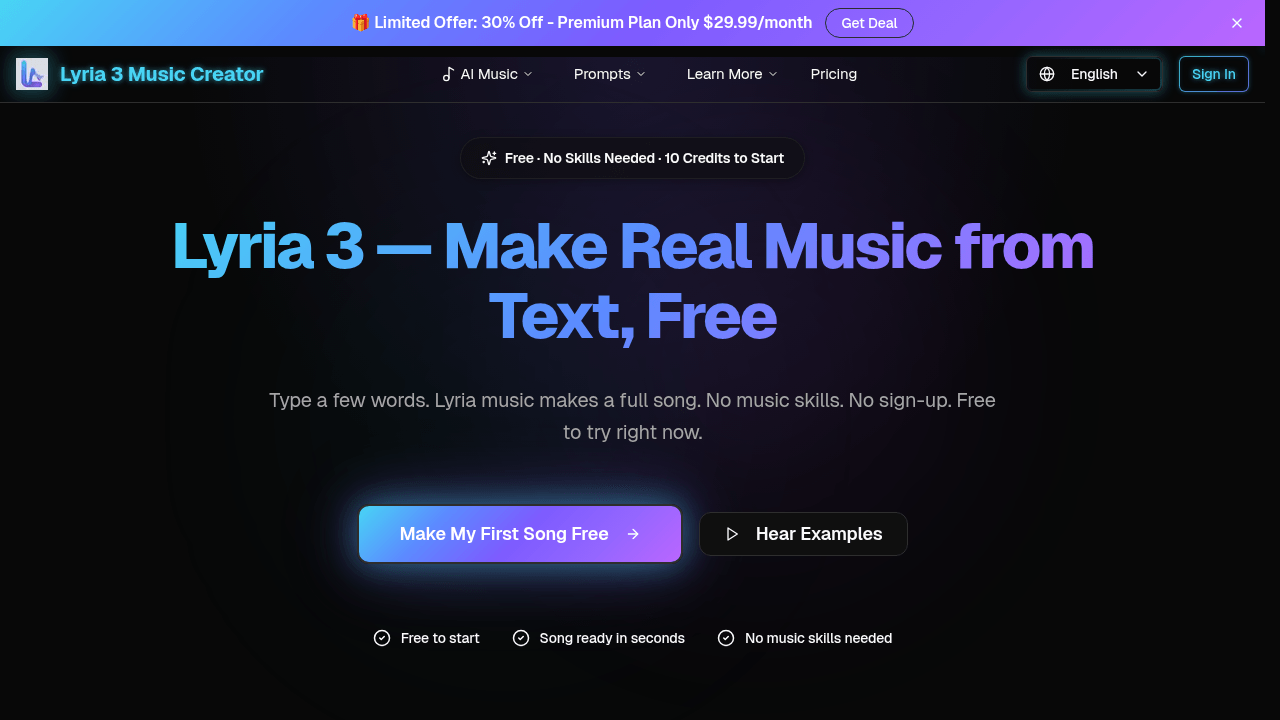
What is Lyria 3
Lyria 3 is an AI music generation tool developed by Google DeepMind. It converts text descriptions, pasted lyrics, uploaded images, or simple prompts into complete, professional-quality songs in seconds. The system requires no prior musical knowledge or technical skill from the user. Key functionalities include generating instrumental tracks, adding realistic multi-lingual vocal synthesis, extending existing compositions while maintaining stylistic consistency, and exporting final tracks as standard MP3 or WAV files. All generated music includes a commercial-use license, allowing integration into videos, podcasts, games, and other projects. The service operates on a credit-based model with a free tier offering initial credits, making AI-powered music creation accessible for hobbyists and professional content creators seeking fast, original audio production.
How does Lyria 3 work
Lyria 3 functions as an AI music generator that converts diverse inputs into full instrumental and vocal tracks. Users provide text descriptions, lyrics, or images, which the underlying AI model processes to compose original melodies, beats, and arrangements. The system includes a vocal generator for realistic singing in multiple languages and a track extender to lengthen compositions. Outputs are downloadable as MP3 or WAV files, suitable for various projects. Operation requires no music theory knowledge, with generation typically completed in seconds. The tool supports commercial use via subscription tiers, balancing accessibility for novices with advanced features for professionals.
Benefits of Lyria 3
Lyria 3, developed by Google DeepMind, is an AI music generator that creates complete songs from text descriptions, lyrics, or even uploaded images. The service requires no prior musical skills and offers a free tier with 10 initial credits. Tracks are generated in seconds and can be downloaded as MP3 or WAV files for unrestricted commercial use in videos, podcasts, and other projects. Key features include adding realistic multilingual vocals, extending track length while maintaining style, and producing outputs that avoid a robotic sound. Flexible subscription plans provide varying credit allocations for different usage volumes, making professional-quality music creation accessible for hobbyists and creators.
Pros and Cons of Lyria 3
Pros
- No music skills required for operation.
- Generates complete songs in seconds.
- Free tier includes 10 starting credits.
- Supports text, lyrics, and image inputs.
- Includes commercial license for outputs.
Cons
- Free credit allowance is very limited.
- Premium plans are relatively expensive.
- Offers minimal post-generation editing controls.
- Output quality can vary with prompt clarity.
- Requires stable internet for generation.
Core Features of Lyria 3
Text to Music Generation
Transforms text descriptions into complete songs using AI, enabling rapid music creation without musical knowledge or software, suitable for various creative needs.
Lyrics to Music Generation
Accepts user-provided lyrics and automatically composes melodies, beats, and vocal tracks, facilitating song creation from written words with AI assistance.
Image to Song Conversion
Analyzes the emotional tone of uploaded images to generate matching music, providing a visual-to-audio creative tool for mood-inspired compositions.
Vocal Generation
Integrates realistic singing voices in multiple languages into generated tracks, enhancing the musical output with authentic vocal performances produced by AI.
Track Extension
Extends the duration of existing music tracks while maintaining stylistic consistency, allowing users to create longer versions of their AI-generated songs.
Audio Export
Permits downloading generated songs in MP3 or WAV formats, ensuring compatibility with various devices and software for seamless integration into projects.
Use Cases of Lyria 3
- Content creators: Generate royalty-free background music for videos using text-to-music AI, then download MP3 files directly.
- Songwriters: Complete compositions by pasting lyrics into the AI tool to automatically add melody, beats, and vocal tracks.
- Visual artists: Create mood-matching audio soundtracks by uploading a photo to the image-to-song AI feature.
- Podcast producers: Produce custom intro/outro music with real-sounding multilingual vocals using the vocal generator.
- Game developers: Extend short musical loops into longer, consistent tracks for gameplay using the AI track extender.
FAQs of Lyria 3
What is Lyria 3?
Lyria 3 is an AI music generator developed by Google DeepMind that creates original songs from text descriptions, lyrics, images, or other inputs. It uses advanced AI technology to produce professional-quality music in seconds without requiring any music skills from the user.
Is Lyria 3 really free?
Yes, Lyria 3 offers a free tier that provides 10 credits to start generating songs immediately. There is no requirement for a credit card or sign-up, allowing users to try the AI music creation process at no cost before considering paid plans.
Do I need music skills to use Lyria 3?
No, Lyria 3 is designed for users with no musical background. The AI handles all aspects of music production, from melody composition to vocal generation, based solely on the user's text or image inputs, making it accessible to everyone.
How fast does Lyria 3 generate a song?
Most songs created with Lyria 3 are ready in under 30 seconds after submitting a prompt. The AI processes inputs quickly, delivering a complete track with minimal waiting time, which enhances user efficiency and experimentation.
What types of music can Lyria 3 create?
Lyria 3 can generate a wide variety of music genres, including pop, rock, jazz, hip-hop, classical, orchestral, electronic, and lo-fi. Users simply describe their desired style, mood, or elements in text, and the AI adapts to create matching tracks.
Can Lyria 3 add a singing voice to generated songs?
Yes, Lyria 3 includes a vocal generator that adds realistic-sounding singing voices to tracks. This feature supports multiple languages such as English, Spanish, French, and others, allowing for diverse vocal styles in the generated music.
How do I create a song from a photo using Lyria 3?
To make a song from a photo, users upload an image to Lyria 3. The AI analyzes the visual mood, colors, and composition to generate a corresponding musical track that fits the photo's atmosphere, providing a unique cross-modal creative experience.
Can I download Lyria 3 songs, and in what formats?
Yes, all generated songs can be downloaded as MP3 or WAV files. These universal audio formats ensure compatibility with various devices and software, enabling use in videos, podcasts, social media, and other projects without restrictions.
Who developed Lyria 3?
Lyria 3 was developed by Google DeepMind, a leading AI research organization. The tool leverages DeepMind's expertise in artificial intelligence to power its text-to-music and other generative music capabilities.
How does Lyria 3 compare to other AI music tools?
Lyria 3 distinguishes itself by producing music that sounds more natural and less robotic than many competitors. It emphasizes ease of use, free access to start, and versatile input methods like text, lyrics, and images, making it suitable for casual and professional creators alike.
How does the credit system work in Lyria 3?
Lyria 3 uses a credit-based model where each song generation consumes a set number of credits. The free plan includes 10 initial credits, while paid plans like Lite provide 12,000 annual credits for up to 2,400 songs, Pro offers 36,000 credits for 7,200 songs, and Premium includes 120,000 credits for 24,000 songs, with usage varying by plan.
What are the differences between the Lite, Pro, and Premium pricing plans?
The Lite plan costs $13.93 per month with 12,000 yearly credits, standard quality, and basic features. The Pro plan at $27.93 monthly adds 36,000 credits, HD audio, custom music length, commercial license, and priority support. The Premium plan for $55.93 monthly includes 120,000 credits, highest priority queue, API access, and all Pro features, catering to high-volume and team needs.
Can I customize the length or structure of music generated by Lyria 3?
Yes, Lyria 3 allows custom music length adjustments for users on Pro and Premium plans through the track extender feature. This enables extending songs while maintaining consistency, though detailed editing of individual elements like melody or instrumentation is not explicitly supported in the current interface.
What audio quality options are available for Lyria 3 outputs?
Lyria 3 offers standard audio quality on the free and Lite plans, while Pro and Premium plans provide HD audio quality. This higher fidelity ensures clearer sound and better suitability for professional projects, with all downloads available in MP3 or WAV formats.
Is API access available for Lyria 3, and what can it be used for?
API access is exclusively available with the Premium plan, allowing developers to integrate Lyria 3's AI music generation capabilities into external applications, workflows, or services. This enables automated music creation for platforms like games, apps, or content creation tools.
How to use Lyria 3
Lyria 3 is an AI music generation tool that creates original songs from text descriptions, lyrics, images, or photo uploads. Its primary functions include text-to-music conversion, lyric augmentation with melody and vocals, instrumental track extension, and export in standard audio formats. The tool operates on a credit-based system with a free tier offering initial credits.
- Navigate to the Lyria 3 web interface at the provided source URL.
- Locate the primary text input field labeled for music description.
- Enter a detailed text prompt describing the desired song's genre, mood, instruments, and vocals.
- Alternatively, select the lyrics input option to paste existing song lyrics for melodic arrangement.
- Use the image upload function to select a local photo; the AI will analyze visual elements to infer musical mood.
- Configure optional parameters like vocal inclusion or instrumental-only output using the provided toggles.
- Initiate generation by clicking the 'Create Music' or equivalent action button.
- Wait for the processing period, typically under 30 seconds, for the AI to compose the track.
- Preview the generated song using the integrated audio player to assess the result.
- If unsatisfied, refine the initial prompt for specificity and regenerate a new version.
- For longer tracks, utilize the track extender function on a satisfactory base composition.
- Download the final audio file in MP3 or WAV format using the export button.
- Access the 'Music Gallery' or history section to locate and manage previously generated tracks.
- Review the track's licensing details; free credits typically grant personal and commercial usage rights.
- For high-volume needs, evaluate the subscription pricing plans for increased credit allowances.
The generated output is a complete, structured audio file. Users interpret results by evaluating if the musical style, instrumentation, and vocal performance (if enabled) align with the prompt's intent. The primary user goal is obtaining a usable, original music track for projects such as video background scores, podcast intros, social media content, or personal enjoyment without requiring music production skills. The free credit model allows for immediate testing of the AI's capability to translate descriptive text into coherent musical arrangements.
Lyria 3 Website Traffic Analysis
Latest traffic information
- Monthly Visits222
- Bounce Rate45.22%
- Pages Per Visit1.01
- Visit Duration00:00:00
- Global Rank--
- Country/Region Ranking--
Top Regions
| Region | Percentage |
|---|---|
| Indonesia | 100% |
Lyria 3 Alternatives
Browser studio for AI video, image and music generation with Grok Imagine, Kling and GPT Image models. Free daily credits, no sign-up required.
SongScene turns any MP3, Suno, or Spotify track into an AI music video with beat-synced cuts and auto lyric captions, exporting 9:16, 16:9, or 1:1 clips.
SongFor creates AI-powered personalized songs with custom lyrics and studio-quality production for birthdays, anniversaries, weddings and more. Free preview, pay only if you love it.
MelodyCraft is an AI music generator that turns lyrics into songs, creates AI covers, and offers various music styles for content creators.
Viblo AI offers AI video generation, image creation, voice, and music tools with 250+ models. Compare quality and credit costs, then start free.

Invideo AI provides video, image, and audio generation through 200+ AI models with free credits and a unified workspace for content creators.
Musicaura turns mood, scene, or lyric prompts into original songs and background tracks for creator videos, podcasts, and games.
Create royalty-free AI music from text or lyrics with Free Music Creator. Generate songs and download high-quality audio for personal and commercial use.
CraftMusic AI, an AI music generator for creators, lets users write lyrics, generate songs or instrumentals from prompts, fine‑tune genre and mood, then download royalty‑free tracks for videos, podcasts, games or ads.
CAVN AI is an AI music platform for creators, offering text‑to‑song, voice cloning, stem separation, mastering and 4K video creation, free for commercial use.
AI Inspo is an AI creative platform that lets creators, marketers and designers generate images, videos and music from prompts in minutes, eliminating the need to switch between separate tools.
GoAISong is an AI music generation website for creators and marketers that produces complete, MP3‑ready songs with vocals, lyrics, beats and covers, delivering commercial‑licensable tracks in minutes.