
Kling AI 3.0 FAQs
Kling AI 3.0 is an AI video generator for creators, converting text prompts or images into high‑quality videos with multiple styles, fast rendering and realistic motion.

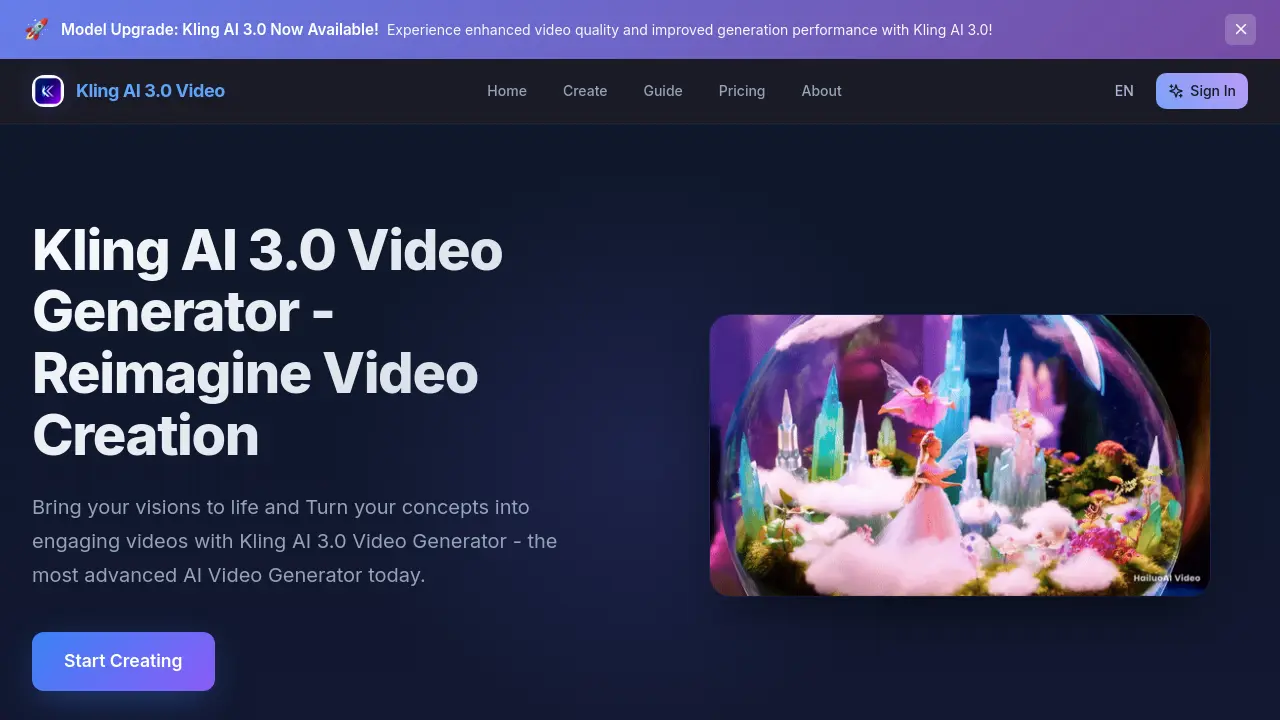
FAQs of Kling AI 3.0
What makes Kling AI 3.0 different from other video generators?
Kling AI 3.0 differentiates itself through a combination of higher‑resolution output, industry‑leading human motion synthesis, and a versatile text‑ and image‑to‑video pipeline. The platform leverages cutting‑edge neural models that produce smoother transitions and more realistic lighting than many competing services.
What types of content can I create with Kling AI 3.0?
Users can generate a broad spectrum of video content, including cinematic landscapes, cultural scenes, sci‑fi environments, fantasy sequences, and anime‑style clips. The system supports both hyper‑realistic and stylized outputs, making it suitable for marketing, education, entertainment, and personal creative projects.
How does the image-to-video feature work?
The image‑to‑video module extracts visual semantics from an uploaded picture, then expands those cues into a temporal sequence using motion‑aware diffusion models. By interpreting depth, perspective, and object placement, the engine animates static elements while preserving the original aesthetic, resulting in a seamless video expansion of the source image.
What's included in the free trial?
The free trial grants access to the full Kling AI 3.0 interface for a limited number of generations, typically allowing users to create several short videos (up to 30 seconds each). It also provides basic style options, preview rendering, and direct download of completed clips without watermarks, enabling a hands‑on evaluation before committing to a paid plan.
How long does it take to generate a video with Kling AI 3.0?
Generation speed varies with video length and selected resolution, but the platform is optimized for “lightning‑fast” processing. Most 15‑second clips at 1080p are rendered in under two minutes, while higher‑resolution or longer projects may require slightly more time, still significantly faster than many traditional rendering pipelines.
Can I customize motion and style after the initial generation?
Yes, Kling AI 3.0 offers post‑generation controls that let users fine‑tune motion trajectories, adjust lighting, and switch between predefined style presets. Users can re‑render specific segments or apply global style changes without starting from scratch, improving workflow efficiency for iterative creative work.
Is there an API for integrating Kling AI 3.0 into other applications?
Kling AI 3.0 provides a RESTful API that allows developers to submit text prompts or image assets programmatically and retrieve generated video files. Documentation includes authentication methods, rate‑limit guidelines, and example code snippets for popular languages, facilitating seamless integration into web platforms, mobile apps, or automated content pipelines.
How to use Kling AI 3.0
Kling AI 3.0 functions as an AI video generator, converting text prompts or uploaded images into high‑quality, stylistically diverse videos for creative and professional projects.
Access the platform, sign in, and navigate to the Create page; the interface presents a prompt field and an image‑upload option for video initiation.
Input a descriptive text prompt or upload a reference image, then select a desired style—such as hyper‑realistic, sci‑fi, or anime—to guide the generation algorithm.
Adjust optional parameters like duration, motion intensity, or color palette; these settings refine motion realism and visual coherence before processing.
Press the Start Creating button; Kling AI 3.0 leverages advanced motion models to render the video, typically completing within seconds to minutes.
Once generation finishes, preview the video in the embedded player; assess continuity, frame quality, and style fidelity against the original prompt.
If revisions are needed, modify the prompt or style settings and re‑run the generation; the platform supports iterative refinement without additional cost.
Download the final video file in the provided format, then share or embed it across platforms to achieve the intended communication or storytelling goals.
Review the analytics dashboard, which displays generation time, resolution, and user‑rated quality metrics, helping users gauge efficiency and plan future projects.
Consult the built‑in FAQ or support resources for troubleshooting specific issues, such as image‑to‑video conversion quirks or style selection limitations.