
Kling 3.0: Free AI Video Generator for Text and Images

What is Kling 3.0
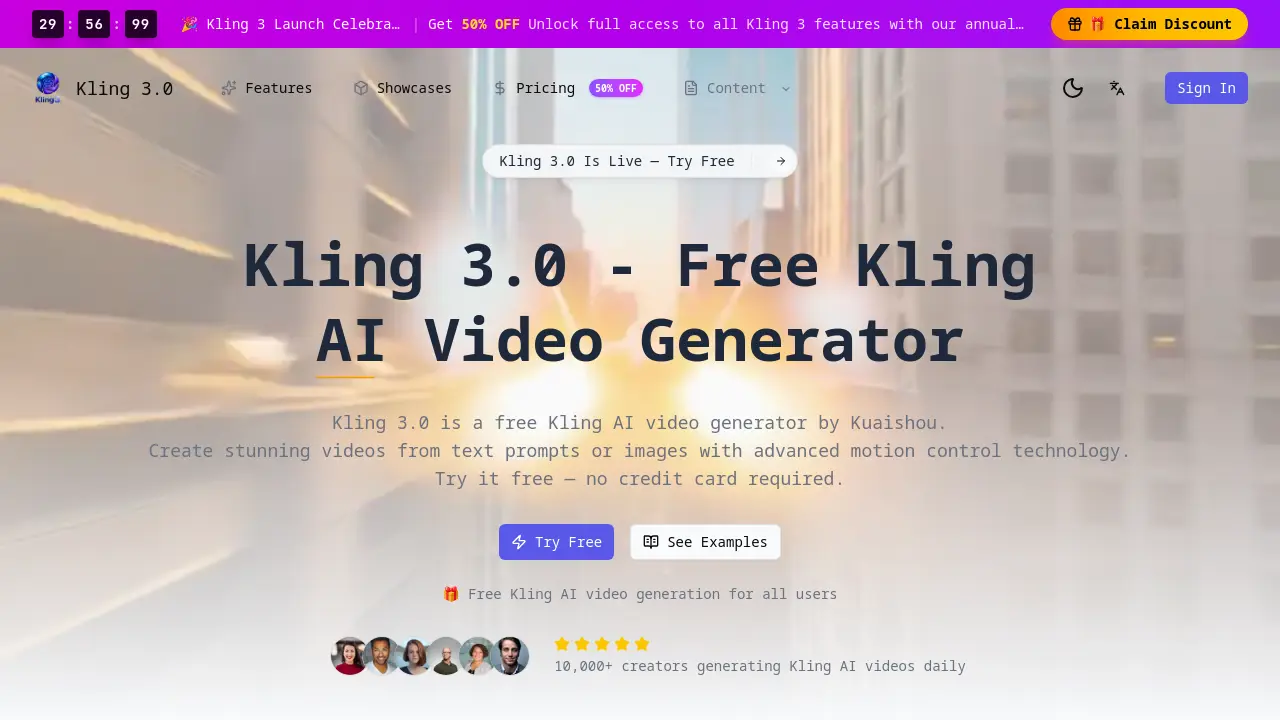
Kling 3.0 is a free AI video generator developed by Kuaishou, enabling text-to-video and image-to-video creation with advanced motion control for precise scene direction. Version 3.0 enhances realism, coherence, and duration compared to prior releases like 2.6. The platform delivers HD output, multiple style options (realistic, anime, cinematic), and fast generation (30-90 seconds). Free access includes core features without a credit card, while a Pro plan offers unlimited generations, higher resolution, and commercial licensing. An API supports developer integration for custom applications. Suitable for content creators, marketers, game developers, and educators, Kling 3.0 provides an accessible, all-in-one solution for efficient AI video production with professional-grade customization.
How does Kling 3.0 work
Kling 3.0 operates as an AI video generator that converts textual descriptions or static images into dynamic video sequences. Its core engine interprets natural language prompts to produce cinematic scenes or animates uploaded images using advanced motion control technology. This allows users to direct camera angles, object movement, and scene dynamics for professional-style results. The platform processes requests rapidly, typically within 30 to 90 seconds, delivering HD or 4K output. It functions as a unified tool offering text-to-video, image-to-video, and motion control features, with free access and an available API for developer integration.
Benefits of Kling 3.0
Kling 3.0 is a free AI video generator that creates videos from text prompts or images. It features motion control for customizing camera angles and object motion, enhancing video dynamics. Videos are generated in 30-90 seconds with HD quality. No credit card is needed for the free tier, while Pro plans provide commercial licensing and API access. Compared to earlier versions and competitors like Veo 3, Kling 3.0 improves in realism, coherence, and duration. It is useful for content creation, marketing, game development, and education.
Pros and Cons of Kling 3.0
Pros
- Free access without credit card requirement.
- Advanced motion control for cinematic videos.
- HD video output up to 4K resolution.
- Fast generation within 30-90 seconds.
- Commercial licensing available with Pro plan.
Cons
- Free tier has credit-based usage limits.
- Higher resolution output requires Pro subscription.
- Commercial features locked behind paid plan.
- Interface cluttered with external promotional links.
- Minimal official documentation and support resources.
Core Features of Kling 3.0
Text-to-Video Generation
Converts natural language text prompts into cinematic video content, enabling users to create scenes from detailed descriptions without manual filming.
Image-to-Video Conversion
Animates still uploaded images into dynamic video clips, applying realistic motion and smooth transitions to transform photos into moving visuals.
Advanced Motion Control
Allows users to direct camera angles, object movement, and scene dynamics within generated videos, providing professional-level creative control for cinematic results.
Free Access Tier
Offers full-featured AI video generation without subscription or credit card requirements, allowing all users to create videos daily on a free credit-based system.
High-Definition Video Output
Delivers professional-grade video quality with improved resolution and visual clarity, supporting up to 4K output for high-fidelity creative and commercial projects.
Multiple Aesthetic Styles
Provides selectable video generation styles including realistic, anime, cinematic, and fantasy, with mode variations to suit diverse creative project requirements.
Rapid Processing
Generates videos in an optimized 30-90 second timeframe, significantly reducing production turnaround time compared to previous versions and traditional methods.
Developer API Access
Supports integration of Kling's text-to-video and image-to-video capabilities into external applications through an API, enabling batch processing for development projects.
Commercial Licensing
Includes a commercial use license option, permitting generated videos to be utilized in monetized content, marketing campaigns, and client-based professional work.
Unified Platform Architecture
Functions as an integrated system where text-to-video, image-to-video, and motion control features operate seamlessly within a single, consistent user interface and engine.
Use Cases of Kling 3.0
- Content Creators: Utilize Kling 3.0's text-to-video and motion control to create professional social media videos efficiently.
- Marketing Teams: Leverage image-to-video conversion and commercial license for scalable promotional advertisement production.
- Game Developers: Prototype game environments rapidly using motion control and HD output for cinematic sequence mockups.
- Educators: Convert lesson plans into engaging educational videos via text-to-video for enhanced student comprehension.
- Developers: Integrate AI video generation capabilities via Kling's API for automated content creation in third-party apps.
FAQs of Kling 3.0
Is Kling AI video free to use?
Yes, Kling AI video generation is free for all users on the Kling 3.0 platform. The free tier allows creation without requiring a credit card or subscription, providing access to core features like text-to-video and image-to-video generation.
What is new in Kling AI video version 3.0?
Kling 3.0 introduces significant improvements over versions 2.6 and 2.1, including advanced motion control technology, enhanced prompt understanding, and better visual coherence. The output is more realistic with longer duration videos and fewer artifacts.
What quality does Kling AI video produce?
The generator produces videos in HD quality, with a maximum resolution of 4K. Compared to earlier versions, Kling 3.0 offers improved resolution, visual clarity, and professional-grade output suitable for various creative and commercial projects.
How long does Kling AI video generation take?
Processing time for Kling AI video generation typically ranges from 30 to 90 seconds. The platform is optimized for faster turnaround compared to previous versions, allowing creators to produce content quickly and efficiently.
Can I use Kling AI video commercially?
Yes, commercial use is permitted with the Pro plan subscription, which includes a commercial license. The free tier is intended for personal and testing purposes, while the Pro plan is required for professional and business applications.
Does Kling AI video have an API?
Kling 3.0 provides an API for developers to integrate its video generation capabilities into external applications. The API supports core functions like text-to-video, image-to-video, and batch processing for scalable product development.
What video styles are available in Kling AI?
Kling AI video offers multiple style options including realistic, anime, cinematic, and fantasy. Users can further customize output with normal, fun, and spicy mode settings to match diverse aesthetic preferences for different projects.
What file format is used for downloaded videos?
Generated Kling AI videos are downloadable in the standard MP4 format. This ensures broad compatibility with social media platforms, editing software, and various playback devices for seamless sharing and post-production.
How does motion control work in Kling AI video?
Motion control allows users to direct camera angles, object movement, and scene dynamics within generated videos. This feature provides professional-level direction capabilities, enabling cinematic results and precise control over the video's visual narrative.
How does Kling AI video compare to competitors like Veo 3?
Kling AI video competes with Veo 3 in output quality but distinguishes itself with free access for all users and a built-in motion control feature. It offers more accessible pricing and faster generation times while maintaining competitive visual fidelity.
How to use Kling 3.0
- Kling 3.0 is a free AI video generator that creates videos from text prompts or images using motion control technology, providing HD output for various creative applications.
- Access the platform by visiting the Kling 3.0 website; no signup is required, allowing immediate video generation without payment details.
- Input a descriptive text prompt for text-to-video conversion or upload an image to animate it via the image-to-video feature.
- Configure settings such as video duration (up to 5 seconds), aspect ratio (e.g., 16:9), artistic style, and motion control parameters.
- Generate the video by submitting the request; the AI engine processes inputs in 30 to 90 seconds, leveraging advanced algorithms.
- Download the resulting MP4 file, which features high-definition resolution and smooth motion control for professional-quality visuals.
- Apply the generated videos to projects like social media content, marketing campaigns, or educational materials, as commercial licensing is included.
Kling 3.0 Website Traffic Analysis
Latest traffic information
- Monthly Visits8.42K
- Bounce Rate38.36%
- Pages Per Visit1.63
- Visit Duration00:00:09
- Global Rank2.53M
- Country/Region Ranking168.06K
Visits Over Time
Top Keywords
| Keyword | Traffic | Volume | Cost Per Click |
|---|---|---|---|
| higgsfield vs kling 3 | 180 | -- | -- |
| kling 3.0 pro costing | 130 | -- | -- |
| kling 3 use free | 90 | -- | -- |
| kling ai for free | 80 | 610 | $0.19 |
| kling ai free | 50 | 40.48K | $0.14 |
Top Regions
| Region | Percentage |
|---|---|
| Vietnam | 34.55% |
| India | 11.81% |
| Thailand | 10.97% |
| United States | 9.52% |
| Brazil | 8.1% |
