
Kling 3.0 Core Features
Kling 3.0 is a free AI video generator that transforms text prompts and images into dynamic videos with motion control, serving creators, marketers, and developers.

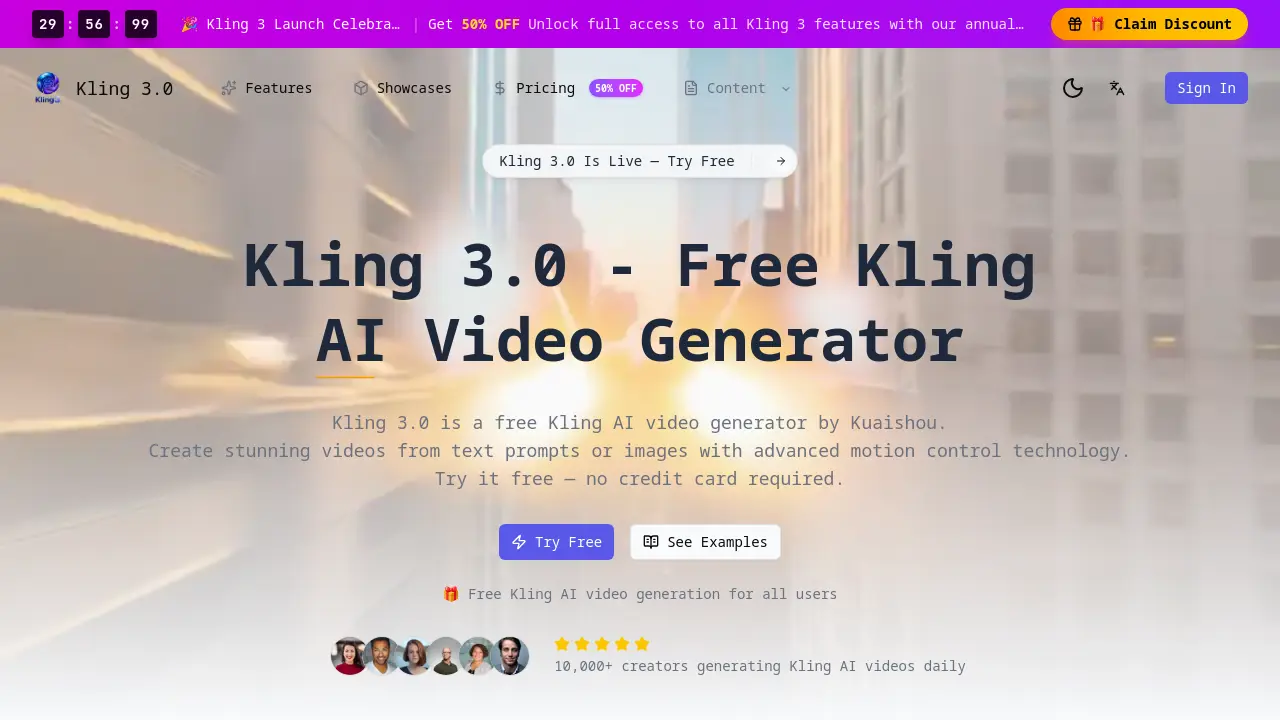
Core Features of Kling 3.0
Text-to-Video Generation
Converts natural language text prompts into cinematic video content, enabling users to create scenes from detailed descriptions without manual filming.
Image-to-Video Conversion
Animates still uploaded images into dynamic video clips, applying realistic motion and smooth transitions to transform photos into moving visuals.
Advanced Motion Control
Allows users to direct camera angles, object movement, and scene dynamics within generated videos, providing professional-level creative control for cinematic results.
Free Access Tier
Offers full-featured AI video generation without subscription or credit card requirements, allowing all users to create videos daily on a free credit-based system.
High-Definition Video Output
Delivers professional-grade video quality with improved resolution and visual clarity, supporting up to 4K output for high-fidelity creative and commercial projects.
Multiple Aesthetic Styles
Provides selectable video generation styles including realistic, anime, cinematic, and fantasy, with mode variations to suit diverse creative project requirements.
Rapid Processing
Generates videos in an optimized 30-90 second timeframe, significantly reducing production turnaround time compared to previous versions and traditional methods.
Developer API Access
Supports integration of Kling's text-to-video and image-to-video capabilities into external applications through an API, enabling batch processing for development projects.
Commercial Licensing
Includes a commercial use license option, permitting generated videos to be utilized in monetized content, marketing campaigns, and client-based professional work.
Unified Platform Architecture
Functions as an integrated system where text-to-video, image-to-video, and motion control features operate seamlessly within a single, consistent user interface and engine.
Use Cases of Kling 3.0
- Content Creators: Utilize Kling 3.0's text-to-video and motion control to create professional social media videos efficiently.
- Marketing Teams: Leverage image-to-video conversion and commercial license for scalable promotional advertisement production.
- Game Developers: Prototype game environments rapidly using motion control and HD output for cinematic sequence mockups.
- Educators: Convert lesson plans into engaging educational videos via text-to-video for enhanced student comprehension.
- Developers: Integrate AI video generation capabilities via Kling's API for automated content creation in third-party apps.
