
FaceSwap AI FAQs
This free online AI tool enables users to swap faces in photos instantly, delivering photorealistic results with skin tone matching and lighting adjustment for images they have the right to use.

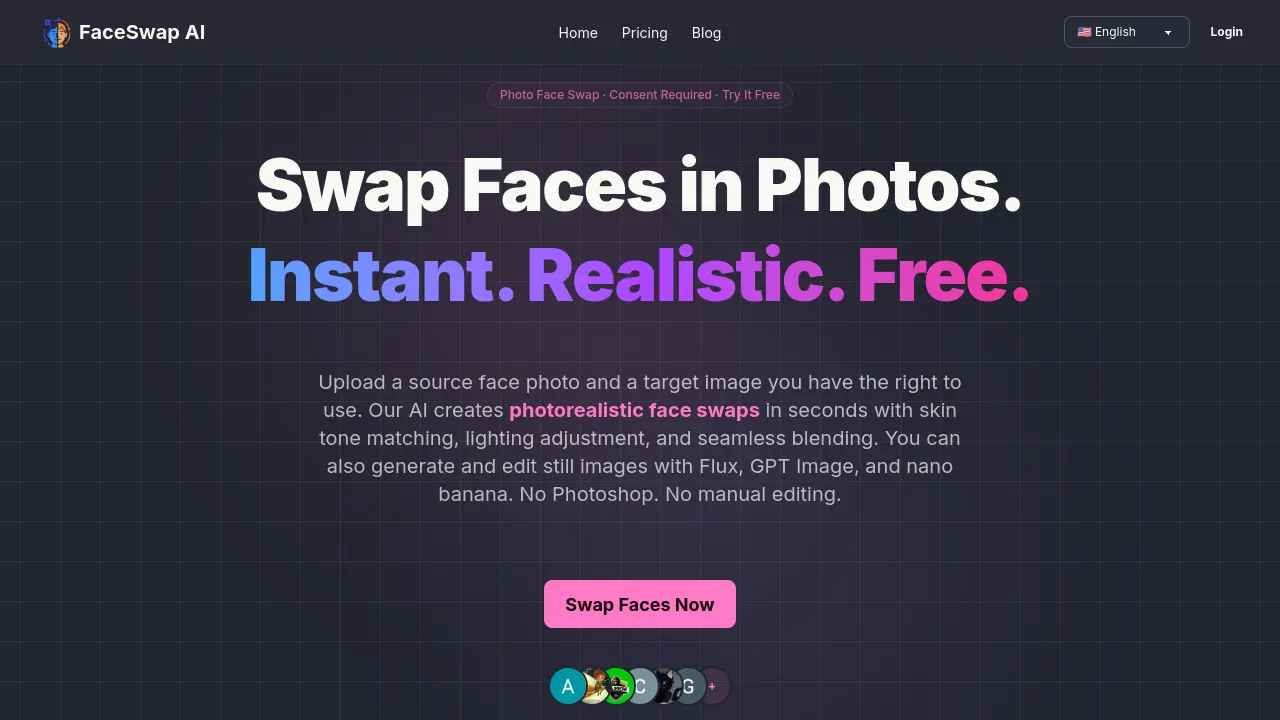
FAQs of FaceSwap AI
What is FaceSwap AI?
FaceSwap AI is a free online tool that uses advanced artificial intelligence to swap faces between two photos. Simply upload a source face photo and a target image — our AI automatically detects facial features, aligns them, adjusts skin tone and lighting, and blends everything seamlessly. The entire process takes just seconds.
How does FaceSwap AI work?
FaceSwap AI works by using advanced AI algorithms to detect faces in both the source and target images. It then aligns the facial features, adjusts skin tones, matches lighting conditions, and blends the face seamlessly into the target image. The result is a photorealistic face swap that looks natural and convincing.
Is FaceSwap AI free to use?
Yes! You can start face swapping for free. Free users receive daily credits to perform face swaps. For heavy users, we offer affordable subscription plans starting at $9.99/month with higher credit allowances and access to premium AI models.
What types of photos work best for face swapping?
For best results, use clear, well-lit photos where the face is fully visible and facing forward. Both the source face and target image should have good resolution. The AI can handle various angles and lighting conditions, but frontal, well-lit faces produce the most realistic swaps.
Can I use face-swapped images commercially?
All paid plans include commercial use rights for images you generate from materials you own or are licensed to use. Please obtain consent from any identifiable person whose likeness appears in the image and comply with local law.
How does the credit system work?
Each face swap costs 3 credits. Free users receive daily login credits. Paid subscribers (Plus: 500 credits/month, Pro: 1,200 credits/month) get enough for 166 to 400 face swaps per month, plus access to our AI image tools.
Can I swap faces in group photos?
Yes! Our AI can detect and swap individual faces within group photos. Simply upload your face photo and the group photo — the AI will identify and replace the target face while keeping everything else intact.
Is explicit or non-consensual content allowed?
No. Explicit sexual content, non-consensual face swaps, and harmful impersonation are prohibited. Uploaded face swap images are safety-screened before processing, and flagged requests are blocked.
What's the difference between Face Swap and AI Image Generation?
Face Swap uses a dedicated face-swapping workflow to precisely detect and replace a face in an existing photo. AI Image Generation lets you generate or transform still images with models like nano banana, GPT Image, and Flux. Both modes are available in the same platform.
Are my uploaded photos safe and private?
Absolutely. We take privacy seriously. Your uploaded photos are processed securely and are not shared with third parties. Images are automatically deleted from our servers after processing. We do not use your photos for training or any other purpose.
How to use FaceSwap AI
- Navigate to the FaceSwap AI homepage at https://imgfaceswap.com/.
- Click the "Sign Up Free" button to create an account using your Google account or email.
- Confirm your email address if required to activate your free account.
- Log in to access the face swap tool and receive your free credits.
- Upload a clear, well-lit photo of the face you want to use as the source.
- Upload the target image where you want the face to appear, ensuring you have rights to use both images.
- Select the face swap option and let the AI automatically detect faces, align features, and blend the images.
- Review the generated face swap result and download the high-resolution image.
- Share the face-swapped image privately or use it in approved projects as needed.
