
ImgEditor FAQs
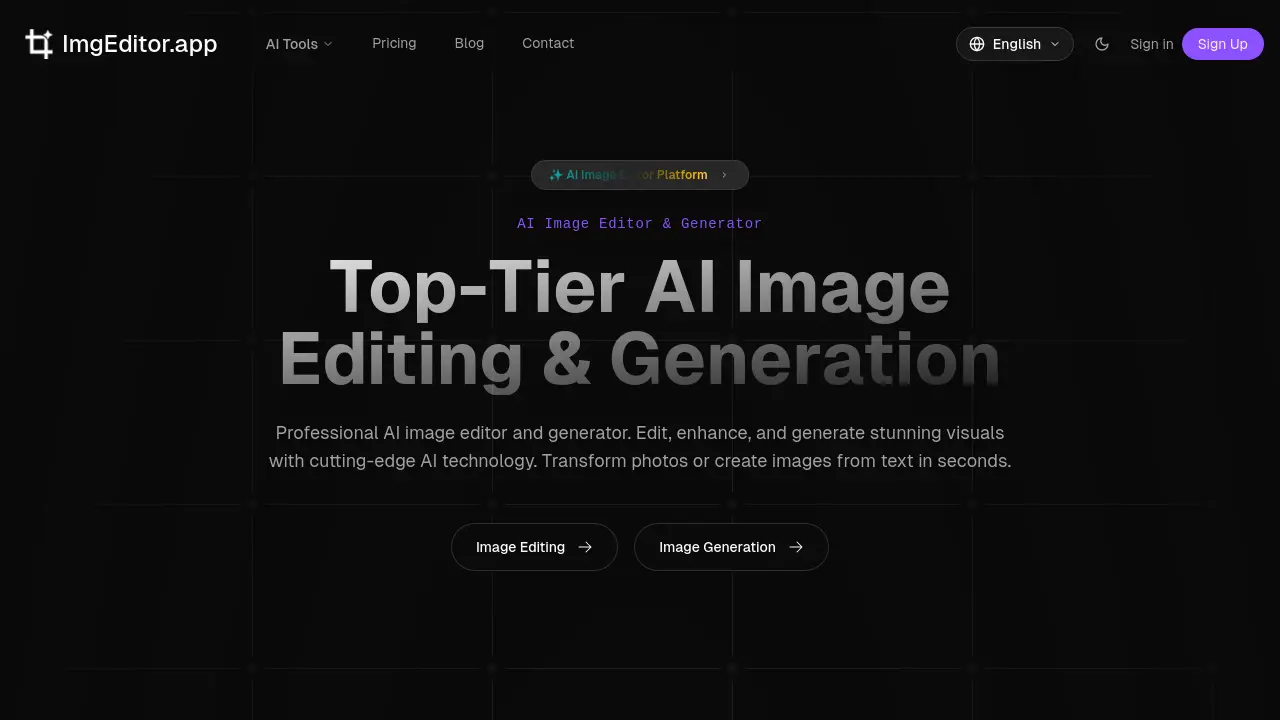
AI Image Editor provides AI-powered tools for background removal, upscaling, and creative transformations, enabling fast and easy photo editing for all users.

FAQs of ImgEditor
How does the free trial credit system work on ImgEditor?
New users receive 30 credits upon registration without needing a credit card. These credits can be applied across any AI editing or generation tool. The 30 credits typically enable approximately two standard professional edits, though the exact number may vary slightly depending on the specific tool's processing requirements. Once the initial credits are depleted, users must purchase additional credits through a subscription plan to continue using the platform.
Which ImgEditor tool should I use for creating professional headshots?
The dedicated Headshot Generator tool is optimized for creating professional headshots. It uses AI to transform everyday portraits into polished, business-appropriate images suitable for LinkedIn, resumes, and corporate profiles. The tool automatically enhances lighting, refines facial details, and often suggests neutral backgrounds, delivering a studio-quality result in seconds without requiring manual editing skills.
What distinguishes the Ghibli AI Generator from the Pixar AI Generator?
The Ghibli AI Generator applies the distinctive visual style of Studio Ghibli animations, producing images with soft, detailed lines, whimsical charm, and a painterly, anime-inspired aesthetic. The Pixar AI Generator, in contrast, transforms portraits into 3D animated characters reminiscent of Pixar films, emphasizing vibrant colors, expressive features, and a three-dimensional, CGI-like texture. Both are style-transfer tools but cater to different artistic genres and visual preferences.
Can ImgEditor be used for academic or research purposes?
Yes, ImgEditor can be utilized for both commercial and non-commercial applications, including academic projects, research posters, thesis materials, and educational presentations. The platform's terms grant users full rights to all edited images, meaning there are no restrictions on using outputs in scholarly publications, classroom demonstrations, or student assignments. This makes it a versatile tool for enhancing academic visual content.
Are there any limitations on the number of edits during the free trial?
The free trial provides a fixed allocation of 30 credits for new users. Based on the platform's indication that this equals roughly two professional edits, there is an implicit limit on the volume of processing available without payment. The number of individual edits you can perform depends on the credit cost per operation, which may vary slightly between tools. After consuming the 30 credits, further use requires purchasing a subscription.
How to use ImgEditor
ImgEditor is an AI-powered platform for image editing and generation. It provides tools for background removal, upscaling, enhancement, and style transfer effects, enabling users to transform or create visuals without traditional editing expertise.
- Access ImgEditor.app and review the homepage layout, which categorizes AI tools for editing and generation by function like enhancement or creative effects.
- Select the specific AI tool matching your goal, such as the Background Remover for product photos or the Image Upscaler for resolution improvement.
- Upload your image file in a supported format like JPEG or PNG. Ensure the file meets size guidelines for optimal processing speed and quality.
- For tools requiring customization, adjust parameters or provide a descriptive text prompt, especially for style transfer effects like the Pixar AI Generator.
- Initiate processing by clicking the appropriate button. The AI analyzes the image and applies the selected operation, typically completing within seconds.
- Examine the output in the preview window. Utilize fine-tuning sliders, if available, to adjust results such as effect intensity or edge smoothness.
- Download the final image in your chosen resolution. Processed files are automatically deleted from servers, maintaining privacy for commercial or personal use.
- To generate new imagery, use the text-to-image feature. Enter a detailed prompt describing your desired visual, then generate and iterate as needed.
After processing, evaluate the output against your project requirements. If the result does not meet expectations, reprocess with adjusted parameters or a different tool. The edited or generated images can be directly applied to marketing materials, social media content, professional profiles, or other creative projects, with full rights for commercial use as stated in the terms. The platform's AI ensures results maintain natural quality and context, suitable for professional presentation.
