
img2img AI Tool offers image transformation without losing detail.

What is img2img AI
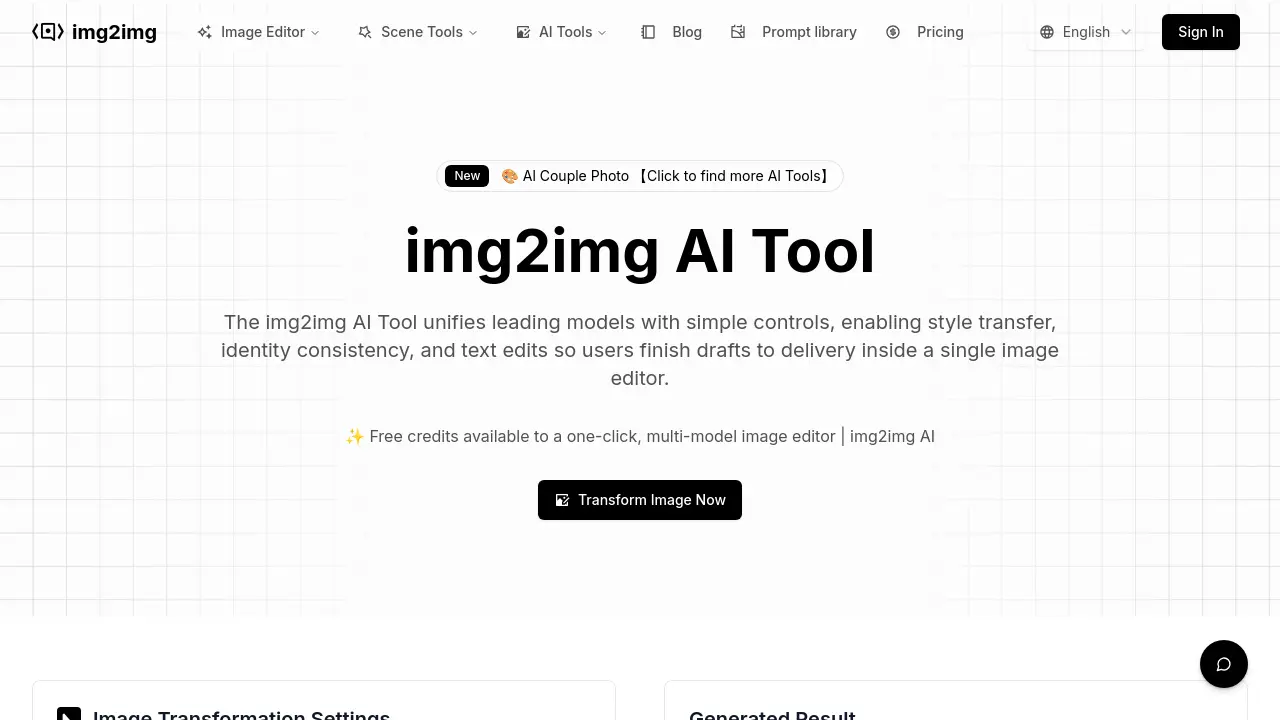
The img2img AI Tool is an online image editor that unifies various AI models with user-friendly controls. It enables style transfer, maintains identity consistency, and facilitates text edits directly within the editor. This platform supports a range of functions including portrait editing, commercial design, anime design, and image quality enhancements like upscaling and noise reduction. Users can transform images by uploading a photo, describing desired changes via prompts, and adjusting settings, making it suitable for both professional and casual use.
How does img2img AI work
The img2img AI operates as an online image editor, leveraging integrated AI models for image-to-image transformations. Users upload an initial image, then provide a text prompt detailing desired modifications, such as style transfer or content edits. The platform, incorporating various AI models like Flux Kontext Pro and Seedream 4.0 AI, processes these inputs to generate a new image. Users can adjust parameters like resolution and strength, and download the resulting high-quality AI art, ensuring identity consistency and supporting diverse applications including commercial design and anime styles.
Benefits of img2img AI
The img2img AI tool is a comprehensive online image editor unifying leading AI models for diverse transformations. It offers style transfer, maintains identity consistency, and facilitates text edits directly within the platform. Users can achieve professional-quality img2img ai transformations for various applications, including portrait editing, commercial design, and anime art. With free credits available, this multi-model img2img ai generator allows for intuitive control through plain language prompts and customizable settings, streamlining image transformation from initial draft to final delivery.
Pros and Cons of img2img AI
Pros
- Unifies multiple AI models.
- Offers one-click AI effects.
- Supports editing with plain language.
- Provides free credits for use.
- Includes a prompt library and templates.
Cons
- Requires login to generate images.
- Image upload limited to 15MB.
- Commercial compliance requires user vigilance.
- Limited to JPEG, PNG, WEBP formats.
- Output formats are restricted.
Core Features of img2img AI
AI-Powered Image Transformation
Enables users to transform images using AI models, facilitating style transfer, identity consistency, and text edits for various creative and commercial applications.
Comprehensive Image Editing Features
Provides an online image editor with tools for retouching, relighting, tone balancing, background swaps, and resolution adjustments, catering to diverse editing needs.
Multi-Model Integration
Unifies various leading AI models, such as Flux Kontext Pro and Seedream 4.0 AI, allowing users to access and compare different artistic styles and effects in one platform.
Text-Based Editing with Prompts
Allows users to describe desired changes using natural language prompts, guiding the AI to modify images effectively, including background removal or headline alterations.
Scenario-Specific Editing Tools
Offers specialized templates and presets for various use cases, including portrait editing, commercial design, anime creation, and image quality enhancement, ensuring tailored results.
Use Cases of img2img AI
- E-commerce Businesses: Utilize img2img AI for rapid product retouching, background design, and AI lifestyle photoshoots to enhance online catalogs.
- Marketing Teams: Generate consistent brand visuals across campaigns using img2img AI's style transfer and text editing features for various promotional materials.
- Digital Artists: Transform initial sketches into polished art illustrations and anime designs with the img2img AI generator, leveraging style and composition tools.
- Content Creators: Upscale, sharpen, and denoise images with the img2img AI editor, ensuring high-quality visuals for social media and web content.
- Professional Photographers: Perform efficient portrait editing, including retouching, relighting, and background swaps, maintaining identity consistency with img2img AI online.
FAQs of img2img AI
What is the img2img AI Tool?
The img2img AI Tool is an online image editor designed for business teams that integrates leading AI models with intuitive controls. This platform facilitates various image transformations, including style transfer, identity consistency, and text edits, allowing users to complete projects from initial drafts to final delivery within a single interface. It provides free credits for a multi-model image editor experience.
How does the img2img AI Tool transform images?
The img2img AI Tool transforms images through a four-step process. Users first upload their image, then describe desired changes using a text prompt, adjust settings such as resolution and output count, and finally generate and download the enhanced image. This image-to-image AI generator process allows for precise control over the output, from basic edits to complex artistic styles.
What are the core benefits of using the img2img AI Tool?
The img2img AI Tool offers several key benefits for image creators and business teams. It unifies multiple top AI models, eliminating the need to switch between different tools. It provides one-click AI effects and filters, and enables editing with plain language prompts, simplifying complex tasks like background removal or headline changes. The platform also boasts a prompt library, industry templates, and a comprehensive scenario toolkit for diverse applications.
What image editing scenarios does the img2img AI Tool support?
The img2img AI Tool supports a wide range of image editing scenarios. These include portrait editing (retouching, relighting, background swaps), style transfer (turning photos into various artistic styles), art illustration (enhancing sketches), commercial design (rewriting text, generating marketing assets), anime design (human-to-anime, character consistency), and image quality boosts (upscaling, sharpening, denoising). This makes it a versatile img2img AI editor for diverse professional needs.
What AI models are integrated into the img2img AI Tool?
The img2img AI Tool integrates several prominent AI models to power its transformations. Currently, it includes Flux Kontext Pro, Nano Banana AI, Seedream 4.0 AI, and Qwen Image Edit. The platform is continuously expanding its integration to include more cutting-edge models, offering users a comprehensive and evolving set of tools for their img2img AI generator needs.
How does the img2img AI Tool ensure brand consistency across edits?
The img2img AI Tool ensures brand consistency by utilizing style, type, and color presets that keep batches aligned. Its text editing features are designed to preserve existing layouts, minimizing the need for rework and helping maintain a consistent visual identity across different marketing materials and channels. This is crucial for businesses aiming for a cohesive brand presence with their img2img AI art.
What image formats and resolutions does the img2img AI Tool support?
The img2img AI Tool supports standard JPEG, PNG, and WEBP formats for both image import and export, with a maximum file size of 15MB for uploads. It provides quick previews and offers high-resolution settings for generated outputs, making them suitable for e-commerce pages, offline prints, and professional media reuse. This ensures high-quality results for any img2img AI online free or paid project.
How to use img2img AI
The img2img AI Tool provides a unified online image editor for transforming images using various AI models. It facilitates style transfer, maintains identity consistency, and enables text-based edits, streamlining the image editing workflow from draft to final delivery for business teams.
- Access the img2img AI editor, where you will find the prompt input and image upload sections.
- Upload your base image in JPEG, PNG, or WEBP format, ensuring it is clear and well-lit (max 15MB).
- Enter a descriptive prompt in the text box, detailing the desired changes, such as artistic style or background removal.
- Adjust image transformation settings like resolution, output count, and strength to refine the AI's processing.
- Click "Generate" to initiate the AI image transformation, allowing the img2img AI to process your request.
- Review the "Generated Result" preview and download your high-quality, enhanced image instantly.
img2img AI Website Traffic Analysis
Latest traffic information
- Monthly Visits55.22K
- Bounce Rate38.07%
- Pages Per Visit2.65
- Visit Duration00:00:32
- Global Rank539.93K
- Country/Region Ranking125.57K
Top Keywords
| Keyword | Traffic | Volume | Cost Per Click |
|---|---|---|---|
| img2img | 2.63K | 7.21K | $1.47 |
| перекрасить цвет кожи картинку онлайн | 220 | 230 | -- |
| img2img face swap | 200 | 430 | -- |
| img2img ai | 130 | 710 | $2.12 |
| dolcemodz img image | 130 | -- | -- |
Top Regions
| Region | Percentage |
|---|---|
| Russia | 11.09% |
| United States | 11.05% |
| Indonesia | 7.7% |
| India | 7.18% |
| Australia | 6.95% |
img2img AI Alternatives
Browser workspace for AI image generation, reference photo editing, and short video drafts, aimed at creators, marketers, and product teams.
A browser collection of 13 free creative editors for photos, vector art, PDFs, documents, video, audio, and CAD, opening without an account or install.

AI design studio for architects and designers: turn sketches, model views, and room photos into rendering concepts, material studies, and staged interiors.
An online AI photo editor that removes image backgrounds, erases people, objects and text, and upscales photos 4x. Preview every photo free before paying per image.
Upload one selfie to preview 120+ cuts, colors and bangs rendered on your own face in about 20 seconds, then take the reference sheet to your barber.
Pet to Art is a free AI pet portrait generator that turns one clear pet photo into custom digital artwork across 170+ styles, canvas ratios, and 2K downloads.
Meta Image: browser AI studio powered by Muse Image. Edit photos with prompts, remove backgrounds, restore old photos, generate new images.
Create and edit images with Image 2.5 by GPT. Sunburst for precision, Flare for speed, up to 4K, 6 quality modes, and transparent PNG/WebP output.
Remove image backgrounds, video watermarks, burned-in subtitles and video backgrounds with Rmark AI. Upload a file, preview, then download a clean copy.
Free unlimited image to prompt generator. Upload any image and get a detailed, accurate AI prompt for Midjourney, Stable Diffusion, FLUX and more in seconds.
OmniEnhancer is an AI image enhancer and photo editor that improves photo quality, clarity, color, and resolution online, with free daily credits.
Turn JPG, PNG, and WebP images into editable PowerPoint slides. Upload up to 10 images, set the order, and let AI rebuild each image as a real slide.