
Image 2 FAQs
Image 2 is a free AI image generator and editor that provides creators multilingual text prompts, reference‑aware consistency, free credits and 4K‑resolution outputs.

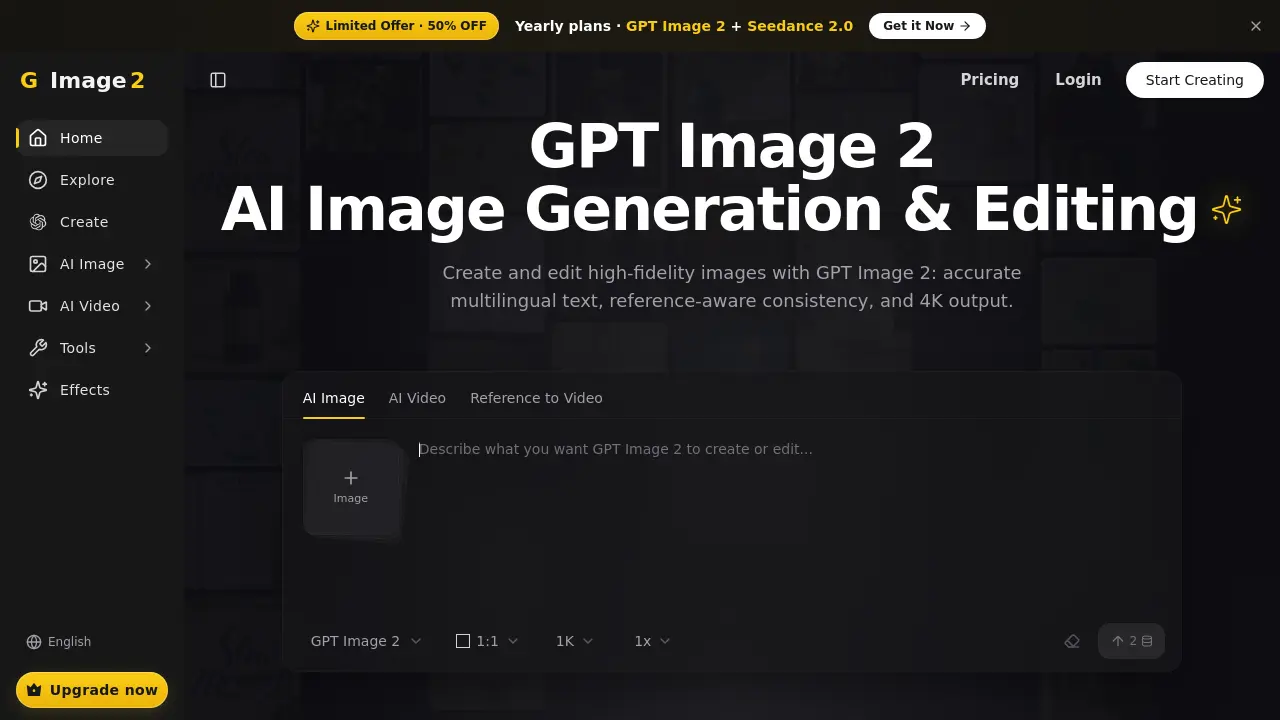
FAQs of Image 2
What is Image 2?
Image 2 is an independent AI platform that combines GPT Image 2 and other frontier models to generate and edit high‑fidelity images and videos. It offers a single workflow for creating multilingual text, consistent characters, and 4K output without requiring external tools.
What can I create with Image 2?
Users can generate photorealistic images, stylized illustrations, macro details, product hero shots, and cinematic video clips. The platform also supports image‑to‑image edits, AI‑upscaling, background removal, image restoration, and multilingual poster designs, all in resolutions up to 4K.
Can Image 2 generate video?
Yes. Image 2 provides text‑to‑video, image‑to‑video, and reference‑to‑video generation within the same interface. Users can define motion length, reference frames, and style cues, allowing seamless transition from a still image to a fully animated clip.
Can I blend multiple images together?
Image 2 supports up to 14 reference images in a single composition, maintaining consistent subjects and lighting across the blended scene. This “14‑image composition” feature enables complex, multi‑object creations while preserving visual coherence.
What creative controls are available?
The platform offers aspect‑ratio selection, mask editing, motion length adjustment, reference‑frame control, style templates, and multilingual text rendering. Users can also upscale to 4K, remove backgrounds, and apply curated artistic filters without leaving the workspace.
Can I use the outputs commercially?
Outputs from Image 2 are granted commercial usage rights to the account holder, provided the user complies with the Terms of Service and does not infringe third‑party intellectual property. Always review the licensing agreement for specific restrictions.
How does pricing work?
Image 2 offers yearly plans with a 50 % discount on the GPT Image 2 + Seedance 2.0 bundle. New users receive free credits on signup, and additional usage is billed according to the selected subscription tier. Detailed pricing can be viewed on the Pricing page.
Is my data used to train models?
Image 2 states that user‑provided prompts, reference images, and generated outputs are not used to further train its proprietary models unless explicit permission is granted by the user. All data handling complies with the platform’s Privacy Policy.
What should I keep in mind when using Image 2?
Users should provide clear, detailed prompts and avoid prohibited content such as copyrighted material without permission. The system may take longer to generate 4K assets, and results are optimized when reference images are high quality and well‑aligned with the desired outcome.
How accurate is multilingual text rendering?
GPT Image 2 renders crisp, legible typography in numerous languages, including English, Chinese, Japanese, Arabic, and more, maintaining sharpness at resolutions up to 4K. This feature reduces the need for post‑processing text overlays.
Can I edit an existing image without starting over?
Yes. Image 2’s “generate + edit in one model” workflow lets users mask‑edit or apply natural‑language modifications to an existing image, eliminating the need to switch between separate editing tools.
Is there a free tier or trial available?
New users receive free credits upon account creation, allowing them to test image generation, upscaling, and background removal without immediate payment. Additional usage beyond the free credits follows the selected subscription plan.
How does the reference‑aware consistency work?
When multiple references are supplied, GPT Image 2 tracks subjects, outfits, and objects across frames, ensuring consistent appearance in both still images and video sequences. This capability is useful for character‑driven storytelling and product showcase pipelines.
How to use Image 2
Image 2 functions as an AI‑driven platform for generating and editing high‑fidelity images and videos, supporting multilingual text, reference‑aware consistency, and native 4K output.
Begin by entering a descriptive prompt or uploading a reference image in the “Clear prompt” field; the interface accepts both text and visual inputs for flexible creation.
Adjust core parameters—aspect ratio, image count, resolution (1K/2K/4K), and generation scale (1x‑4x)—to align output with project requirements before initiating the model.
Click “Generate” (or the equivalent trigger); the system processes the request, producing drafts within seconds for stills or minutes for video clips, displayed in the preview pane.
Review the generated results, noting text clarity, subject consistency, and compositional fidelity; use built‑in zoom and 4K preview tools to assess detail accuracy.
Apply in‑place edits via natural‑language commands or mask tools—such as background removal, upscaling, or style adjustments—without leaving the Image 2 workspace.
Export the final assets in the desired format (PNG, JPEG, MP4) and integrate them into marketing, editorial, or multimedia pipelines, leveraging the platform’s commercial‑use licensing.
