
Image to Video Free
Image to Video Free: AI tool to convert images into videos.
| Added on: | Aug 27, 2025 |
| Monthly Visits: | -- |
| Social & Email: | -- |

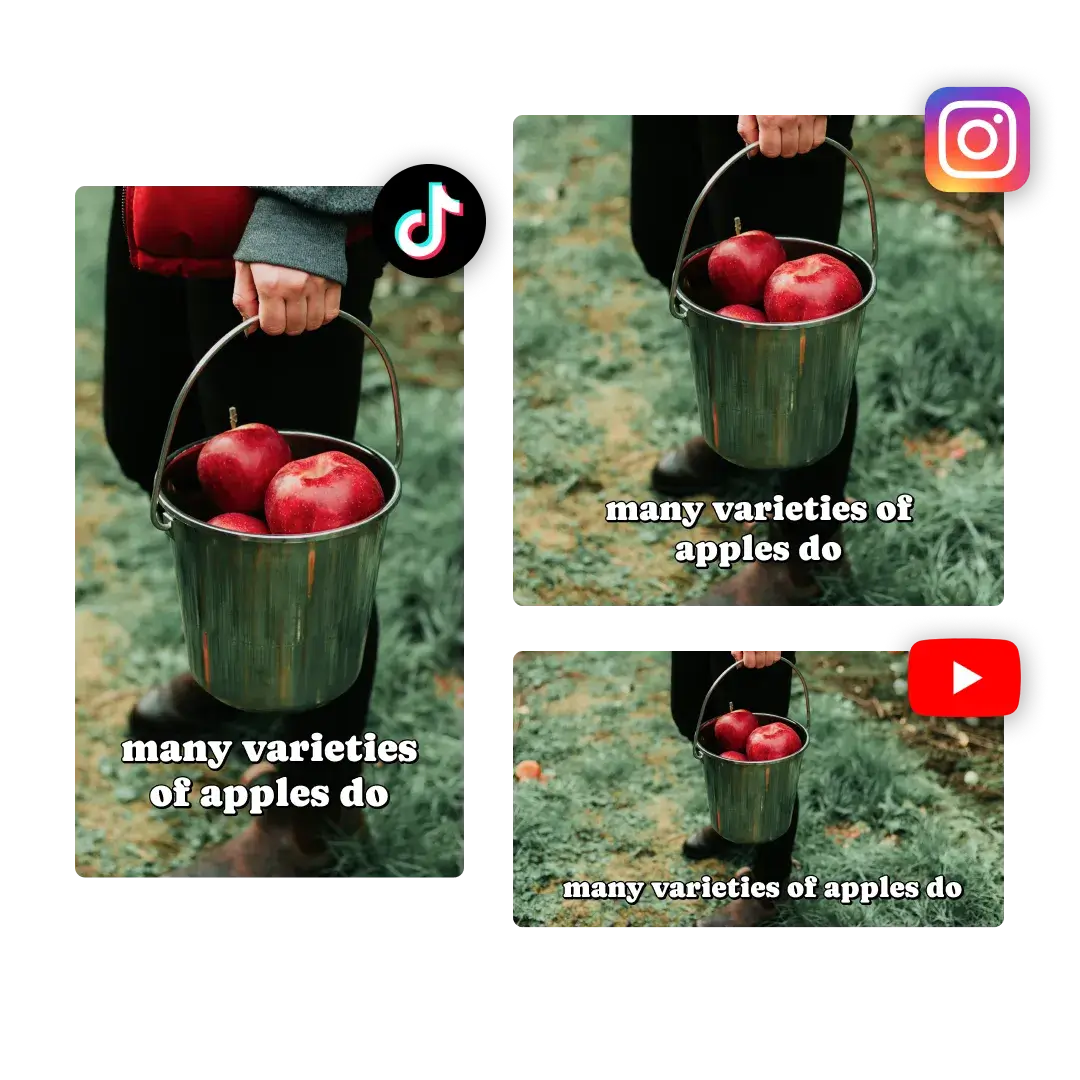
What is Image to Video Free
Image to Video Free is an AI-powered online tool designed to convert static images into dynamic videos without requiring software downloads or extensive editing skills. This free image to video AI generator allows users to upload images and then describe their desired video scene, characters, and actions. The platform supports various aspect ratios, video qualities (up to 1080p), and durations, enabling quick video creation for marketing, social media, or personal use. Key features include AI-enhanced pacing, transitions, and ambient soundscapes, with options for branded visuals and watermark-free exports. The service offers both a free image to video trial and tiered subscription plans for advanced functionalities and increased usage.
How does Image to Video Free work
Image to Video Free is an online AI tool that transforms static images into dynamic videos. Users upload images in JPG, PNG, or WebP formats, then describe their desired video content, characters, and actions. The platform, leveraging advanced AI technology, processes these inputs to generate a video, incorporating cinematic effects, motion styles, and ambient soundscapes. It supports various aspect ratios, video qualities (720p, 1080p), and durations. The service offers a free tier, but video generation consumes credits, and paid subscriptions unlock higher resolutions, advanced features, and commercial use licenses, always providing watermark-free downloads.
Benefits of Image to Video Free
Image to Video Free offers a user-friendly online platform to convert images into dynamic videos using AI. This free AI tool supports various image formats and provides diverse motion styles for visual storytelling without extensive editing. Users can generate professional, watermark-free videos in resolutions up to 1080p, with options for branded content and marketing videos. Its AI-powered generation and flexible input methods make it an accessible solution for creating engaging visual content without requiring sign-up.
Pros and Cons of Image to Video Free
Pros
- Free online image to video AI generator.
- No watermark on exported videos.
- Supports JPG, PNG, and WebP image formats.
- AI handles pacing, transitions, and ambiance.
- Offers various motion styles and templates.
Cons
- Video generation consumes credits.
- Requires a description for video generation.
- Limited video duration (5s/10s options).
- Free version offers up to 720p resolution.
- Pricing plans use a credit-based system.
Core Features of Image to Video Free
AI-Powered Image to Video Generation
This core function enables users to transform static images into dynamic, professional-quality videos using advanced AI technology, simplifying video creation for diverse purposes like marketing and storytelling.
Watermark-Free Video Export
Users can download generated videos without watermarks, ensuring a clean and professional output, which enhances the utility for both personal and commercial projects without requiring payment.
Customizable Video Styles and Effects
The platform offers a library of over 10 dynamic presentation styles, AI-enhanced pacing, transitions, and ambient soundscapes, allowing users to tailor video aesthetics to suit various scenarios.
Streamlined Browser-Based Workflow
The entire video creation process operates within the browser, eliminating the need for software downloads or plugins, making it accessible for users of all skill levels, from marketers to freelancers.
Multi-Resolution and Duration Output
Users have the flexibility to select video quality (720p, 1080p) and duration (5s, 10s) for their generated content, providing control over the final video specifications.
Brand Alignment and Customization
The tool supports branded intros, outros, color schemes, and logo placements, ensuring visual consistency and allowing businesses to maintain their brand identity across all video content.
Use Cases of Image to Video Free
- Marketers: Generate low-cost marketing videos from images using the free image to video AI generator for campaigns.
- Social Media Creators: Transform still images into engaging, shareable video content for platforms with this free online tool.
- E-commerce Businesses: Create dynamic product showcases from static photos to enhance customer engagement with image to video free AI.
- Educational Content Creators: Animate concepts and bring static materials to life for improved student engagement with the free image to video tool.
- Motion Designers: Redefine workflows by producing professional-grade motion synthesis from images using the image to video free AI tool.
FAQs of Image to Video Free
What is Image to Video Free?
Image to Video Free is a free AI video maker that converts static images into dynamic videos. It leverages artificial intelligence to animate images, adding movement, effects, and audio enhancements, making it an efficient tool for generating video content without extensive editing.
How do I use Image to Video Free?
Utilizing Image to Video Free involves three straightforward steps: uploading your image (supporting JPG, PNG, and WebP formats), selecting a preferred video style, and then generating the video. Once generated, the video can be downloaded and shared. This process simplifies video creation for users, making it a great free online image to video tool.
How long does video generation take?
Video generation with Image to Video Free typically takes between 2 to 15 minutes. The processing time can vary based on factors such as video quality (720p or 1080p), selected duration (5s or 10s), and the complexity of the AI generation.
Can I use Image to Video Free for commercial projects?
Yes, Image to Video Free can be used for commercial projects. The Standard and Pro subscription plans explicitly include a commercial use license, allowing creators and businesses to use the generated videos for marketing campaigns, product showcases, and other professional applications. This ensures that users can create watermark-free marketing videos for free.
How are credits calculated and consumed?
Each video generation consumes 40 credits on the Image to Video Free platform. Users can acquire credits through various subscription plans: the Basic plan offers 1000 credits, the Standard plan provides 1500 credits, and the Pro plan includes 5000 credits. These credits facilitate the conversion of images into video content.
How do I manage my Image to Video Free subscription?
Details on managing an Image to Video Free subscription, including upgrades, downgrades, or cancellations, are typically handled through the platform's user account settings or billing section. Users can choose between monthly and yearly billing cycles for Basic, Standard, and Pro plans, each offering different credit allocations and features.
What is Image to Video Free Pro?
Image to Video Free Pro is the highest-tier subscription plan, designed for teams and businesses. It offers 5000 credits, up to 1080p resolution, advanced quality settings, expert team support, and a commercial use license. This plan provides extensive resources for large-scale video production and is ideal for professional users seeking advanced image to video AI capabilities.
What quality options are available for video output?
Image to Video Free offers multiple video quality options. Users can select between 720p and 1080p resolutions for their generated videos. The specific quality available might depend on the chosen subscription plan, with higher tiers often providing access to advanced quality settings. This ensures flexibility for various needs, from quick drafts to high-fidelity outputs.
Does Image to Video Free add watermarks to generated videos?
No, Image to Video Free does not add watermarks to generated videos. The platform explicitly states that it allows users to download watermark-free videos, even without payment. This feature distinguishes it from many other free AI video generators, ensuring clean, professional output for all users.
How to use Image to Video Free
Image to Video Free is an online AI video maker designed to transform static images into dynamic, engaging videos. This free image to video AI tool enables users to create professional-quality video content without requiring extensive editing experience or software installation. The platform is ideal for marketing, social media, and personal projects, offering various styles and effects to enhance visual storytelling.
- Access the Image to Video Free website to begin your video creation.
- Locate the "Upload Image" section and select your desired image file in JPG, PNG, or WebP format.
- Input a detailed description of your video idea, including scene, characters, and actions, to guide the AI generator.
- Choose your preferred aspect ratio (16:9 or 9:16), video quality (720p or 1080p), and desired duration (5s or 10s).
- Initiate the video generation process; the AI will then process your image and text description to create the video.
- Preview the generated video in the designated section.
- Download your watermark-free video and share it across various platforms.
