
Image to Video Free Introduction
This free AI tool transforms images into professional videos using advanced AI technology, offering options for various aspect ratios, quality, and duration, ideal for social media and marketing.

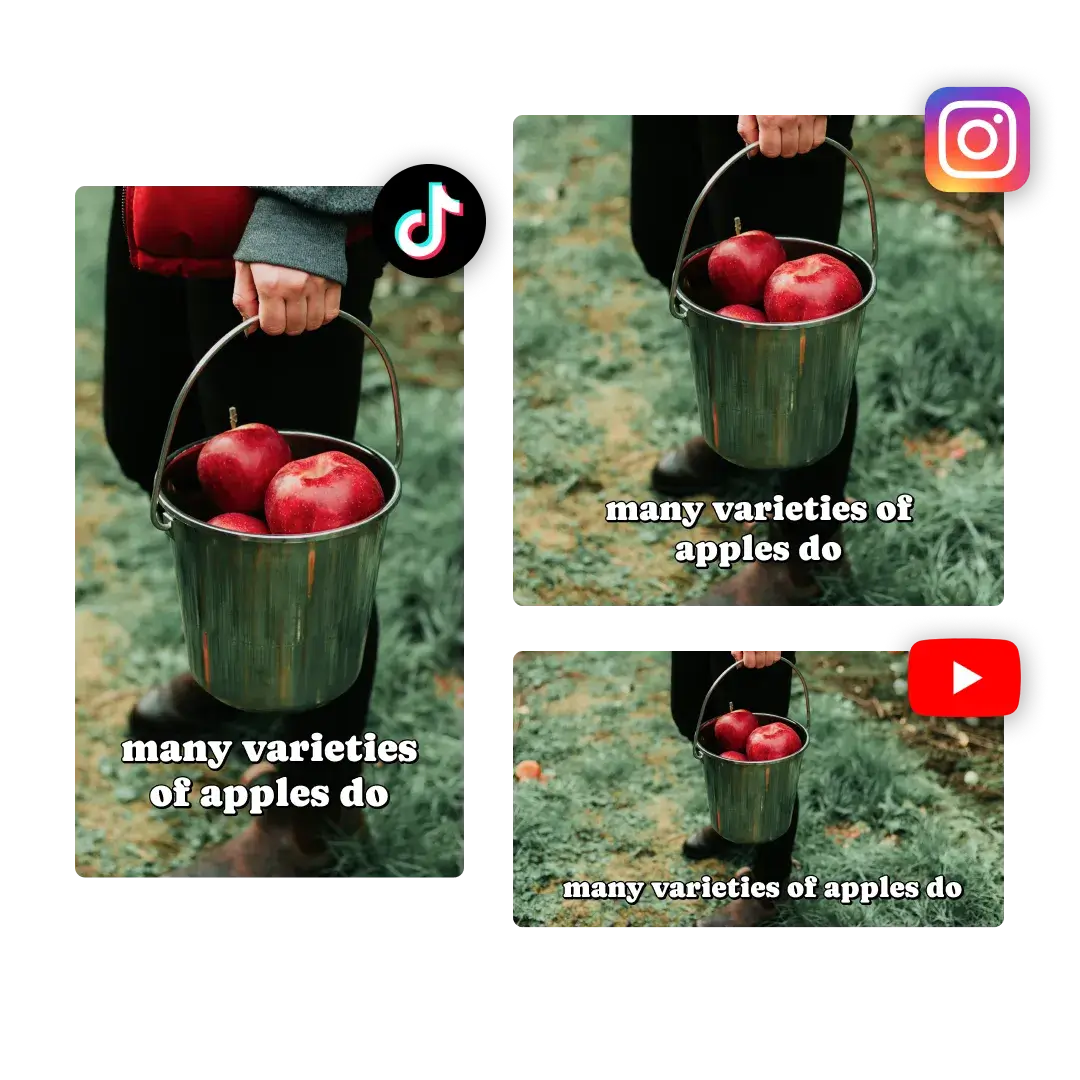
What is Image to Video Free
Image to Video Free is an AI-powered online tool designed to convert static images into dynamic videos without requiring software downloads or extensive editing skills. This free image to video AI generator allows users to upload images and then describe their desired video scene, characters, and actions. The platform supports various aspect ratios, video qualities (up to 1080p), and durations, enabling quick video creation for marketing, social media, or personal use. Key features include AI-enhanced pacing, transitions, and ambient soundscapes, with options for branded visuals and watermark-free exports. The service offers both a free image to video trial and tiered subscription plans for advanced functionalities and increased usage.
How does Image to Video Free work
Image to Video Free is an online AI tool that transforms static images into dynamic videos. Users upload images in JPG, PNG, or WebP formats, then describe their desired video content, characters, and actions. The platform, leveraging advanced AI technology, processes these inputs to generate a video, incorporating cinematic effects, motion styles, and ambient soundscapes. It supports various aspect ratios, video qualities (720p, 1080p), and durations. The service offers a free tier, but video generation consumes credits, and paid subscriptions unlock higher resolutions, advanced features, and commercial use licenses, always providing watermark-free downloads.
Benefits of Image to Video Free
Image to Video Free offers a user-friendly online platform to convert images into dynamic videos using AI. This free AI tool supports various image formats and provides diverse motion styles for visual storytelling without extensive editing. Users can generate professional, watermark-free videos in resolutions up to 1080p, with options for branded content and marketing videos. Its AI-powered generation and flexible input methods make it an accessible solution for creating engaging visual content without requiring sign-up.
Pros and Cons of Image to Video Free
Pros
- Free online image to video AI generator.
- No watermark on exported videos.
- Supports JPG, PNG, and WebP image formats.
- AI handles pacing, transitions, and ambiance.
- Offers various motion styles and templates.
Cons
- Video generation consumes credits.
- Requires a description for video generation.
- Limited video duration (5s/10s options).
- Free version offers up to 720p resolution.
- Pricing plans use a credit-based system.
