
Image to Image AI
Image to Image AI: Transform photos effortlessly

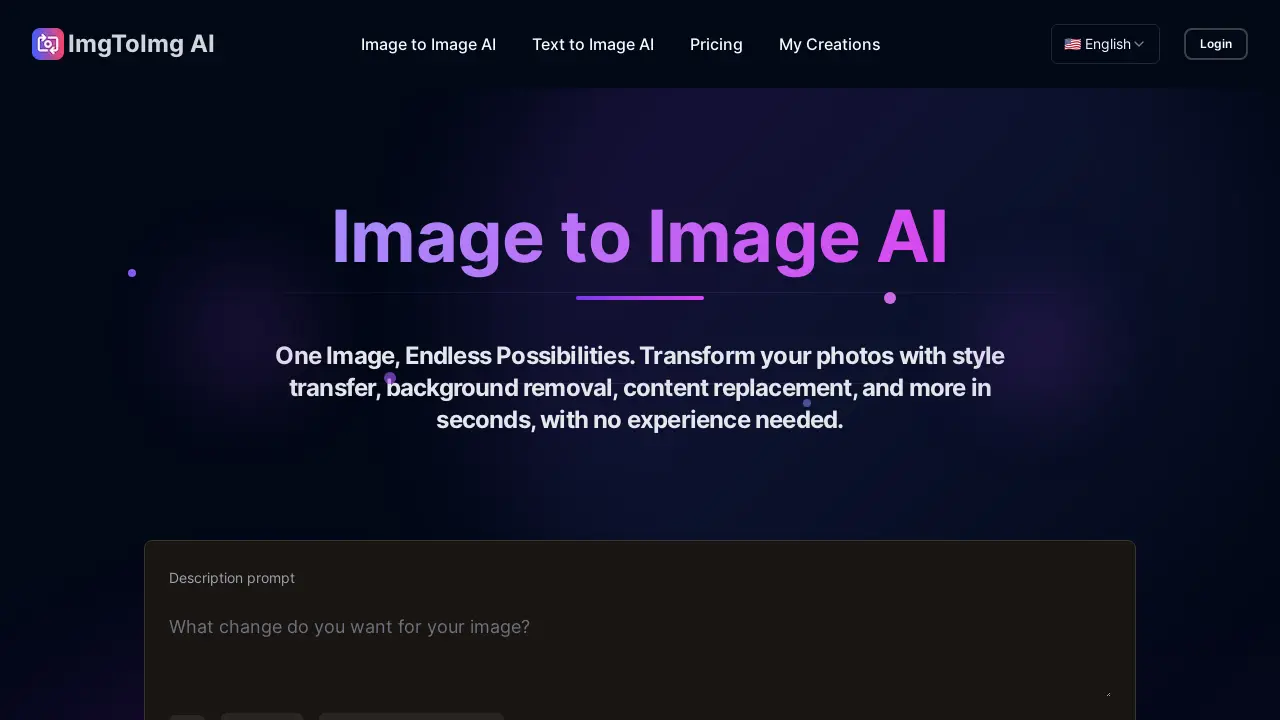
What is Image to Image AI
Image to Image AI is an intelligent tool that transforms photos into creative versions while preserving their original structure. Unlike standard image generators, this tool builds upon uploaded images, applying changes via style conversion, background removal, and content replacement.
Users can transform images into various artistic styles, leveraging advanced AI models for professional-quality results suitable for commercial use. It supports JPEG, PNG and WEBP formats. The Image to Image AI offers fast processing speeds, allowing users to experiment with different creative directions, making it ideal for marketers, designers, and creative enthusiasts. The technology retains the composition of the source image while applying transformations.
How does Image to Image AI work
Image to Image AI is an intelligent tool that transforms uploaded photos into creative variations using artificial intelligence. Users upload an image and then use a text prompt to describe desired changes, such as applying a specific art style, altering the background or replacing content. The tool preserves the original image's structure while applying the requested modifications. Different AI models are available and settings such as transformation strength can be adjusted to control the output. The platform supports multiple image formats and generates high-resolution images suitable for various uses, including commercial applications. This image to image ai generator simplifies photo editing and creative exploration.
Benefits of Image to Image AI
Image to Image AI is an intelligent tool that transforms photos into creative variations while preserving the original structure. Use this image to image AI generator for style transfer, background removal, or content replacement. The simple step-by-step guide allows anyone to create impressive results, with no design experience needed. Transform images into artistic styles or alter colors using a text prompt. Generate high-resolution images suitable for commercial use. Access multiple AI models and generate variations quickly. Try Image to Image AI free and explore endless possibilities.
Pros and Cons of Image to Image AI
Pros
- Transforms photos using AI while preserving structure.
- Offers multiple artistic styles and effects.
- Generates high-resolution images suitable for commercial use.
- Fast processing allows quick creative exploration.
- Accessible via web browser, no powerful computer needed.
Cons
- Free users have a monthly generation limit.
- Results depend on prompt quality and image clarity.
- Requires account for full access to features.
- Limited control beyond prompts and strength settings.
- Output quality varies based on chosen AI model.
Core Features of Image to Image AI
Image Transformation
Transforms existing images into new creative versions while preserving their original structure, using AI-driven style transfer and editing capabilities.
Style Application
Applies multiple artistic styles and effects such as Ghibli, Polaroid, or 3D figures, allowing for versatile image modifications based on user preference.
Image Enhancement
Enhances photos for various use cases, including marketing materials, product visualizations, and social media, producing professional-quality results without design expertise.
Fast Image Generation
Generates multiple image variations quickly, enabling users to explore different creative directions and iterate on their designs efficiently.
AI Model Access
Provides access to multiple AI models tailored for different artistic needs, facilitating both simple and complex image transformations within a single platform.
Use Cases of Image to Image AI
- Photographers: Quickly create portfolio variations and explore different artistic styles with Image to Image AI art generator.
- Marketers: Produce high-resolution, professional-quality marketing materials using the Image to Image AI editor for commercial use.
- Product Designers: Visualize product concepts and generate design iterations rapidly using an image to image AI generator model.
- Social Media Managers: Transform existing photos for social media campaigns with style transfer and content replacement using image to image AI free tools.
- Architects: Generate architectural visualizations using Image to Image AI generator for architecture and rapidly explore different design options.
FAQs of Image to Image AI
What is Image to Image AI?
Image to Image AI is an intelligent tool designed to transform existing photos into creative and new versions while preserving key compositional elements. This image to image ai generator uses artificial intelligence to apply requested changes, creating modified versions of the original image.
How does Image to Image AI differ from Text to Image generation?
Image to Image AI uses an uploaded photo as a starting point, maintaining its structure while applying changes described in the text prompt. Text to Image creates completely new images from text descriptions without any visual reference, offering a different approach to ai art generation.
What types of images work best with Image to Image AI?
Clear, well-lit photos with good resolution work best with Image to Image AI. Images with distinct subjects and matching aspect ratios to your desired output typically produce superior results when using this image to image ai art generator.
How much control do I have over the Image to Image AI transformation?
Users maintain control over the Image to Image AI process through descriptive text prompts and transformation strength settings. The AI maintains critical details while applying specified changes, allowing for precise customization of the generated image to image ai art.
What image formats and sizes are supported by Image to Image AI?
The Image to Image AI platform supports JPEG, PNG, and WEBP formats up to 20MB and 4096 x 4096 pixels, providing flexibility in the types of images users can upload and transform using the image to image ai editor.
Can I use the transformed images commercially?
Yes, all images generated by Image to Image AI can be used commercially in marketing materials, websites, social media, and product visualizations. This makes it a versatile tool for creating professional-quality image to image ai content.
How long does the transformation process take?
The Image to Image AI processes transformations in seconds, allowing users to quickly generate variations without long waiting times. This fast processing speed enhances the efficiency of creating image to image ai art.
Is there a limit to how many images I can transform with Image to Image AI?
Free users get a monthly generation limit for Image to Image AI. Premium plans offer more or unlimited transformations depending on the subscription, catering to different levels of usage for this image to image ai generator free online.
What if I'm not satisfied with the results from Image to Image AI?
Users can adjust their prompt, modify settings, or try different AI models within the Image to Image AI platform to improve results. Different combinations can often produce dramatically different outcomes when using this image to image ai generator model.
Do I need a powerful computer to use this service?
No, the Image to Image AI runs in the cloud, meaning it can be used on any device with a web browser and internet connection. All processing happens on the servers, making it accessible regardless of local computer specifications.
Is Image to Image AI free to use?
Image to Image AI offers a free tier with limited credits. Users can upgrade to a paid plan for more credits and access to additional features, depending on their needs for image to image ai generation.
How does the "Style" option affect the Image to Image AI result?
The "Style" option allows users to apply specific artistic styles to their transformed image, such as Ghibli, Polaroid, or 3D figure. This feature enables quick and easy experimentation with various artistic aesthetics in the image to image ai generator.
What is the purpose of the "Description prompt" field?
The "Description prompt" field allows users to provide detailed instructions on how they want the AI to transform their image. Being specific about styles, colors, or effects in the prompt helps the AI generate more accurate and desired results with the image to image ai.
How to use Image to Image AI
Image to Image AI Tutorial
This tutorial explains how to use Image to Image AI to transform your photos into creative new versions. The tool is accessible at imgtoimgai.com. This AI art generator builds on your images, applying style conversion, background removal, and more.
First, upload your image to the Image to Image AI platform. Supported formats include JPEG, PNG, and WEBP. Clear, high-resolution images generally produce the best results using this AI editor.
Next, describe your desired changes in the prompt field. Specify styles, colors, or effects to guide the AI image to image transformation. Consider different wording for different results.
Then, adjust the settings according to your preferences. Set your preferred aspect ratio and transformation strength. This allows control over how much the image changes using the AI.
After adjusting settings, click "Generate." The image to image AI generator will process your request. The processing time is generally fast, allowing for quick creation.
Once generated, review the results. Browse the variations and select your favorites. The image to image AI art generator offers multiple options for creative exploration.
Finally, download the transformed image in high quality. Use the results for marketing materials, social media, or personal projects with this versatile image to image ai art tool.
