
Mumble AI Introduction
Mumble AI is a Mac voice‑first app that captures meeting recordings, voice notes and dictation, offering on‑device privacy or cloud AI for fast transcription, live speaker‑labeled transcripts and automatic summaries.

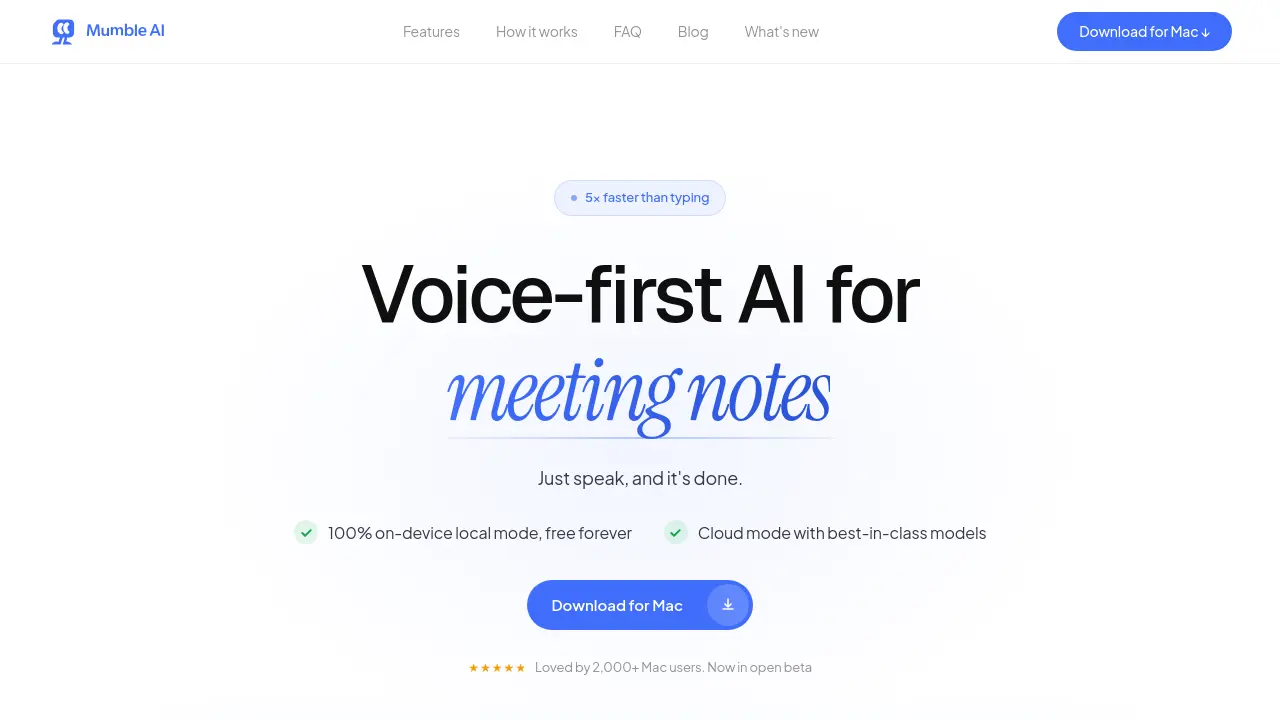
What is Mumble AI
Mumble AI is a voice‑first workspace for macOS that combines meeting capture, dictation, and smart note‑taking into a single application. When a scheduled call begins, the app records directly from the Mac’s system audio—no bot joins the meeting—while providing real‑time transcription with speaker labels. After the call ends, AI generates a structured summary, action items, and customizable templates, all stored locally or in the cloud.
In local mode, transcription runs entirely on‑device, keeping audio private and offline; cloud mode offers best‑in‑class accuracy across 50+ languages and faster processing. System‑wide dictation works in any text field, with shortcut keys to format output as plain text, bullet points, or custom actions. Mumble AI also syncs voice notes from its iOS companion, enabling seamless cross‑device workflow for professionals who prefer speaking over typing.
How does Mumble AI work
Mumble AI operates as a voice‑first workspace on macOS, capturing audio directly from the system without inserting a bot into the call. When a scheduled meeting begins, the app auto‑detects the session, records the audio, and delivers a live transcript with speaker labels. The transcript is processed either by on‑device local models for full privacy or by cloud‑based models for higher accuracy, then an AI engine generates a structured summary, action items and customizable templates. System‑wide dictation works in any text field, converting spoken input into clean notes, bullet points or custom actions, while all data remains encrypted and never leaves the device in local mode.
Benefits of Mumble AI
Mumble AI is a voice‑first Mac application that captures meetings, creates live transcripts with speaker labels, and generates structured summaries the moment a call ends. It offers both cloud processing—for fast, 50‑plus language accuracy—and a fully offline local mode, keeping all audio on‑device for privacy‑critical sessions. System‑wide dictation works in any text field, while customizable templates and smart note organization streamline follow‑ups. Automatic calendar detection starts recording without adding a bot to the call, and the free tier provides unlimited use during beta, making it a versatile tool for meeting notes, dictation, and voice memos.
Pros and Cons of Mumble AI
Pros
- 5× faster than typing.
- 100% on‑device local mode, free forever.
- Real‑time transcription with speaker labels.
- Instant AI‑generated meeting summaries.
- Works across any macOS app.
Cons
- macOS‑only, requires Apple Silicon.
- Cloud mode may incur future subscription fees.
- No native Windows or Linux support.
- Limited free tier after beta may restrict heavy users.
