
Mumble AI FAQs
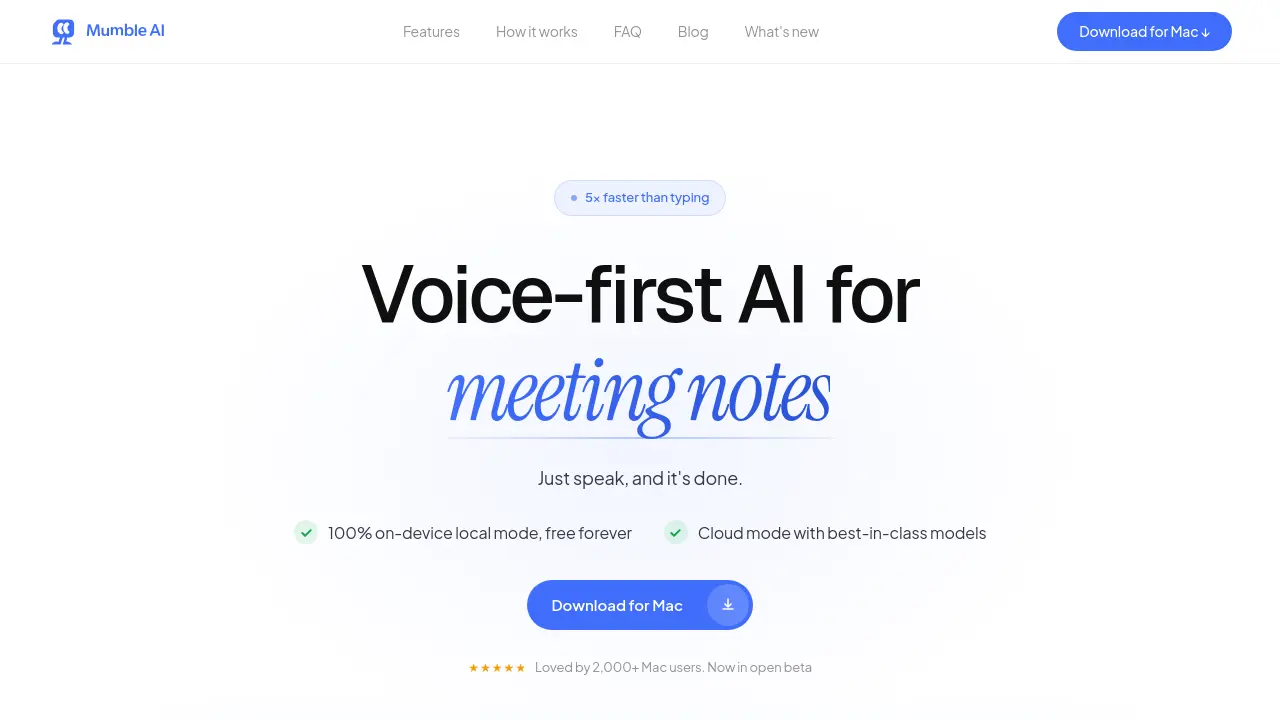
Mumble AI is a Mac voice‑first app that captures meeting recordings, voice notes and dictation, offering on‑device privacy or cloud AI for fast transcription, live speaker‑labeled transcripts and automatic summaries.

FAQs of Mumble AI
How is Mumble AI different from other meeting transcription tools like Otter, Fireflies, or Granola?
Mumble AI distinguishes itself by recording audio directly from the Mac’s system audio without adding a bot to the call, offering both cloud‑based and on‑device (local) AI processing, and providing a unified voice‑first workspace that includes system‑wide dictation, voice notes, and customizable meeting templates. This combination of privacy, speed, and multi‑tool integration is not typically found in competing services.
Does a bot join my meeting when I use Mumble AI?
No. Mumble AI captures audio from the Mac’s microphone and system output, so no extra participant appears in the meeting. The app auto‑detects scheduled calls via Google Calendar and records silently in the background, preserving the original meeting experience.
Does Mumble AI offer a local (offline) mode?
Yes. In local mode, all speech‑to‑text and summarization models run entirely on the Mac, meaning audio never leaves the device. Users can switch to cloud mode at any time for higher accuracy or multilingual support, but the offline option ensures full privacy for sensitive conversations.
Is my data safe when I use Mumble AI?
Data security is a core focus. In local mode, nothing is transmitted—audio and transcripts remain on the Mac. In cloud mode, all data is encrypted both in transit and at rest, is used solely for transcription and summarization, and is never shared with third parties or used to train external models. Users can delete any stored data at will.
Does Mumble AI provide a free plan?
During the open beta, Mumble AI is completely free with unlimited usage. After the beta, the local mode will remain free forever, while cloud mode will include a generous free tier and optional paid plans for advanced features or higher usage volumes. No credit‑card information is required to start.
Which platforms and meeting applications are compatible with Mumble AI?
Mumble AI is a native macOS app requiring macOS 14+ on Apple Silicon (M1 or newer). It works with any meeting software that outputs audio through the Mac, including Zoom, Google Meet, Microsoft Teams, and Slack. System‑wide dictation functions in any text field across all apps, and an iOS companion (Mumble Note) syncs voice notes to the Mac app.
Can I sync voice notes from Mumble Note (iOS) to Mumble AI on my Mac?
Yes. Voice notes created in Mumble Note on iOS automatically synchronize to Mumble AI on the Mac. The sync is currently one‑directional—notes flow from the iOS app to the desktop client—ensuring that all captured ideas are available for further organization and summarization.
How to use Mumble AI
Mumble AI provides voice‑first meeting notes, dictation, and smart summaries on macOS, offering both cloud‑based accuracy and 100 % on‑device privacy modes.
Install the Mac app via the provided download link, then launch it and grant microphone and screen‑recording permissions to enable audio capture.
Press the configured shortcut (default ⌘ Space) in any application; Mumble opens instantly, ready to record your speech or ongoing meeting without a bot participant.
Speak naturally; Mumble transcribes in real time, labeling speakers, and applies the selected shortcut keys (← for plain text, ↑ for bullet points, ↓ for custom actions).
When the meeting ends, Mumble automatically generates a structured summary, including decisions, action items, and a concise overview displayed in the workspace.
Review the summary, edit if needed, then export or share it directly from the app; templates can be customized to match existing documentation standards.
Switch between cloud and local processing in settings: use cloud for faster, multilingual transcription, or local mode for offline privacy-sensitive recordings.
Analyze the live transcript and summary to identify key discussion points, track assigned tasks, and align follow‑up actions, improving productivity and meeting efficacy.
