
Happy Horse AI Introduction
Happy Horse AI is an online AI video generator for creators, offering text‑to‑video, image‑to‑video, reference‑guided and video‑edit workflows with 720p/1080p output and flexible aspect ratios.

What is Happy Horse AI
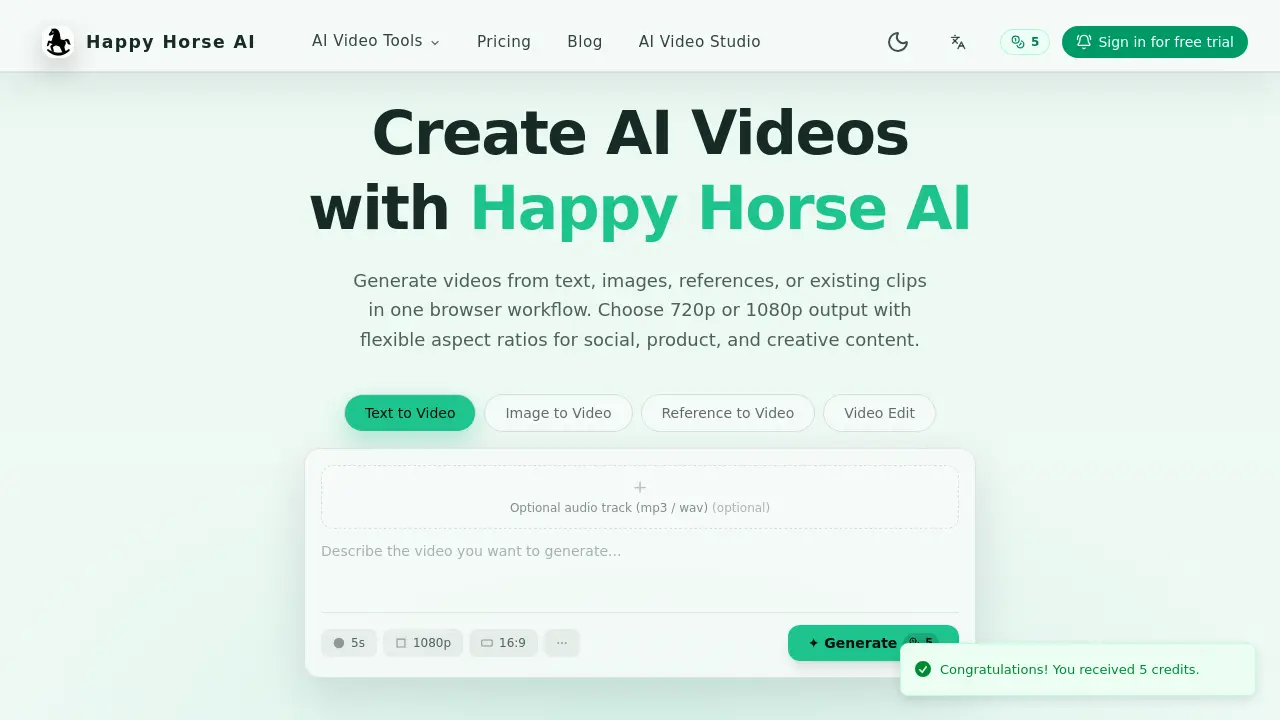
Happy Horse AI is a browser‑based platform that consolidates text‑to‑video, image‑to‑video, reference‑guided generation, and video‑edit workflows into a single interface. Users can input written prompts, still images, reference clips, or voice cues to produce short videos with selectable resolutions of 720p or 1080p and flexible aspect ratios (16:9, 9:16, 1:1, 4:3, 3:4). Each workflow exposes task‑specific controls, such as first‑ and last‑frame settings, reference asset handling, and optional audio tracks (MP3/WAV). The credit‑based model allows scalable usage, and the video‑edit mode lets creators upload existing footage, apply AI‑driven edits, and choose between original or generated audio. Designed for social media, product demos, and creative projects, Happy Horse AI streamlines the movement from concept to export without requiring external software.
How does Happy Horse AI work
Happy Horse AI operates as a browser‑based platform that converts text, images, reference media, or existing video clips into short, export‑ready videos. Users select a workflow—text‑to‑video, image‑to‑video, reference‑guided generation, or video edit—then provide prompts, first/last frames, or reference assets; the system applies AI models to synthesize motion, style, and composition, while optional audio tracks can be added or replaced with AI‑generated sound. Output resolution is limited to 720p or 1080p, with adjustable aspect ratios such as 16:9, 9:16, and 1:1. Credit‑based access controls processing capacity, enabling creators to scale usage as needed.
Benefits of Happy Horse AI
Happy Horse AI provides a browser‑based suite for AI video creation that consolidates text‑to‑video, image‑to‑video, reference‑guided generation, and video editing into a single workflow. Users can generate 720p or 1080p clips with flexible aspect ratios (16:9, 9:16, 1:1, 4:3, 3:4), select optional audio tracks, and apply workflow‑specific controls such as frame definitions or reference assets. Credit‑based pricing scales with team size, while the integrated editor allows prompt‑driven edits and audio switching. The platform emphasizes fast idea‑to‑export transitions, making it suitable for social, product, and creative content projects.
Pros and Cons of Happy Horse AI
Pros
- Browser-based interface, no installation required.
- Supports text, image, reference, and video edit workflows.
- 720p and 1080p output with multiple aspect ratios.
- Credit-based pricing scales with usage.
Cons
- Limited free credits may restrict initial testing.
- Processing speed depends on internet connection.
- No native desktop application for offline work.
- Advanced features may require higher credit plans.
