
HairAiChanger FAQs
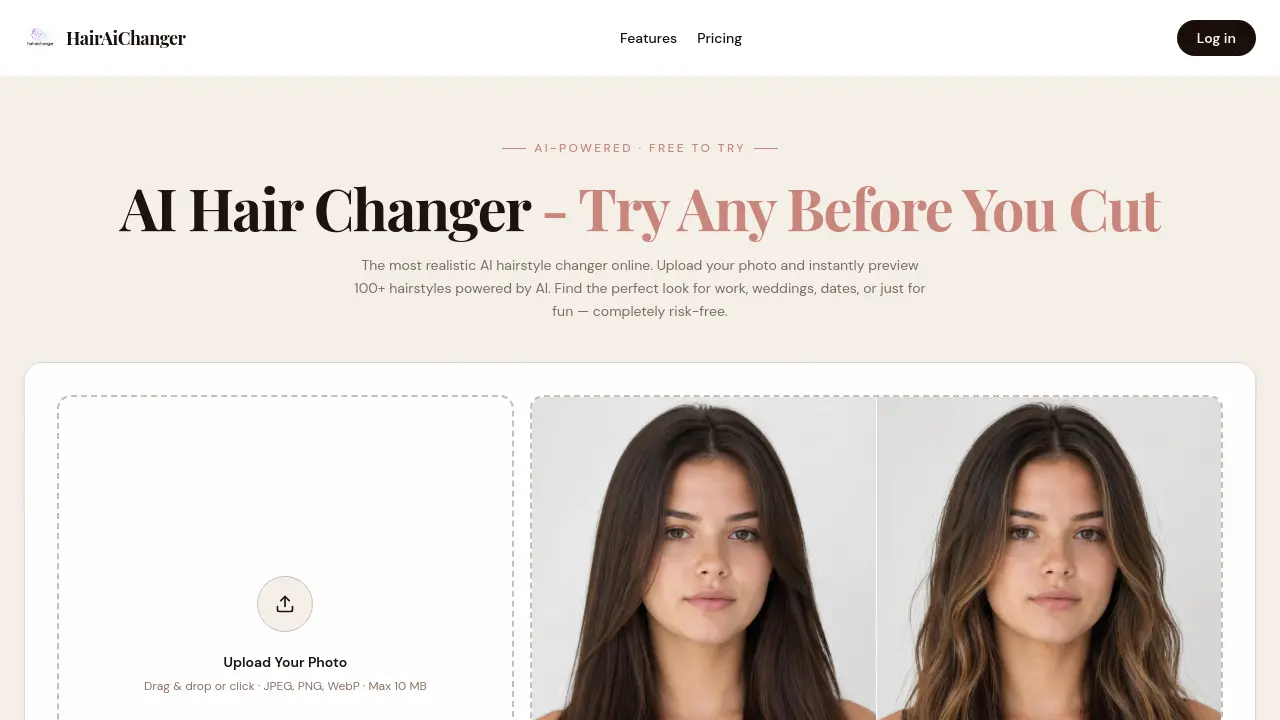
HairAiChanger is an AI hairstyle changer that lets users upload a selfie and instantly preview over 100 styles and colors, filtered by occasion such as interviews, weddings or dates, helping avoid costly haircut mistakes.

FAQs of HairAiChanger
Is this AI hair changer really free to use?
HairAiChanger offers a completely free trial that allows users to generate and download up to three hairstyle previews without requiring a credit card or any payment. The core functionality, including uploading a photo, selecting an occasion, and previewing styles, remains accessible at no cost.
How accurate is the AI hairstyle changer?
The AI models powering HairAiChanger are trained on high‑resolution image datasets, delivering hyper‑realistic results that closely mimic actual hair texture, color, and lighting. While the visual output is highly accurate, final results may still vary slightly depending on individual hair growth patterns and styling techniques used by a professional stylist.
What photos work best with the AI hair changer?
For optimal performance, users should upload a clear, front‑facing selfie with good lighting and a neutral background. Images where the face is fully visible, hair is not obscured, and the camera angle is roughly perpendicular to the face produce the most realistic AI‑generated hairstyles.
Is my photo data safe with this hair AI changer?
HairAiChanger guarantees privacy by never storing personal photos or identifying information on its servers. All uploaded images are processed in memory and automatically deleted after 24 hours, ensuring that users retain full control over their visual data.
Does the AI hairstyle changer work for both men and women?
Yes, the platform supports both male and female users. The hairstyle library includes cuts and colors suitable for any gender, from classic bobs and pixie cuts to textured crops and longer layered looks.
What makes hairaichanger.com different from other AI hair changer tools?
HairAiChanger distinguishes itself through scene‑based recommendations that filter styles by specific occasions, such as job interviews, weddings, or sports. Additionally, the service leverages cutting‑edge image‑generation models to produce highly realistic previews, and it remains completely free with no hidden fees.
Can I use AI hair changer results to show my hairstylist?
Absolutely. Users can download the generated images and share them directly with their hairstylist. The realistic previews act as a visual reference, helping professionals understand the exact cut, length, and color the client wishes to achieve.
Does this AI hair changer work on mobile devices?
The web‑based interface is fully responsive and runs smoothly on smartphones and tablets. Users can upload photos, select occasions, and generate hairstyle previews from any modern mobile browser without needing a separate app.
How long does it take to generate a hairstyle preview?
Once a photo is uploaded and a style is chosen, the AI engine typically produces a rendered image within 10 seconds. This rapid turnaround allows users to experiment with multiple looks in a single session.
Can I try hair colors that are not offered in the default palette?
HairAiChanger includes an “AI Pick” option that suggests additional shades based on the uploaded photo. While the preset palette covers over 20 popular colors, the AI can also generate custom hues that closely match user preferences.
How to use HairAiChanger
HairAiChanger functions as an AI‑powered virtual hairstyle changer, allowing users to upload a selfie, select an occasion, and preview 100+ realistic haircuts and colors before any real cut.
Open hairaichanger.com, locate the drag‑and‑drop area, and upload a clear, front‑facing photo (JPEG, PNG, or WebP, max 10 MB) to initiate the AI processing engine.
Choose the intended occasion—such as job interview, wedding, or date night—from the dropdown menu; this filters the style library to match the event’s aesthetic requirements.
Scroll through the categorized hairstyle gallery, select a preferred cut or color, and click “Generate” to let the AI render the transformed image within ten seconds.
Review the before‑and‑after preview displayed side by side; assess how facial features, hair texture, and color harmonize with the chosen style for the specific occasion.
Download the resulting image using the provided button, then share the file with a hairstylist or save it for personal reference to guide the actual hair transformation.
Repeat steps 3–5 to experiment with multiple looks, comparing outcomes to identify the most flattering option that aligns with personal preferences and event goals.
After finalizing a preferred style, use the saved AI preview as a visual brief for the salon, ensuring the stylist understands the desired cut, color, and occasion‑appropriate look.
