
Word to PPT Introduction
For students and professionals, GenPPT AI converts Word to PPT using AI and web search, creating professional PowerPoint slides from documents for free.

What is Word to PPT
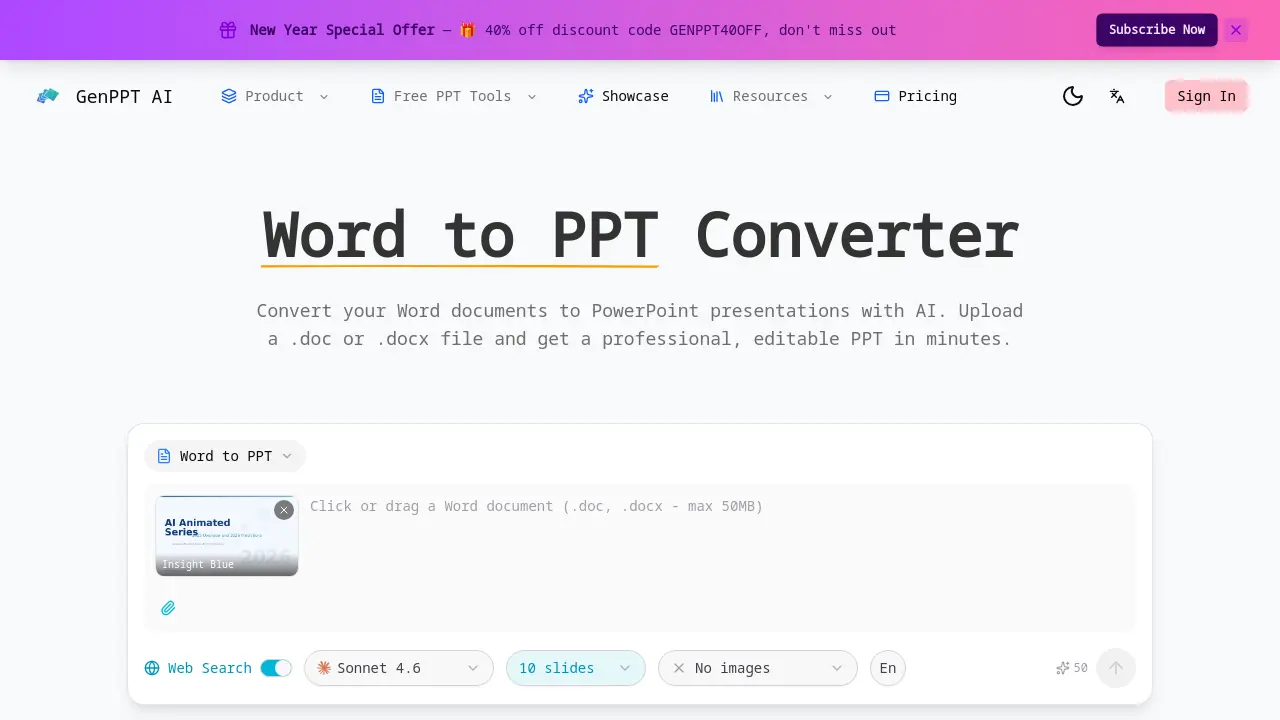
Word to PPT is an AI-powered tool that converts Microsoft Word documents into professional PowerPoint presentations. Users upload .doc or .docx files, and the AI analyzes content to generate structured, editable slides. The tool preserves document hierarchy, mapping headings to slide titles and maintaining logical flow. Multiple design templates like Insight Blue and Clarity Glass allow visual customization. Additional features include optional web search for enriched content, fast processing, and a free tier with no sign-up required. The fully editable PPTX output supports post-conversion modifications, making it ideal for students and professionals transforming reports, proposals, or research papers into impactful presentations efficiently.
How does Word to PPT work
The Word to PPT converter employs AI to transform Word documents into structured PowerPoint presentations. It analyzes uploaded .doc or .docx files, extracting headings, paragraphs, tables, and lists to map content onto slides based on document hierarchy. The conversion preserves original organization, using templates like Insight Blue for professional layouts and optional web search for enriched data. Output is a fully editable PPTX file, with the process being free, fast, and requiring no sign-up, supporting various document lengths for efficient slide generation.
Benefits of Word to PPT
The Word to PPT converter leverages AI to efficiently transform .doc or .docx files into professional PowerPoint presentations. It intelligently analyzes document structure, mapping headings, tables, and paragraphs into a logical slide sequence while preserving hierarchical organization. The tool applies polished layouts and design schemes, delivering a fully editable PPTX output for further customization. An optional web search feature can supplement content with current data. This free, no-sign-up converter processes documents quickly, making it a practical resource for students and professionals needing to repurpose reports or proposals into clear slide decks.
Pros and Cons of Word to PPT
Pros
- AI-powered conversion preserves document hierarchy.
- Professional slide layouts with customizable templates.
- Fully editable PPTX output post-conversion.
- Web search integration adds current data.
- No sign-up required for free conversion.
Cons
- Limited image inclusion in default conversion.
- Sparse documentation in FAQ section.
- Potential language support constraints.
- No clear advanced customization options.
- Free tier may have usage limits.
