
Word to PPT FAQs
For students and professionals, GenPPT AI converts Word to PPT using AI and web search, creating professional PowerPoint slides from documents for free.

FAQs of Word to PPT
How does the Word to PPT converter work?
The Word to PPT converter uses artificial intelligence to automatically process uploaded Word documents. It analyzes the entire file to extract textual elements such as headings, paragraphs, tables, and lists. The AI then maps the document's hierarchical structure into a logical sequence of PowerPoint slides, applying appropriate slide layouts and design elements.
What Word file formats are supported?
The converter supports both .doc and .docx file formats commonly used by Microsoft Word. Users can upload documents of any length or complexity, and the system will process them without restrictions on page count or content size.
Is the Word to PPTX output fully editable?
Yes, the converted PowerPoint file is fully editable in Microsoft PowerPoint or compatible software. Users can modify all text content, adjust slide layouts, insert additional images or graphics, and customize design elements after conversion. The output maintains standard PPTX format compatibility.
Can I control the number of slides when converting Word to PPT?
The AI automatically determines the optimal number of slides based on the document's structure and content distribution. While direct slide count specification during conversion is not available, the fully editable output allows users to easily add, remove, or reorganize slides as needed after conversion.
Is the Word to PPT converter free?
The Word to PPT conversion service is completely free to use with no hidden charges. There is no requirement to create an account or subscribe to a paid plan for basic conversions. The service operates on a freemium model where core conversion features are available at no cost.
How long does Word to PPT conversion take?
Conversion time varies depending on document length and complexity, but most conversions are completed within a few minutes. The AI processing is optimized for speed, and users receive the editable PPTX file promptly after upload, typically without significant delay.
What template designs are available for the converted presentation?
The service offers multiple pre-designed template styles such as Insight Blue, Clarity Glass, and Sandstone Pro. Users can select their preferred template before conversion, which influences the color schemes, typography, and overall visual presentation of the slides. Each template provides a professional aesthetic.
Does the conversion include images from the original Word document?
By default, the conversion process does not automatically extract or embed images from the source Word document. The AI focuses on textual content and structure. However, users can manually add images to the editable PPTX file after conversion using PowerPoint's built-in tools.
How does the web search feature enhance the presentation content?
When enabled, the web search feature supplements the original Word document content with current data, statistics, and contextual information from the internet. This AI-driven enrichment updates facts, adds relevant examples, and ensures the presentation reflects the latest available information for greater impact.
Is there a file size or page limit for Word documents?
The converter imposes no strict file size or page count limitations. It can process .doc and .docx files of any length, from short memos to lengthy dissertations. The AI scales to handle documents with extensive content, though extremely large files may take proportionally longer to convert.
Do I need to sign up or provide personal information to use the converter?
No, the Word to PPT converter does not require user registration or personal information. Conversions can be performed anonymously without creating an account. Users simply upload their document and receive the PPTX file directly, ensuring privacy and convenience.
How to use Word to PPT
Word to PPT is an AI-powered tool that converts Microsoft Word documents into editable PowerPoint presentations. It analyzes document structure, applies professional templates, and optionally enriches content with web-sourced data for polished slides.
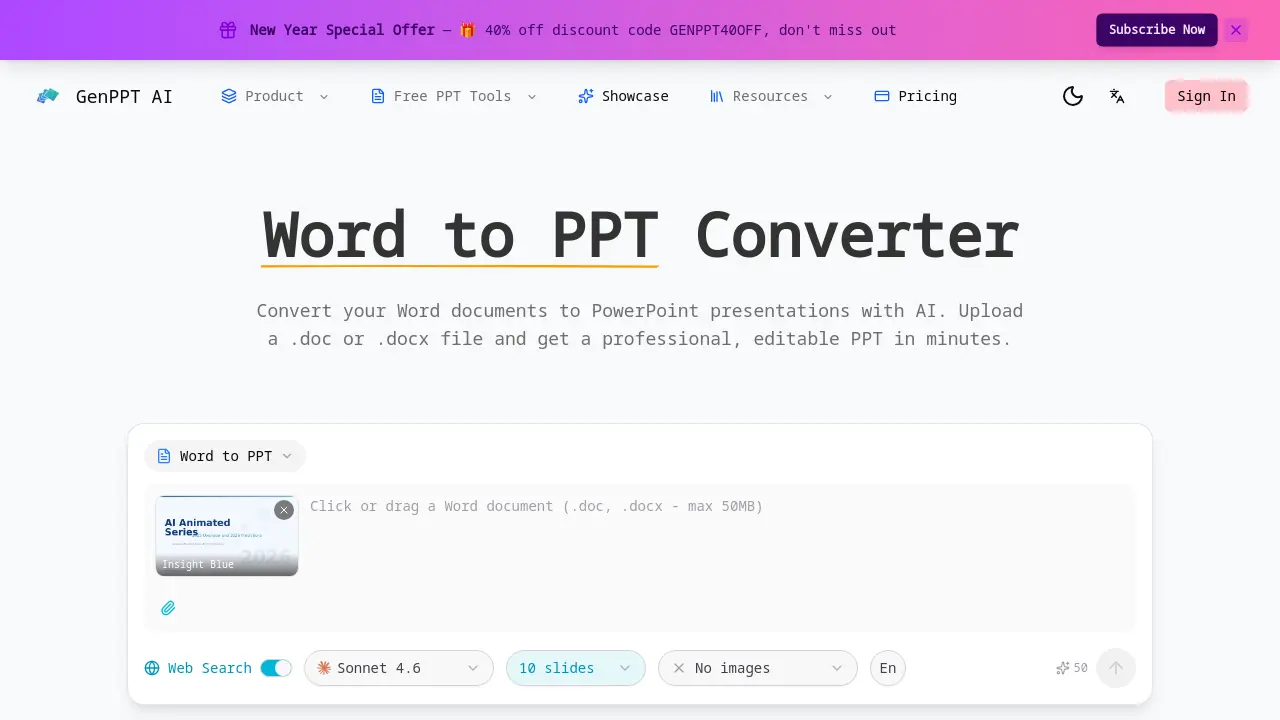
- Access the GenPPT AI website and navigate to the Word to PPT converter section. The tool is freely available without requiring user registration or login.
- Upload your .doc or .docx file by clicking the designated upload area or dragging the file into the interface. The converter accepts documents of any length.
- Select a pre-designed template such as Insight Blue, Clarity Glass, or Sandstone Pro. This choice determines the slide color scheme and typography.
- Enable the web search toggle if you need the AI to supplement your content with current statistics, data, or external context for more impactful slides.
- The AI automatically processes your uploaded document, extracting headings, paragraphs, tables, and lists to map content onto slides logically.
- Click the convert button to initiate the conversion. The system uses AI models like ClaudeSonnet 4.6 and typically completes processing within minutes.
- Review the generated slide preview in your browser. Verify that the document structure translated correctly and the professional design is applied.
- Download the fully editable PPTX file to your device. The output maintains all text and layout elements for modification in presentation software.
- Open the PPTX in Microsoft PowerPoint or a compatible editor. Customize slides by editing text, adjusting layouts, or adding imagery as required.
- Utilize the finalized presentation for business reports, academic lectures, or proposals. The AI-generated structure supports clear communication of your content.
