
GenPPT's free online PPT merger combines PowerPoint files.

What is Merge PPT
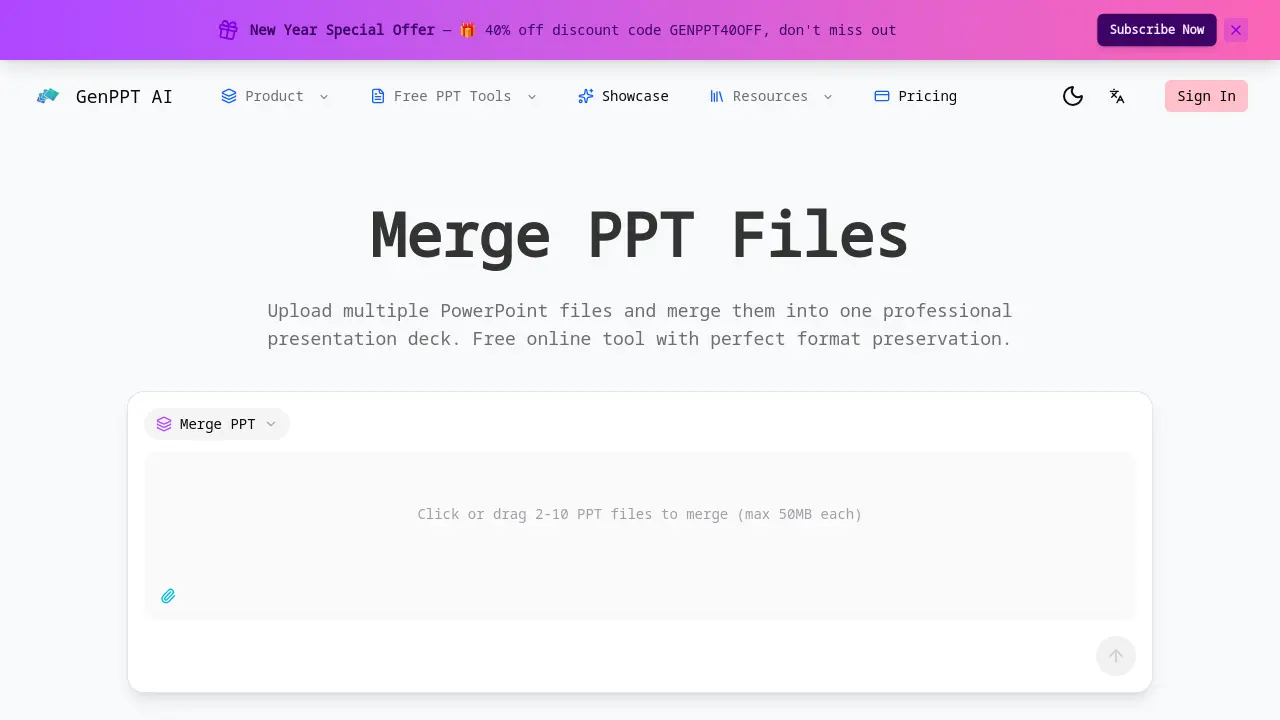
Merge PPT is a free online tool designed to combine multiple PowerPoint presentations into a single, cohesive deck. It supports batch merging of 2 to 10 files, each up to 50MB, while preserving all original formatting, fonts, colors, and layouts. Users can drag and drop files to control slide order before merging, ensuring logical flow. The tool processes files instantly with no file size limits or watermarks, and all data is securely deleted after processing. Unlike general AI presentation generators that lack dedicated merge functionality, Merge PPT specializes in efficient, format-accurate consolidation. Ideal for professionals and students, it saves time and maintains presentation integrity without requiring software installation.
How does Merge PPT work
Merge PPT operates as a web-based utility for combining multiple PowerPoint files into a single deck. Users upload 2 to 10 PPT or PPTX files, each up to 50MB, and can drag-and-drop them to establish the final slide order. The tool's core function is to merge these presentations while preserving all original formatting, fonts, images, and layouts without quality loss. Processing occurs instantly online, after which all uploaded files are automatically deleted from the server to ensure privacy. This specialized batch merging capability distinguishes it from general AI presentation builders that lack native, automated PowerPoint file consolidation features.
Benefits of Merge PPT
GenPPT's Merge PPT tool enables efficient consolidation of 2-10 PowerPoint files into a single presentation. Merging occurs in seconds with perfect format preservation—fonts, colors, images, and layouts remain intact without quality loss. Users rearrange slides via drag-and-drop for optimal sequencing. Completely free, it imposes no file size limits, watermarks, or subscription fees. Files are securely processed and deleted immediately, ensuring privacy. As a dedicated merger, it eliminates the manual effort required by platforms lacking native merge functionality, providing a streamlined workflow for unified decks.
Pros and Cons of Merge PPT
Pros
- Fast processing with perfect format preservation.
- Batch merging supports up to 10 files efficiently.
- Drag-and-drop ordering controls slide sequence.
- Completely free with no watermarks or subscriptions.
- Secure processing with automatic file deletion.
Cons
- Online-only, requires stable internet connection.
- Maximum 10 files per merge operation.
- Individual files limited to 50MB each.
- No offline access or desktop application.
- Potential issues with highly complex presentations.
Core Features of Merge PPT
Perfect Format Preservation
Ensures all original formatting, including fonts, colors, images, and layouts, remains intact during the merge process, preventing design distortion or quality loss in the combined presentation.
Batch PowerPoint Merge
Supports simultaneous merging of 2 to 10 PowerPoint files, efficiently handling both simple and complex decks to streamline workflows involving multiple presentations.
Smart Slide Ordering
Provides drag-and-drop functionality to rearrange files before merging, allowing users to control slide sequence for a logical content flow in the final deck.
Fast PPT Merge
Combines multiple PowerPoint presentations in seconds, maintaining original slide order, ideal for quickly consolidating team or client materials into one file.
Free Online PPT Merger
Offers a completely free service with no file size limits, watermarks, or subscription fees, ensuring full access to merging features at no cost.
Secure & Private
Processes files securely with immediate deletion after merging, guaranteeing that no data is stored or shared, thus maintaining user privacy throughout.
Use Cases of Merge PPT
- Students: Merge group project PPT files online while preserving original formatting and slide order effortlessly.
- Corporate teams: Combine multiple departmental presentations using batch merge to save time and maintain consistency.
- Event organizers: Consolidate multiple speaker PowerPoint files securely into a single event deck without data retention.
- Educators: Merge lecture slides from various semesters into a cohesive presentation with perfect format preservation.
- Freelancers: Combine client presentations efficiently using the free online PPT merger with no file size restrictions.
FAQs of Merge PPT
How do I merge PPT files online?
Users can merge PPT files by visiting the GenPPT website, uploading 2 to 10 PowerPoint files via drag-and-drop or file selection, arranging the order using the drag-and-drop interface, and clicking the merge button. The merged file is then available for immediate download, streamlining the combination process without requiring software installation.
Is the PPT merge tool free?
Yes, the PPT merge tool is completely free to use with no subscription fees, watermarks, or hidden charges. All merging features are available at no cost to registered users, making it an accessible solution for combining presentations without financial barriers.
What file formats are supported?
The tool supports standard PowerPoint file formats including .ppt and .pptx. Users can upload these formats for merging, and the output is a single PowerPoint file that maintains compatibility with common presentation software like Microsoft PowerPoint and Google Slides.
How many files can I merge at once?
The merger allows users to combine between 2 and 10 PowerPoint files in a single operation. Each individual file must not exceed 50MB in size, which ensures efficient processing while accommodating most typical presentation files within reasonable constraints.
Will formatting be preserved when merging?
Formatting is fully preserved during the merge process. All original elements such as fonts, colors, images, slide layouts, and animations remain intact, ensuring the merged presentation retains the exact design intent of the source files without distortion or quality loss.
Does the merge tool work on mobile devices?
The web-based merge tool is accessible on mobile devices through mobile browsers. However, for optimal experience and easier file management, using a desktop or laptop computer is recommended due to larger screen size and more straightforward drag-and-drop functionality.
Are my files secure when using this tool?
Files are processed securely on the server side and are automatically deleted immediately after the merge is complete. No data is stored or shared with third parties, ensuring user privacy and confidentiality throughout the entire process.
Can I merge PowerPoint files with different themes?
Yes, presentations with different themes can be merged. Each slide retains its original theme and formatting, so the merged deck will showcase a variety of designs as per the source files, without forced unification or style overrides.
How long does it take to merge presentations?
Merging typically takes only a few seconds, depending on the total number of slides and file sizes. The tool processes files instantly online, allowing quick combination even for multiple or complex presentations without significant delays.
What happens if the merge fails?
If a merge fails, users should verify that all files are valid PowerPoint formats and within the size limit. Corrupted files or incompatible formats may cause issues. Retrying with corrected files usually resolves the problem; persistent failures can be reported to customer support for assistance.
What operating systems and browsers are compatible?
The merge tool works on any operating system—Windows, macOS, Linux—as long as a modern web browser like Chrome, Firefox, Safari, or Edge is used. Being web-based eliminates OS-specific dependencies and ensures broad accessibility.
Can embedded media such as videos or audio be merged successfully?
Embedded media files within PowerPoint presentations are preserved during merging. However, users should ensure that all media files are properly linked in the original presentations to avoid playback issues in the merged output, especially with large or externally referenced clips.
Is there a limit on the total slide count after merging?
There is no fixed limit on the total number of slides post-merge. Practical constraints may arise from browser memory limitations or extremely large cumulative file sizes, but the tool handles typical presentation volumes without imposing strict slide count restrictions.
Can I customize the order of slides from different files?
Yes, the drag-and-drop interface allows users to reorder the uploaded files before merging, which determines the sequence of slides in the final presentation. This provides direct control over the narrative flow when combining content from multiple sources.
Is user registration mandatory for using the merge feature?
Registration is required to access the merge tool, but it is free and does not involve any paid subscription. Creating an account helps manage usage and ensures compliance with privacy policies, while all core merging features remain available at no cost.
How to use Merge PPT
Merge PPT is a free online tool for combining multiple PowerPoint presentations into a single file with perfect format preservation. It supports batch merging of 2-10 files up to 50MB each.
- Begin by uploading 2-10 PPT files, each up to 50MB, via drag-and-drop or file selection.
- Arrange the desired slide order by dragging file thumbnails before initiating the merge.
- Click the merge button to process the files; the tool preserves all original formatting.
- Download the merged presentation once processing completes instantly.
- Verify the final deck's slide sequence and formatting, as files are automatically deleted after download.
Merge PPT Website Traffic Analysis
Latest traffic information
- Monthly Visits91
- Bounce Rate37.19%
- Pages Per Visit1.07
- Visit Duration00:00:00
- Global Rank3.4M
- Country/Region Ranking--
Top Regions
| Region | Percentage |
|---|---|
| Spain | 100% |
Merge PPT Alternatives
Open-source AI coworker for Slack and Lark that runs Claude Code, Codex or Pi on your own machine with the plan or API key you already pay for.
Wery is a virtual AI studio that routes one goal to specialist agents for video, images, music and documents, keeping characters and project assets consistent.

Free invoice maker for freelancers and small businesses on Web, iOS and Android. Create unlimited PDF invoices, manage clients and companies, and bill from AI assistants via MCP.
Relay App turns plain-language instructions into AI workflows that connect 200+ apps, run reliable automations, and pause for human approval.
AtAt runs Claude Code, Codex, or local models in the text field you are typing in, no app-switching. It adds TabTab autocomplete, screenshots, and clipboard history.
Dash is an AI teammate in Slack and Microsoft Teams that connects 3,000+ tools, automates workflows and completes tasks in your channel.
Pi is an AI presentation generator that turns ideas into polished slides. One-click generation, smart layouts and templates make decks fast and easy.
Convert PPT to MP4 video online with AI. Upload slides, set duration, resolution and sound, then generate a polished cinematic video with narration and music.
Always free browser that shares your logged-in Chrome state with AI agents like Claude Code and Codex, running browser automation up to 3.45x faster.
Turn JPG, PNG, and WebP images into editable PowerPoint slides. Upload up to 10 images, set the order, and let AI rebuild each image as a real slide.
Ritto AI learns from one real demonstration of your work, finds the repeated tasks, and completes them the same way. Join the beta for early access.
Gamma AI is an AI presentation generator that turns text, PDF, and Word into slides with structured outlines, in-browser editing, and editable PPTX export.