
Word to PPT Core Features
For students and professionals, GenPPT AI converts Word to PPT using AI and web search, creating professional PowerPoint slides from documents for free.

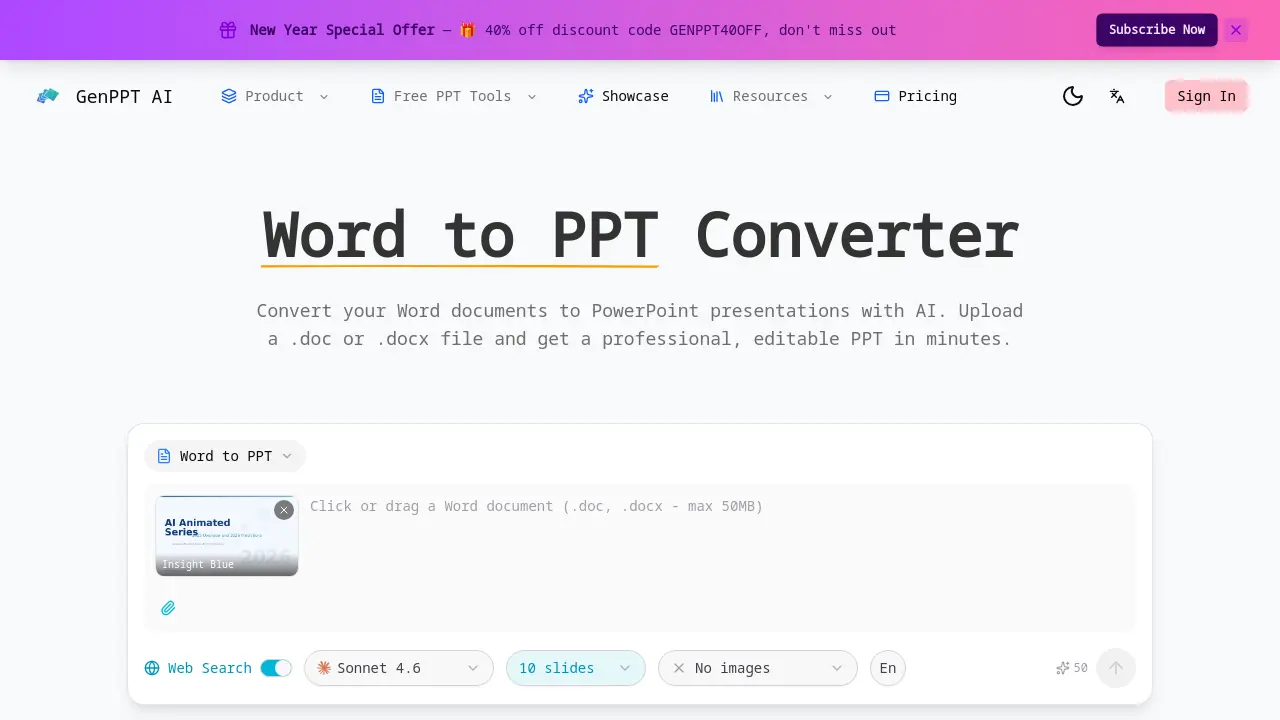
Core Features of Word to PPT
AI-Powered Document Conversion
Converts Word documents (.doc, .docx) into PowerPoint presentations using artificial intelligence to automate slide creation from text files.
Intelligent Content Extraction
The AI reads the entire Word document to extract headings, paragraphs, tables, and lists, ensuring all content is captured for slide generation.
Structure Preservation
Maintains the original document's organization by mapping chapters to section dividers, headings to slide titles, and distributing content with visual hierarchy.
Professional Slide Design
Applies pre-designed layouts, color schemes, and typography to create visually polished slides that present document content effectively without manual design work.
Fully Editable PPTX Output
Delivers a standard PowerPoint file (.pptx) where all elements, including text and layouts, can be modified after conversion using presentation software.
Web Search Enhancement
Optionally enriches presentation content by integrating current data, statistics, and context from the web to supplement the original Word document information.
Fast & Free Conversion Service
Processes documents of any length in minutes without requiring user registration or payment for the basic conversion functionality.
Use Cases of Word to PPT
- Students: Convert research papers and essays into structured presentation slides for class.
- Business professionals: Transform lengthy reports and proposals into concise, professional deck formats.
- Researchers: Format academic findings and data tables from Word documents into clear visual slides.
- Educators: Quickly create lecture materials from existing course notes and syllabi in Word.
- Content creators: Repurpose blog posts and articles into engaging presentation formats with AI.
