
Fooocus FAQs
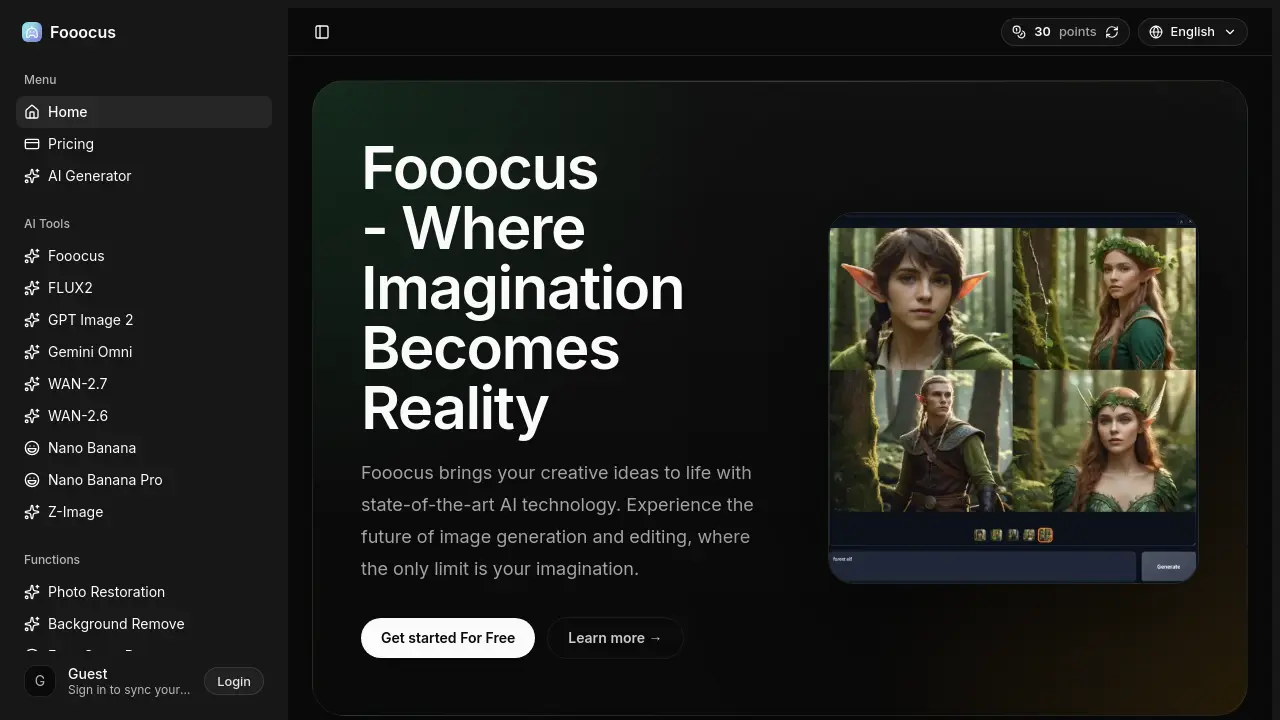
Fooocus is an AI image generator for creators and designers, offering advanced inpainting, multi‑prompt support, style controls and InsightFace‑based face swapping to turn prompts into high‑quality visuals instantly.

FAQs of Fooocus
What sets Fooocus apart in terms of inpainting capabilities?
Fooocus employs a proprietary advanced inpainting algorithm that restores missing or damaged regions with higher detail and coherence than typical inpainting tools. The method analyzes surrounding textures and structures, resulting in smoother, more realistic completions that are especially useful for complex editing tasks.
How does the multi‑prompt support enhance image generation?
Multi‑prompt support permits users to combine several textual or image prompts in a single request, enabling the AI to blend distinct concepts, styles, or subjects. This capability expands creative flexibility, allowing richer compositions and finer control over the final visual outcome.
Can I customize the style and appearance of generated images?
Yes. Fooocus provides a suite of style controls—including contrast, sharpness, saturation, and color balance—that let users fine‑tune the aesthetic characteristics of each output. These parameters can be adjusted before generation or applied during post‑processing for precise visual results.
What is prompt reweighting and how does it work?
Prompt reweighting, powered by the A1111 algorithm, lets users assign different importance levels to individual words or phrases within a prompt. By increasing the weight of specific terms, the model emphasizes those elements, producing images that more accurately reflect the user’s intended focus.
Is Fooocus optimized for different hardware configurations?
Fooocus is engineered for efficient performance across a wide spectrum of hardware, from modest laptops to high‑end GPUs. The software automatically adjusts computational load and memory usage, ensuring responsive generation times without sacrificing image quality on most consumer‑grade systems.
Does Fooocus support face swapping, and how accurate is it?
Fooocus integrates InsightFace technology for face‑swap operations, delivering high‑precision alignment and realistic texture blending. The system detects facial landmarks accurately, allowing seamless replacement that maintains natural lighting and expression fidelity.
Can I specify the aspect ratio for my generated images?
Yes. Users can select custom aspect ratios or preset dimensions before generation, enabling output that fits specific layouts such as banners, thumbnails, or print formats. This flexibility helps creators produce media-ready visuals without additional cropping.
Is there a community or platform for Fooocus users to share and collaborate?
Fooocus maintains an active community where members can upload their creations, exchange feedback, and collaborate on projects. The platform includes discussion boards, galleries, and collaborative tools that encourage knowledge sharing and collective inspiration.
How does Fooocus ensure the overall quality of generated images?
Quality is maintained through the use of state‑of‑the‑art AI models compatible with SDXL, rigorous inference pipelines, and optional post‑processing filters. Together these components enforce high resolution, accurate detail, and stylistic consistency across diverse subjects.
What file formats can I export from Fooocus, and are there any size limitations?
Fooocus supports common raster formats such as PNG and JPEG, with configurable resolution up to several thousand pixels on each axis. While there is no hard file‑size cap, extremely large outputs may require more memory and longer download times, especially on low‑spec hardware.
How to use Fooocus
Fooocus functions as an AI‑driven image generator and editor, offering advanced inpainting, multi‑prompt support, style controls, and face‑swap capabilities for creative visual production.
The user opens the Fooocus interface, selects the “AI Generator” module, and inputs a detailed textual or image prompt that defines the desired visual concept.
Within the settings panel, the user adjusts parameters—model version, aspect ratio, style weights, and reweighting factors—to fine‑tune output quality and artistic direction.
By clicking “Generate,” Fooocus processes the prompt using compatible SDXL models, then displays the resulting image alongside options for rapid inpainting or background removal.
The user applies inpainting, face swapping, or upscale tools, reviewing changes in real time and iterating until the image meets the intended specifications.
Finally, the finished artwork is exported, downloaded, or shared to the Fooocus community, where feedback and collaboration can further refine the creative outcome.
