
Face AI FAQs
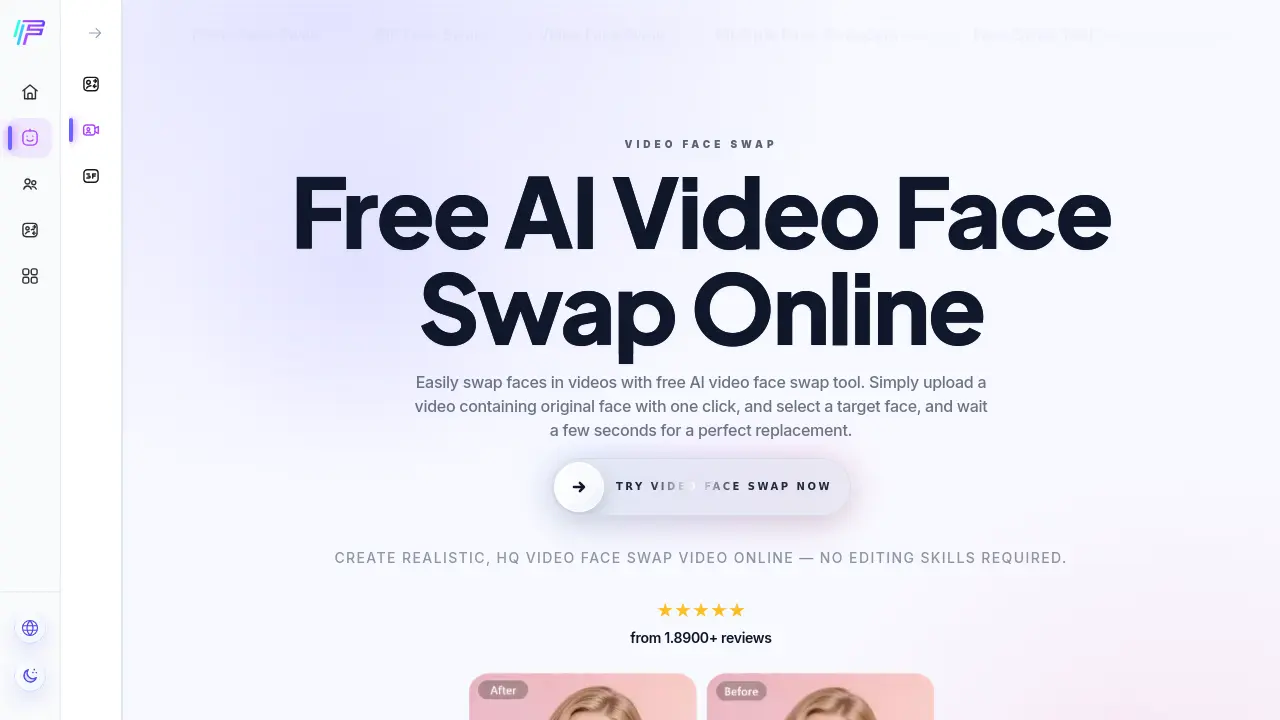
Face AI, a free AI video face swap tool, enables users to replace one or multiple faces in videos up to 15 seconds, delivering 4K, watermark‑free results.

FAQs of Face AI
What is the AI video face swap tool offered by Face AI?
Face AI’s AI video face swap tool is an online processor that replaces faces in video clips using artificial‑intelligence algorithms. It can handle single‑face or multiple‑face swaps, works with short videos up to 15 seconds, and generates realistic results without requiring any manual editing skills.
How does the Face AI video face swap workflow operate?
The workflow consists of three steps: first, users upload a source video (or GIF) containing the original face; second, they upload a target face image from a computer or mobile device; third, they start the swapping process. The system then analyses facial landmarks, maps the target face onto each frame, and returns a downloadable video with synchronized mouth movements and expressions.
Is the Face AI video face swap service free to use?
Yes, Face AI provides a completely free video face swap service. Users can perform single or batch swaps without any subscription fees, and the platform does not require credit‑card information or user registration to access the core functionality.
Which video file formats and length limits are supported?
Face AI accepts common web‑compatible formats such as MP4, MOV, and WEBM. The maximum duration for a single video is 15 seconds, which balances processing speed and GPU resource usage while still being sufficient for most short‑form content scenarios.
How does Face AI ensure the privacy and security of uploaded media?
All uploaded videos and images are processed exclusively for the swap operation and are automatically deleted from the server after processing, typically within 24 hours. No personal data is collected, and the service does not require user login, thereby minimizing the risk of data leakage.
Can multiple faces be swapped simultaneously in a single video?
Yes, the platform includes a “Multiple Face Swap Video” feature that detects and replaces several faces within the same clip. This capability expands creative possibilities, allowing users to swap all characters in a scene with a single target face or with different target faces for each individual.
Is it possible to perform batch video face swaps on several clips at once?
Face AI offers a batch video face swap function that lets users upload multiple videos in one operation. The tool applies the same target face across all selected clips, significantly reducing the manual effort required for repetitive swaps and improving overall workflow efficiency.
Does the output video contain any watermarks or quality loss?
The exported videos are watermark‑free and retain high‑definition quality, supporting up to 4K resolution. The algorithm preserves lighting, shadows, and skin texture, delivering a lossless visual experience suitable for professional or personal use.
How to use Face AI
Face AI provides a free online AI video face swap service that replaces original faces with a chosen target, supporting single and multiple face replacements in up‑to‑15‑second clips.
Upload the source video by clicking Upload Video, selecting an MP4/MOV/WEBM file, then crop the clip if necessary; the interface displays a preview thumbnail.
Upload the target face image through Upload Face, ensuring the photo shows a clear, front‑facing portrait; the tool automatically detects facial landmarks.
Press Start Transformation; the AI processes the footage in seconds, preserving mouth movements, eye contact, and lighting to generate a realistic face‑swapped video.
Download the resulting video directly from the output panel; the file is delivered in high definition without watermarks, ready for sharing or further editing.
Evaluate the swap by checking lip‑sync accuracy, expression consistency, and edge blending; if needed, repeat with a higher‑resolution face image to improve fidelity.
