
Face Swag FAQs
Face Swag offers AI face swap tech to seamlessly transform photos and videos. Its advanced AI tools create stunning face swaps with ease.

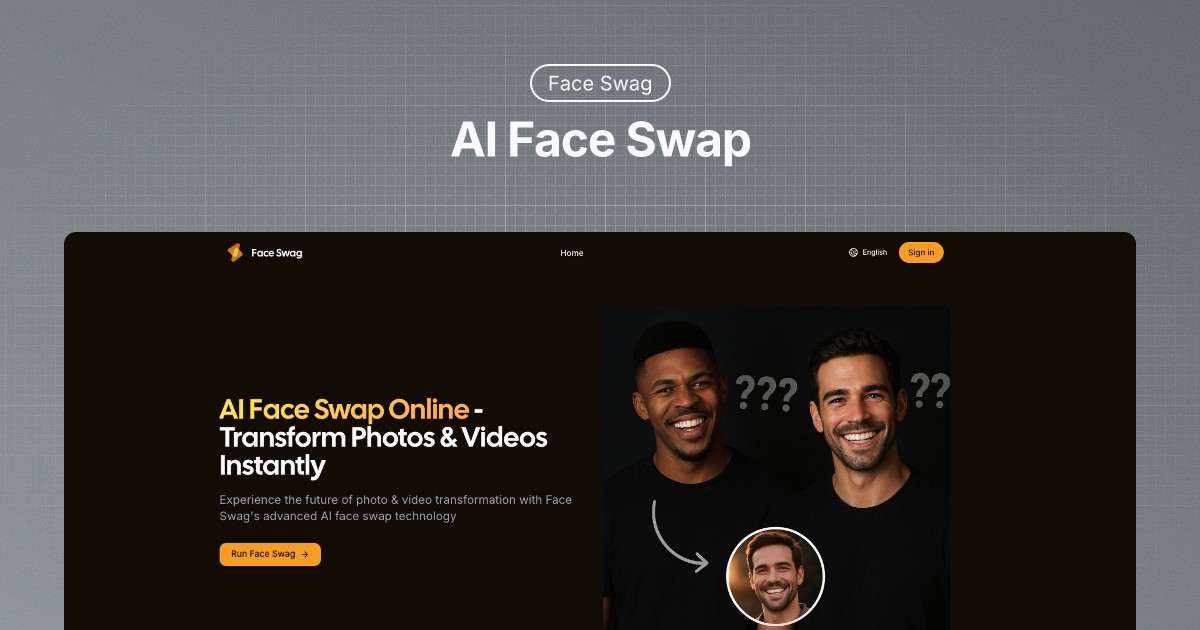
FAQs of Face Swag
Is Face Swag's AI face swap tool free to use?
Face Swag offers a free trial, allowing users to experience the AI face swap technology without any initial commitment. This provides an opportunity to test the tool and determine if it meets your face swap needs before subscribing.
How does AI face swap technology work?
Face Swag's AI face swap technology uses advanced AI algorithms to seamlessly replace faces in photos. The user uploads a source image and a target face, and the AI intelligently blends the two faces together, maintaining natural-looking results and facial expressions in the generated face swap.
Is my privacy protected when using Face Swag?
Face Swag prioritizes user privacy. Photos uploaded to the platform are processed securely and automatically deleted after the face swap is completed. This ensures that your images are not stored or used for any other purpose, providing peace of mind when using the face swap tool.
What image formats does Face Swag support?
Face Swag is compatible with all major image formats, including JPG and PNG. This wide range of support ensures users can easily upload and use their desired images for creating face swaps using the AI face swap tool.
Can I swap faces in videos?
Currently, Face Swag's primary function is AI face swapping in images. While video face swapping is not explicitly mentioned as a current feature, it is advisable to check the Face Swag website for updates on new features, including potential AI face swap video capabilities.
What if I'm not satisfied with the face swap results?
While Face Swag aims to provide seamless and natural-looking AI face swap results, individual satisfaction can vary. It's recommended to ensure high-quality source images for optimal results. Contacting Face Swag's support may offer further assistance if you are not satisfied.
Does Face Swag offer multiple face swap capabilities?
Yes, Face Swag now offers multiple face swap functionality, allowing users to swap multiple faces in a single image. This new feature enhances the versatility of the AI face swap tool, providing even more creative possibilities.
How to use Face Swag
Face Swag is an AI-powered tool that specializes in face swapping technology, allowing users to seamlessly replace faces in photos and videos, offering both single and multiple face swap options.
To begin using Face Swag, upload the source image containing the face intended for replacement utilizing the "Upload Source Image" button.
Next, select the target face by uploading another image with the face you wish to use for the face swap AI process through the "Choose Target Face" option.
Click the "Generate Swap" button to initiate the AI's face swapping algorithm. Face Swag's advanced AI will automatically begin processing.
After processing, preview the face swap result. If satisfied, download the high-resolution swapped image from Face Swag for your face swap video or photo.
For multiple face swaps, navigate to the designated "Multiple Face Swap" section and upload images containing multiple faces following on-screen instructions.
If you encounter any issues or have questions regarding Face Swag, consult the FAQ or contact support for assistance with face swap app usage.
