
DLMP4 FAQs
DLMP4 allows users to effortlessly download MP4 videos from platforms like YouTube, TikTok, and more, ensuring high-quality downloads and browser compatibility.

FAQs of DLMP4
What is DLMP4?
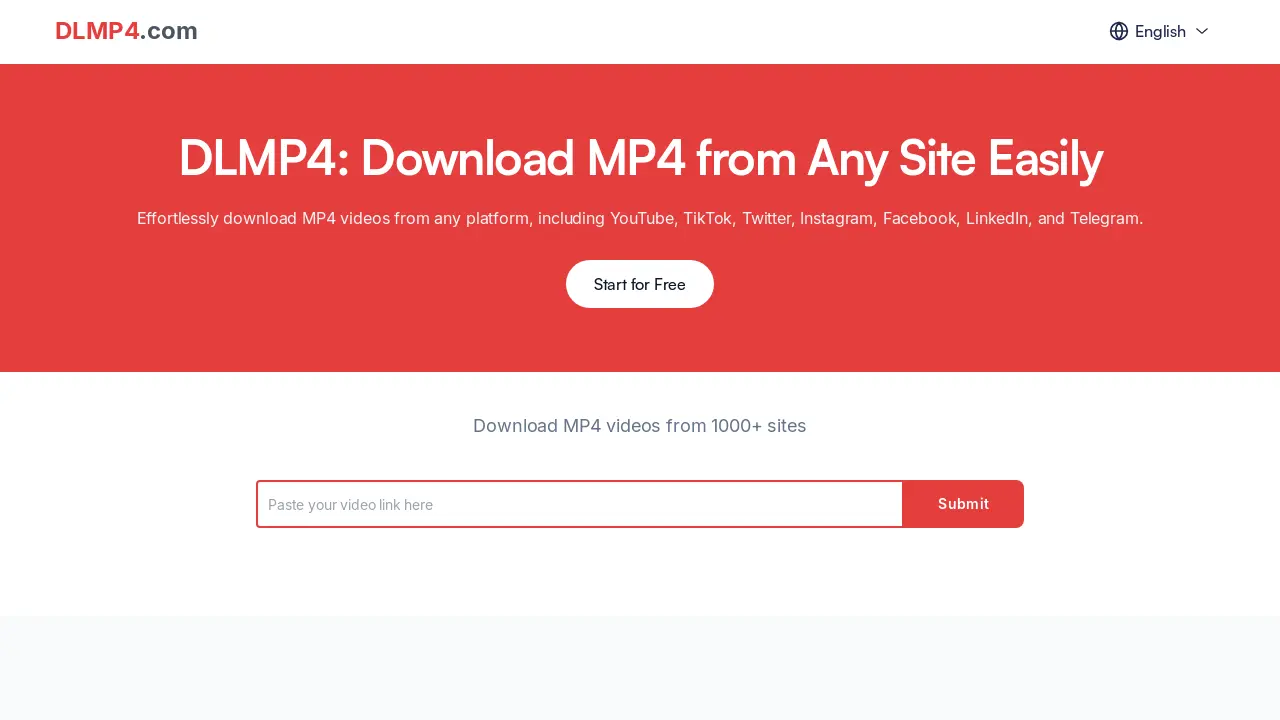
DLMP4 is an online tool designed to facilitate the download of MP4 videos from various websites, including popular platforms such as YouTube and TikTok. It provides a user-friendly interface to easily save videos directly to your device for offline access. The primary function of DLMP4 is to allow users to download hd mp4 movies from various sites.
How do I download MP4 from a site using DLMP4?
To download MP4 videos from a site, copy the video URL and paste it into the DLMP4 interface. Then, click the download button. The video will be processed, and a download link will become available, enabling users to save the content for offline viewing. This includes downloading hd mp4 videos from many sites.
Is DLMP4 free to use?
Yes, DLMP4 offers free access to its basic functionality, allowing users to download MP4 videos without any cost. While premium features may be introduced in the future, the core function of downloading videos remains free for all users.
What sites are compatible with DLMP4 for downloading MP4 videos?
DLMP4 supports downloading MP4 videos from a wide array of sites, including YouTube, TikTok, Instagram, Facebook, LinkedIn, and Telegram. The platform is designed to be compatible with various platforms, maximizing access to video content.
Can I download videos in high definition using DLMP4?
DLMP4 allows users to download videos in high definition, ensuring optimal viewing quality. Users can select from different available resolutions prior to downloading to customize their viewing experience. This enables users to download hd mp4 versions of their desired content, providing the best viewing experience.
Do I need to install any software to use DLMP4?
No, DLMP4 is a web-based tool that requires no software installation. It can be accessed through any browser on computers or mobile devices, simplifying the video download process and making it universally accessible.
Is it safe to download videos using DLMP4?
DLMP4 prioritizes user privacy and security, providing a safe downloading experience. The platform ensures that downloads are free from malware and other online threats, giving users confidence in the safety of the service.
Is DLMP4 compatible with mobile devices?
Yes, DLMP4 is fully compatible with mobile devices, allowing users to conveniently download MP4 videos from any site using smartphones or tablets. This ensures accessibility and ease of use across various devices.
How fast are the video downloads using DLMP4?
Download speeds depend on the user's internet connection and the video's file size. However, DLMP4 is optimized to provide fast download speeds, enabling users to quickly access their favorite videos.
What should I do if I encounter issues while using DLMP4?
If you have problems using DLMP4, first check your internet connection and ensure the video URL is correct. For additional support, contact the DLMP4 support team for assistance in resolving any issues.
How often is DLMP4 updated?
DLMP4 receives regular updates to maintain compatibility with the latest platforms and ensure optimal performance, providing users with a reliable and up-to-date video downloading experience.
How to use DLMP4
DLMP4 is a tool facilitating the download of MP4 videos from various online platforms such as YouTube, TikTok, Instagram, and Facebook. It offers a simple interface and supports high-definition video downloads directly through a web browser.
- Copy the URL of the video you want to download from platforms like YouTube, TikTok or other supported sites offering hd mp4 movies.
- Paste the copied video URL into the designated input field on the DLMP4 website (dlmp4.com) - a hd mp4 downloader.
- Click the "Download" button to initiate the hd mp4 conversion and downloading process from platforms like youtube and tiktok..
- Select your preferred video quality and format options, such as HD resolution.
- Once the download is complete, access the hd mp4 file from your device's download folder.
- Use the downloaded videos offline for personal viewing, educational purposes, or integration into your content creation workflow.
