
Detail – Remote Recording FAQs
Turn your iPhone into a top-tier recording studio with Detail, the go-to video recorder and editor for TikTok lovers, podcast creators, and Instagram influencers. Create stunning videos with a powerful editor, smart captions, and cutting-edge camera tech.

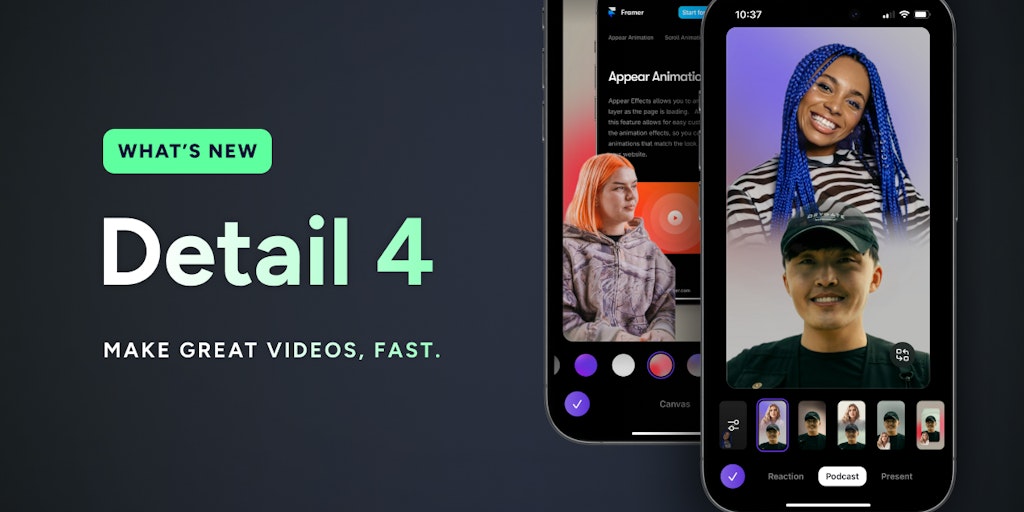
FAQs of Detail – Remote Recording
What is Detail – Remote Recording?
Detail is a powerful video recording and editing app that turns your iPhone into a professional recording studio. It’s perfect for TikTok creators, storytellers, podcasters, and anyone who wants to create high-quality videos on the go.
How do I use Detail – Remote Recording?
Detail is super easy to use. Simply open the app and start recording. You can also use the app to edit your videos, add music, and more.
What makes Detail – Remote Recording different from other video apps?
Detail is designed to make video recording and editing easy and fun. It offers a range of features that you won't find in other apps, such as:
- Remote Recording: You can connect your phone to a computer and record video remotely. This is great for situations where you need to be in front of the camera but also need to control the recording process.
- Video Editing: Detail offers a full suite of video editing tools.
- Audio Recording: Detail offers tools to improve the sound quality of your video recordings.
What are some examples of how Detail – Remote Recording can help me?
Detail can help you create stunning videos for social media, presentations, or even your personal projects. It can help you create high-quality videos regardless of your experience level.
