
DeepPDF Introduction
DeepPDF is an AI assistant for deep learning with PDFs, enabling chat, summaries, translations, and analysis of key terms, images, and formulas.

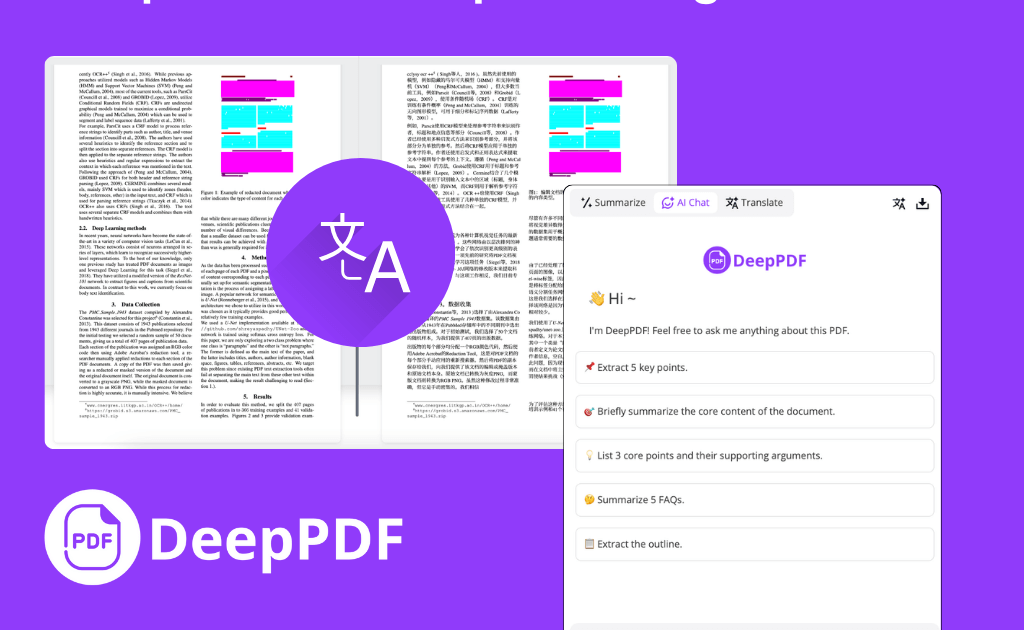
What is DeepPDF
DeepPDF is an AI-powered research assistant designed for interacting with PDF documents. It offers a suite of functionalities including AI PDF translation with bilingual comparison, AI PDF summarization for long documents, and an AI chat feature for asking questions directly to the PDF content. DeepPDF also supports image understanding, formula analysis, and various file conversions, including PDF to Markdown. Its OCR capabilities convert scanned PDFs into editable text, and it integrates an AI PDF reader for seamless document review. This platform serves researchers, students, and professionals by streamlining PDF management and analysis.
How does DeepPDF work
DeepPDF operates as an AI-powered research assistant, facilitating deep learning analysis of PDF documents. Users upload PDFs, then leverage features like AI PDF Translator for bilingual viewing across 100+ languages, and AI PDF Summarizer for extracting key information. The platform also enables interactive Chat PDF functionalities, allowing users to ask questions, understand images and formulas, and receive AI-driven explanations. DeepPDF further supports multi-format conversion, OCR for scanned documents, and integrates with scholarly search for academic recommendations.
Benefits of DeepPDF
DeepPDF is an AI research assistant designed to enhance PDF interaction for deep learning and general academic use. It offers an AI PDF translator with bilingual view supporting over 100 languages, alongside an AI PDF summarizer for quick content comprehension. The platform also features Chat PDF for interactive questioning, image understanding, formula analysis, and robust multi-format file conversion, including OCR. DeepPDF simplifies document management and analysis, improving efficiency for students, researchers, and professionals.
Pros and Cons of DeepPDF
Pros
- AI-powered chat interaction with PDFs.
- Supports 100+ languages for translation.
- Summarizes long PDF documents efficiently.
- Analyzes images and formulas within PDFs.
- Offers multi-format file conversion.
Cons
- Max upload limit of 200MB.
- Not a full-fledged document editor.
- Limited information on pricing structure.
- Specific limitations on editing are not detailed.
- OCR feature location is inconsistent.
