
DeepPDF FAQs
DeepPDF is an AI assistant for deep learning with PDFs, enabling chat, summaries, translations, and analysis of key terms, images, and formulas.

FAQs of DeepPDF
What is DeepPDF?
DeepPDF is an AI research assistant designed for deep learning, offering a comprehensive suite of tools for interacting with PDF documents. It acts as an AI PDF companion, enhancing the PDF experience by simplifying various tasks. This platform aims to provide deeper insights and better learning through AI-powered functionalities.
What are the core features of DeepPDF?
DeepPDF offers a range of AI-powered features, including Chat PDF for interactive questioning, an AI PDF Translator with bilingual comparison, an AI PDF Summarizer for extracting key points, and tools for PDF Image Understanding and Formula Analysis. It also provides PDF Annotation, Word Interpretation, AI-Powered PDF Text Rewriting, Multi-Format File Conversion, PDF OCR, and a seamless AI PDF Reader.
How does DeepPDF facilitate PDF translation?
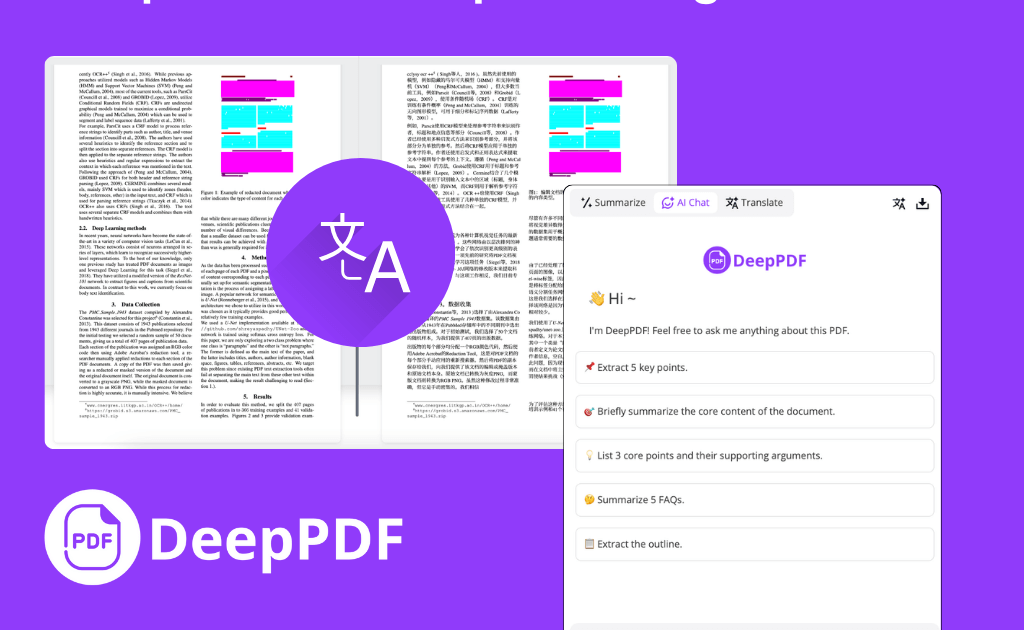
DeepPDF facilitates PDF translation through its AI PDF Translator. This feature allows users to instantly translate documents into over 100 languages, providing a side-by-side bilingual view while preserving the original meaning. This makes it an efficient solution for bridging language gaps in various documents.
Can DeepPDF summarize lengthy PDF documents?
Yes, DeepPDF can effectively summarize long PDF documents. The AI PDF Summarizer extracts key points and essential information from extensive content, such as research papers or reports, generating concise summaries. This allows users to quickly grasp the main ideas without reading the entire document, improving efficiency for tasks requiring rapid information absorption.
What types of files can DeepPDF convert?
DeepPDF offers multi-format file conversion capabilities, allowing users to convert PDFs into various formats like Word, Excel, and PowerPoint. Conversely, it can also transform Word and other file formats into PDFs, ensuring document compatibility across different applications and workflows. This feature is crucial for managing diverse document requirements.
How does DeepPDF ensure the security of sensitive documents?
DeepPDF prioritizes the security and privacy of user documents. All uploaded files are processed securely, and the platform does not store documents after a session concludes. User data is not shared, and DeepPDF adheres to industry standards to safeguard user information, making it a reliable choice for handling both personal and professional documents.
Does DeepPDF offer OCR functionality?
Yes, DeepPDF includes OCR (Optical Character Recognition) capabilities. This feature allows the conversion of scanned, image-based PDFs into searchable and editable text documents. This is particularly beneficial for digitizing printed content, making it easier to interact with and extract information from documents that were originally images.
How can DeepPDF benefit researchers and academics?
DeepPDF helps researchers and academics by enabling quick extraction, analysis, and summarization of academic papers. Features like Chat PDF, AI PDF Summarizer, and AI Scholar & Academic Search Recommendations streamline research workflows, allowing for efficient understanding of complex topics and the discovery of relevant scholarly articles.
Can DeepPDF help with understanding images and formulas in PDFs?
DeepPDF enhances understanding of images and formulas within PDFs through its AI-based interpretation capabilities. It analyzes graphical content, charts, and equations, breaking down complex visual data to make it more accessible and comprehensible. This is especially useful for scientific papers and technical documents.
How to use DeepPDF
- Navigate to the DeepPDF website and locate the upload section for PDF documents.
- Upload your desired PDF file by dragging it into the designated area or clicking the "Upload PDF" button.
- After uploading, select your required function from the menu, such as "Chat PDF," "AI PDF Translator," or "AI PDF Summarizer."
- For chat functionality, type your question into the chat interface to query the document content.
- For translation, choose the target language and observe the side-by-side bilingual view for accurate PDF translation.
- For summarization, request a summary, and the AI PDF Summarizer will extract key points from the document.
- Explore additional features like AI-powered image understanding, formula analysis, or text rewriting to enhance your document interaction.
- If converting, select your desired output format (e.g., Word, PNG) to transform your PDF.
- Review the AI-generated output or translated document to ensure it meets your specific research or learning objectives.
