
DatePhotos AI FAQs
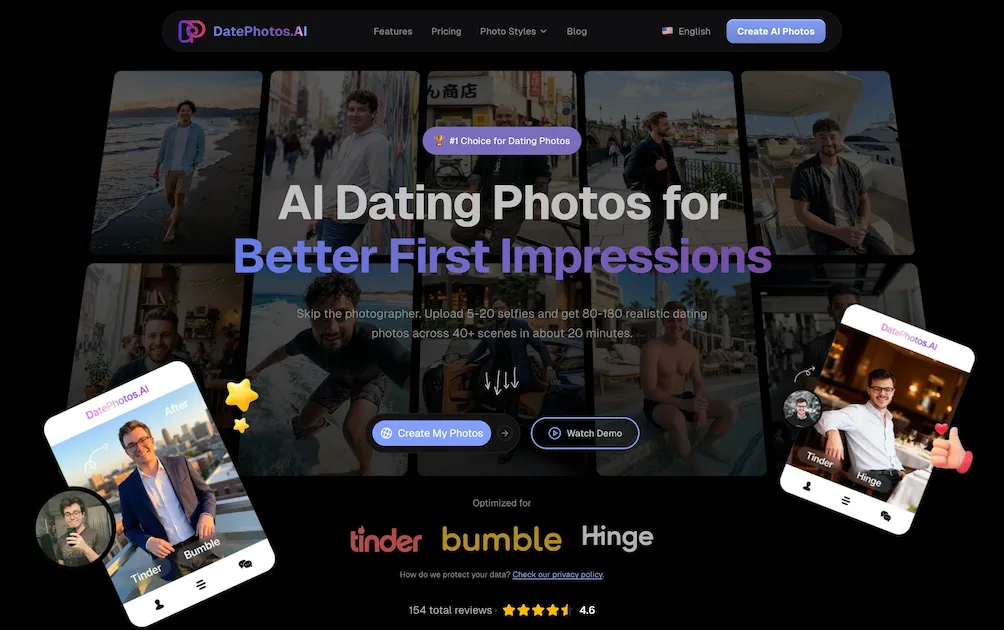
Upload 5‑20 selfies and receive 80‑180 AI‑generated, realness‑scored dating photos across 40+ scenes in about 20 minutes, optimized for Tinder, Bumble and Hinge.

FAQs of DatePhotos AI
How does DatePhotos AI generate dating photos from selfies?
DatePhotos AI uses a generative‑AI pipeline that analyses 5–20 uploaded selfies, adjusts lighting and angles, and inserts the subject into 40+ predefined scene templates. The system then creates 80–180 unique, realistic images in roughly 20‑30 minutes, each scored for “realness” on a 0‑100 scale.
How many selfies should I upload for the best results?
Users should upload between 5 and 20 high‑resolution selfies that show a variety of facial expressions and angles. More source images give the AI more reference data, which improves pose diversity and the overall quality of the generated dating photos.
What kinds of scenes are available for my AI‑generated photos?
DatePhotos AI offers over 40 scene categories, including coffee shops, beaches, gyms, urban streets, waterfront docks, luxury yachts, restaurants, parks, and more. Each scene provides 3‑4 different poses, allowing you to showcase multiple facets of your personality on platforms like Tinder, Bumble, and Hinge.
Can I regenerate a photo I don’t like, and is there an extra cost?
Yes. The platform allows up to 5–20 free regenerations per project, depending on the selected plan. Regenerating a specific image simply replaces it with a new AI‑generated version at no additional charge, ensuring you can fine‑tune your profile without extra fees.
How long does it take to receive the final photo set?
After uploading your selfies, the AI processes and renders the full set of images in about 20‑30 minutes. This is substantially faster than traditional photography (1‑2 weeks) or other AI services (24‑48 hours), enabling you to refresh your dating profile almost instantly.
How to use DatePhotos AI
DatePhotos AI generates AI‑enhanced dating photos from 5‑20 user selfies, delivering 80‑180 realistic images across 40+ scenes in roughly 20 minutes, optimized for Tinder, Bumble and Hinge.
Visit datephotos.ai, click Create My Photos, and upload a set of clear, high‑resolution selfies (5‑20 recommended) following the on‑screen guidelines.
Select desired scene categories—beach, coffee shop, gym, urban street, etc.—or let the platform auto‑suggest a balanced mix that highlights varied personality traits.
Initiate the generation process; the AI adjusts lighting, angles, and background while assigning a 0‑100 realness score to each output image.
After processing (≈20‑30 min), review the gallery; use built‑in sorting by realness score to filter out low‑confidence results before downloading.
Download chosen photos individually or as a compressed pack; the files are ready for direct upload to dating apps without additional editing.
If any image appears unsatisfactory, use the free regeneration feature (5‑20 times per project) to replace specific shots, then repeat the selection step.
