
ClawCloud
ClawCloud: Managed Hosting for OpenClaw AI Assistant
| Added on: | Mar 12, 2026 |
| Monthly Visits: | -- |
| Social & Email: | -- |

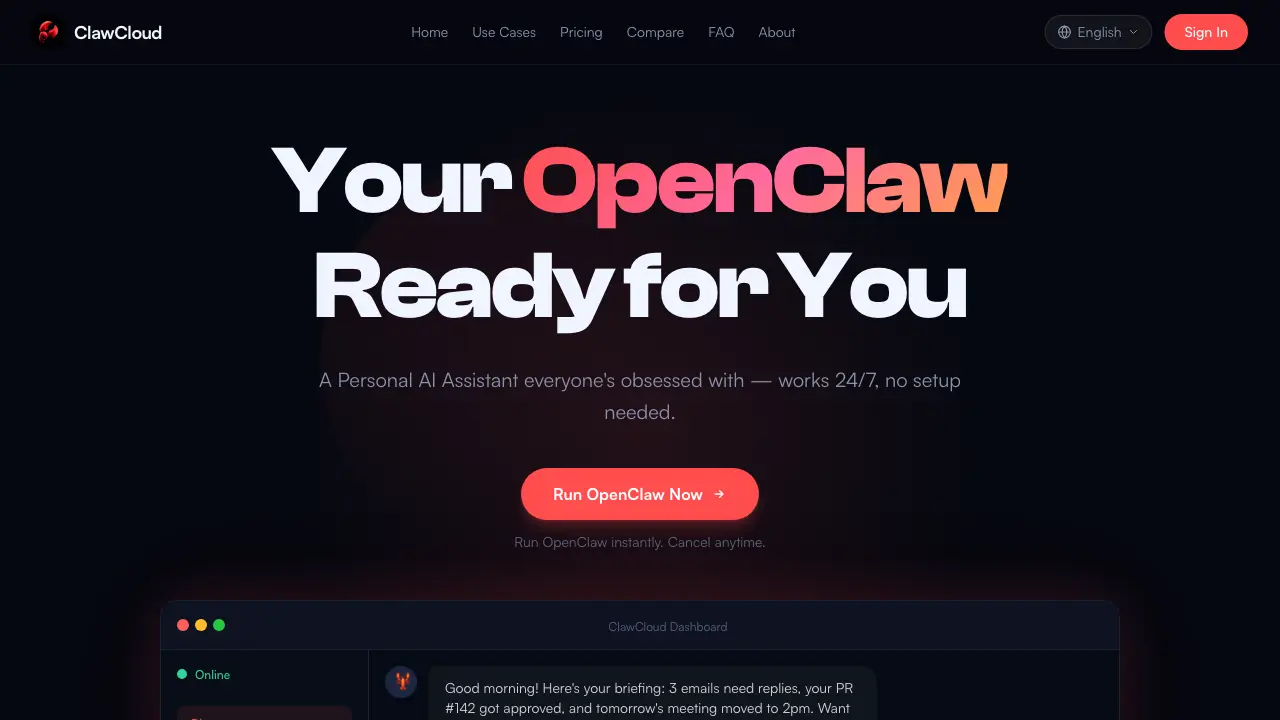
What is ClawCloud
ClawCloud is a managed hosting service that provides users with a pre-configured, private OpenClaw instance. OpenClaw is an open-source AI assistant capable of automating tasks, controlling applications, and managing digital workflows. The service eliminates the technical setup barriers typically associated with self-hosting, offering a dedicated, always-on instance with no maintenance burden. Users select a subscription plan, and ClawCloud handles deployment, infrastructure scaling, security updates, and daily backups. This allows immediate utilization of OpenClaw’s functionalities—such as code review, email automation, browser navigation, and file management—without requiring local environment configuration. All instances run in isolated, encrypted containers, ensuring data privacy and consistent availability. The service targets developers and professionals seeking reliable AI-driven automation without the overhead of managing underlying systems.
How does ClawCloud work
ClawCloud functions as a managed hosting service for the open-source AI assistant OpenClaw. It eliminates user-side deployment complexity by provisioning dedicated, containerized instances. The platform handles all backend operations, including environment setup, automatic software updates, security patching, and infrastructure scaling. Users access their private AI instance through a web-based dashboard, requiring no technical configuration. Each instance operates in an isolated, encrypted environment with daily backups, ensuring data privacy and continuous availability. This service model allows immediate utilization of OpenClaw's capabilities—such as workflow automation, code assistance, and system control—without the setup failures common in self-hosted deployments.
Benefits of ClawCloud
ClawCloud provides managed hosting for OpenClaw, a versatile personal AI assistant. It bypasses the complex self-hosting process, offering users a dedicated, always-on instance with zero setup. Key benefits include 24/7 operation, automated maintenance (updates, security, backups), and enhanced privacy through isolated, encrypted containers. Users leverage OpenClaw for workflow automation, code review, browser control, file management, and more—all without technical overhead. Transparent pricing tiers accommodate varying resource needs (vCPU, RAM, storage), making AI automation accessible to a broad audience seeking reliable, hands-off assistance.
Pros and Cons of ClawCloud
Pros
- Eliminates complex OpenClaw setup and configuration.
- Provides always-on availability without user maintenance.
- Ensures data privacy with isolated encrypted containers.
- Includes automatic updates and daily backups.
- Offers dedicated resources per subscription plan.
Cons
- Monthly subscription cost versus free self-hosting.
- Less customization than a self-managed OpenClaw instance.
- Dependent on ClawCloud's infrastructure uptime.
- No control over underlying update scheduling.
- Potential vendor lock-in for users invested in the ecosystem.
Core Features of ClawCloud
Managed OpenClaw Hosting
Provides a fully configured, optimized OpenClaw instance without requiring user setup, environment configuration, or technical troubleshooting.
24/7 Availability
Ensures the OpenClaw instance runs continuously without downtime or restarts, guaranteeing immediate access to the AI assistant at any time.
Private Dedicated Instance
Allocates a single-tenant, isolated container for each user, ensuring data privacy, encrypted access, and complete separation from other users.
Automated Maintenance
Handles all background operations including platform updates, security patches, system scaling, and daily backups, requiring no user intervention.
Use Cases of ClawCloud
- Developers: Automate code reviews, test generation, and repository management with a dedicated AI assistant.
- Students: Manage scheduling, note-taking, and document writing using an always-available AI personal assistant.
- Business Professionals: Streamline email responses, meeting coordination, and repetitive office tasks through AI automation.
- Content Creators: Generate and edit images, videos, and written content with AI-driven multimedia tools.
- Home Automation Users: Control smart devices and set routines via voice or text commands with an integrated AI assistant.
FAQs of ClawCloud
What is OpenClaw?
OpenClaw is a free, open-source AI assistant designed to run on a user's computer. It can observe the screen, control applications, manage files, browse the web, and automate various tasks, functioning as a digital employee. The software leverages powerful language models to provide an always-on personal AI capability.
Is this an official OpenClaw service?
ClawCloud operates as an independent hosting service and is not officially affiliated with the OpenClaw project. It provides fully managed hosting for OpenClaw instances, allowing users to access the AI assistant without performing any technical installation or configuration themselves.
How do I get started?
To begin, select a subscription plan and complete the payment process. ClawCloud then provisions a dedicated OpenClaw instance within minutes. Users receive login credentials and can immediately access their AI assistant through a web dashboard, with no local setup or technical expertise required.
How does billing work?
Billing cycles are available on a monthly or yearly basis, with yearly subscriptions offering a 16% discount compared to monthly rates. Users can upgrade, downgrade, or cancel their plan at any time, with adjustments effective at the next billing cycle. All transactions are securely processed through Stripe.
How is my data handled?
User data is stored within a dedicated, encrypted container that is isolated from other instances. ClawCloud does not access or share this data unless explicitly requested for support purposes. All plans include daily automated backups to ensure data persistence and recovery options.
What if I want a refund?
A 7-day money-back guarantee is offered for all new subscriptions. If a user is dissatisfied within this period, they may contact support for a full refund without any questions asked. After the guarantee period, cancellations stop future charges but do not retroactively refund paid periods.
What are the system specifications for each ClawCloud plan?
ClawCloud provides two primary plans with dedicated virtual resources. The Lite plan includes 2 vCPU cores, 4 GB RAM, and 40 GB SSD storage. The Pro plan offers 4 vCPU cores, 8 GB RAM, and 80 GB SSD storage. Each instance runs in a secure, isolated container with encrypted access and daily backups included.
How does ClawCloud handle software updates and maintenance?
All software updates, security patches, and system maintenance are managed automatically by ClawCloud. This process occurs in the background with no downtime or user intervention required, ensuring the OpenClaw instance remains current, secure, and fully operational at all times.
What third-party applications can I integrate with my OpenClaw instance?
The OpenClaw instance supports integration with various external services and APIs, including Slack, Discord, GitHub, databases, and custom API endpoints. This enables the AI to function as middleware, automating workflows and interacting with multiple platforms based on user-defined tasks and permissions.
How do I access and control my ClawCloud instance?
Access is provided through a web-based dashboard using login credentials. There is no need for local software installation; users can log in from any device with a browser to interact with their AI assistant, manage tasks, monitor activity, and configure settings remotely.
What security measures protect my data on ClawCloud?
Data security is enforced through isolated containerization, encrypted storage, and encrypted access protocols. The infrastructure prevents cross-instance data leakage, and ClawCloud personnel do not access user data without explicit consent for support. Daily backups further protect against data loss.
How to use ClawCloud
ClawCloud is a managed hosting service for OpenClaw, an open-source AI assistant. It eliminates self-hosting complexity by providing dedicated, always-on instances with automatic maintenance. Users access a personal AI for automation, coding, browser tasks, and more without infrastructure management.
- Select a subscription plan aligned with your requirements. ClawCloud offers Lite for casual use and Pro for intensive daily operations, each providing a dedicated OpenClaw instance.
- Process payment securely through Stripe. The service then automatically deploys your private OpenClaw instance, configuring the environment and eliminating manual setup steps.
- Log in to the ClawCloud dashboard with your credentials. The unified interface offers chat, task queues, memory management, and settings—all pre-configured for immediate use.
- Engage OpenClaw via the chat interface using conversational prompts. Describe tasks such as automating emails, reviewing pull requests, or monitoring websites for execution.
- Track ongoing tasks and review outputs directly in the dashboard. OpenClaw displays execution status, generated artifacts like code patches or email drafts, and detailed logs.
- Customize your instance via the settings panel. Modify resource allocation, manage encryption keys, schedule backups, or contact support for assistance.
ClawCloud Alternatives
Open-source AI coworker for Slack and Lark that runs Claude Code, Codex or Pi on your own machine with the plan or API key you already pay for.
Wery is a virtual AI studio that routes one goal to specialist agents for video, images, music and documents, keeping characters and project assets consistent.

Free invoice maker for freelancers and small businesses on Web, iOS and Android. Create unlimited PDF invoices, manage clients and companies, and bill from AI assistants via MCP.
Relay App turns plain-language instructions into AI workflows that connect 200+ apps, run reliable automations, and pause for human approval.
AtAt runs Claude Code, Codex, or local models in the text field you are typing in, no app-switching. It adds TabTab autocomplete, screenshots, and clipboard history.
Dash is an AI teammate in Slack and Microsoft Teams that connects 3,000+ tools, automates workflows and completes tasks in your channel.
Always free browser that shares your logged-in Chrome state with AI agents like Claude Code and Codex, running browser automation up to 3.45x faster.
Ritto AI learns from one real demonstration of your work, finds the repeated tasks, and completes them the same way. Join the beta for early access.
Taskly is an AI-native task manager where teams describe work in plain English and Otto drafts, prioritizes, and organizes tasks with your approval every step.
Ottermind is an AI workspace where you describe your vision and it builds the architecture, code, and deployment. Work with files, memory, and tools across devices.
Convert PPT to Keynote-ready PPTX online. Free PPT to Keynote converter for Apple Keynote imports with secure processing and no installs.
1Scholar is an AI academic toolbox for scholars and researchers, offering citation verification, source discovery, and AI‑generated text humanization to streamline manuscript preparation and reduce errors.