
CapCut Online Creative Suite
CapCut | All-in-one video editor & creative suite
| Added on: | Apr 28, 2024 |
| Monthly Visits: | 51.22M |
| Social & Email: | -- |

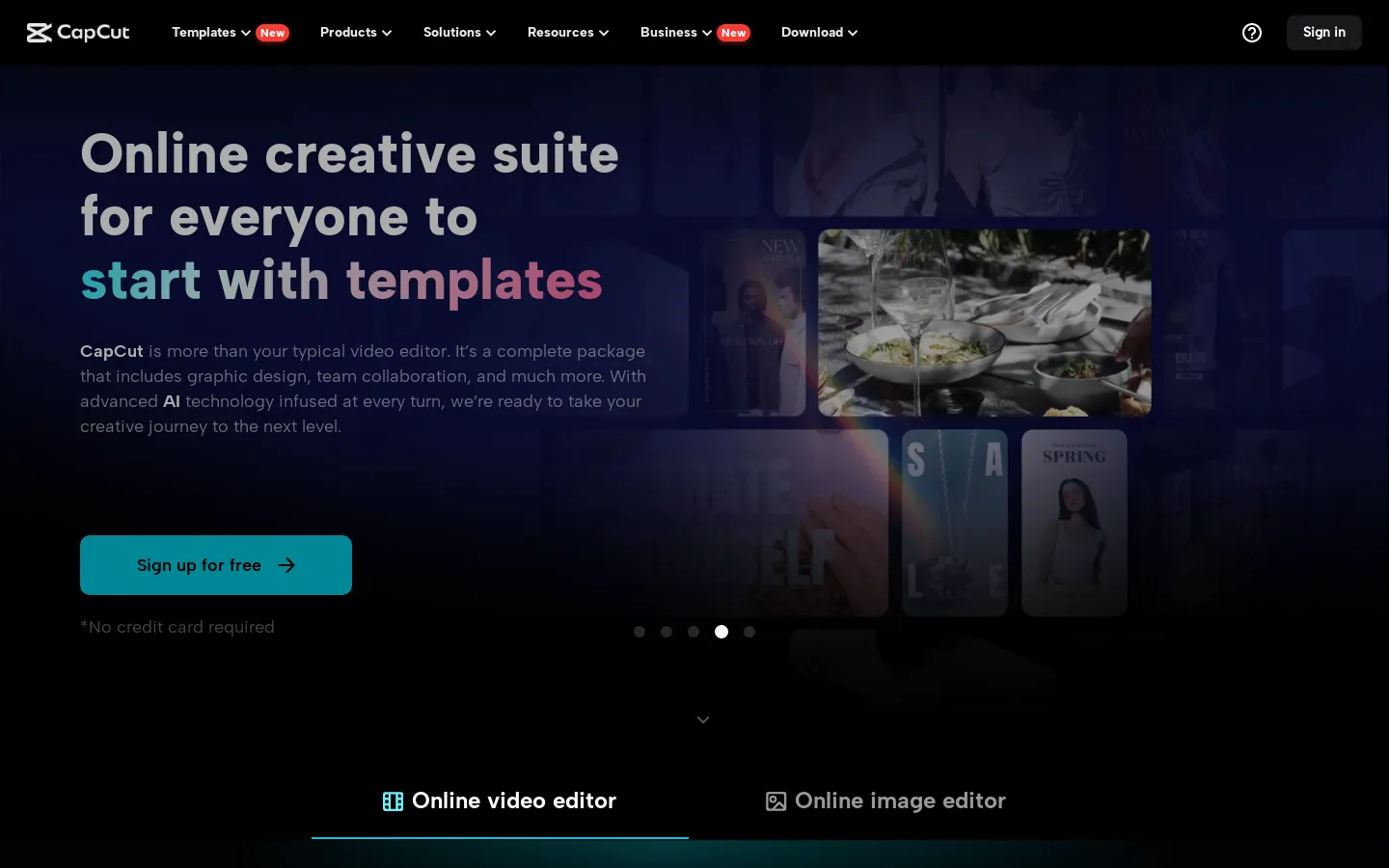
What is CapCut Online Creative Suite
CapCut Online Creative Suite is a powerful and easy-to-use desktop video editing software designed for creators of all levels. It's available for both Windows and Mac, and you can download it for free on the CapCut website. The software is known for its intuitive interface and robust feature set, making it perfect for creating professional-looking videos. Whether you're a seasoned editor or just starting out, CapCut Online Creative Suite has everything you need to bring your creative visions to life.
Core Features of CapCut Online Creative Suite
CapCut Online Creative Suite - Powerful Features for Video Editing
CapCut Online Creative Suite is a powerful, user-friendly desktop video editing software designed to simplify the creative process. It is available for both Windows and Mac computers, and can be downloaded for free from the official CapCut website. The suite provides users with a comprehensive set of tools for professional video editing, including:
Video Editing Tools
- Video Trimming and Cutting: Users can easily trim and cut video clips to create seamless transitions and remove unwanted footage.
- Video Effects and Transitions: A vast library of effects and transitions allows for creative video enhancements and eye-catching visual storytelling.
- Video Speed Adjustment: Adjust video playback speed to create dramatic slow-motion effects or speed up fast-paced action.
- Video Stabilization: Stabilize shaky footage to achieve professional-looking results.
Audio Editing Tools
- Audio Editing: Users can edit audio tracks, including trimming, adjusting volume, and applying effects to enhance sound quality.
- Audio Mixing: Mix multiple audio tracks to create complex sound designs.
- Audio Effects: A range of audio effects, such as reverb, delay, and equalization, can be applied to enhance sound quality and create unique moods.
Other Features
- Multi-Track Timeline: A multi-track timeline allows users to organize and edit multiple video and audio layers, making it easy to create complex video projects.
- Text and Titles: Add text and titles to videos with custom fonts, colors, and animation effects.
- Collaboration: Collaborate with others on video projects by sharing projects and providing feedback.
- Export and Sharing: Export videos in various formats and resolutions for easy sharing across different platforms.
FAQs of CapCut Online Creative Suite
What is CapCut Online Creative Suite?
CapCut Online Creative Suite is a powerful desktop video editing software for both Windows and Mac. It is designed to be user-friendly, making it easy for anyone to create professional-looking videos.
How do I use CapCut Online Creative Suite?
You can download CapCut Online Creative Suite for free from the CapCut website. Once installed, you can start creating videos by importing media files, adding effects, music, and text, and then exporting your finished product.
What are some of the key features of CapCut Online Creative Suite?
CapCut Online Creative Suite offers a wide range of features, including:
- A simple and intuitive interface that is easy to learn, even for beginners.
- Powerful tools for trimming, splitting, and merging video clips.
- A library of royalty-free music and sound effects.
- A variety of visual effects, transitions, and filters.
- The ability to add text, graphics, and logos to your videos.
- Support for exporting videos in various formats, including MP4, AVI, and MOV.
What are the benefits of using CapCut Online Creative Suite?
CapCut Online Creative Suite can help you create professional-looking videos quickly and easily. You can easily create videos for social media, YouTube, or for your own personal use.
How is CapCut Online Creative Suite different from other video editing software?
CapCut Online Creative Suite is designed to be user-friendly, so it is a good choice for beginners. It also has a wide range of features that make it suitable for more experienced users.
Where can I get support for CapCut Online Creative Suite?
You can find answers to frequently asked questions on the CapCut website. You can also find tutorials and other resources on the CapCut website and YouTube channel.
CapCut Online Creative Suite Website Traffic Analysis
Latest traffic information
- Monthly Visits51.22M
- Bounce Rate43.05%
- Pages Per Visit3.86
- Visit Duration00:03:27
- Global Rank811
- Country/Region Ranking166
Visits Over Time
Traffic Sources
- Organic Search: 33.75%
- Direct: 32.69%
- Paid Search: 11.64%
- Organic Social: 9.81%
- Referrals: 5.4%
- Paid Social: 1.99%
Top Keywords
| Keyword | Traffic | Volume | Cost Per Click |
|---|---|---|---|
| capcut | 9.84M | 6.24M | $0.25 |
| gemini ai | 737.18K | 18.17M | $0.24 |
| dreamina | 529.14K | 398.37K | $0.35 |
| cap cut | 495.68K | 378.45K | $0.25 |
| dreamina ai | 406.98K | 256.94K | $0.18 |
Top Regions
| Region | Percentage |
|---|---|
| United States | 11.5% |
| Brazil | 9.88% |
| Indonesia | 8.33% |
| Vietnam | 7.97% |
| India | 3.35% |
