
Bimg AI FAQs
Bimg AI provides Nano Banana AI image editing, background removal, AI upscaling, photo restoration, and AI video generation. A platform for creators and teams.

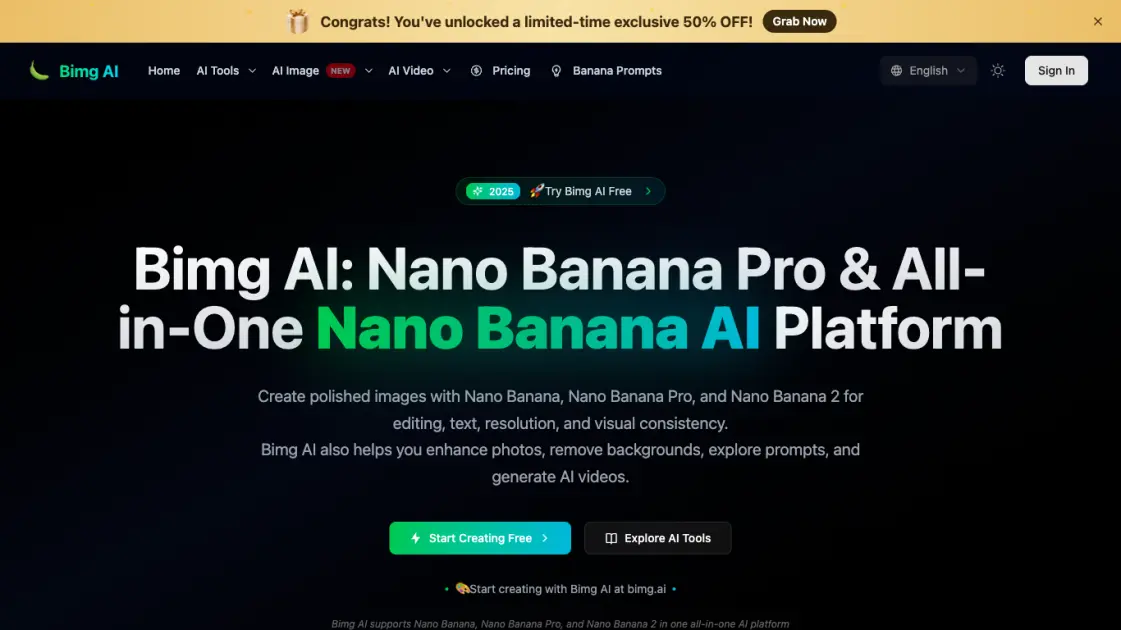
FAQs of Bimg AI
What is Bimg AI?
Bimg AI is a platform that provides access to multiple AI models for image editing, generation, upscaling, background removal, and video creation. It includes proprietary Nano Banana models as well as third-party models like GPT Image 2, Veo 3.1, and Sora 2.
Is Bimg AI free to use?
Bimg AI offers a free tier that lets users try its features without a credit card. The free plan includes access to basic models and standard resolution output. A Pro tier unlocks higher resolution and advanced models like Nano Banana Pro.
What AI models are available on Bimg AI?
The platform offers image models including Nano Banana Pro, Nano Banana 2, Seedream 4.5, and GPT Image 2. For video, it provides Veo 3.1, Sora 2, Seedance 2.0, Kling 3, and Happy Horse. Each model has different strengths in resolution, style, and output quality.
Can I use Bimg AI for commercial projects?
The platform is designed for creators and teams, making it suitable for commercial use. Specific licensing terms depend on the model used and the subscription plan. Users should review the platform's terms of service for commercial usage details.
How does Bimg AI compare to other AI image tools?
Bimg AI differentiates itself by offering a wider range of models in one platform, supporting both image and video generation. The inclusion of Nano Banana models for high-resolution output and multiple video generation models makes it a more comprehensive option compared to single-purpose tools.
How to use Bimg AI
- Sign up for a free account on the Bimg AI website — no credit card is required to get started with basic features and models.
- Choose an AI model that matches your task, such as Nano Banana Pro for image editing or Veo 3.1 for video generation.
- Provide your input by writing a text description, uploading a reference image, or both depending on the selected model's capabilities.
- Adjust output settings like resolution and style references, then start the generation process with a single click.
- Preview the result and download it, or adjust settings and regenerate to refine the output further before exporting.