
Belin Doc FAQs
Belin Doc is a free AI translator that preserves layout for PDF, DOCX, EPUB files, offering registration‑free, translations for writers and professionals.

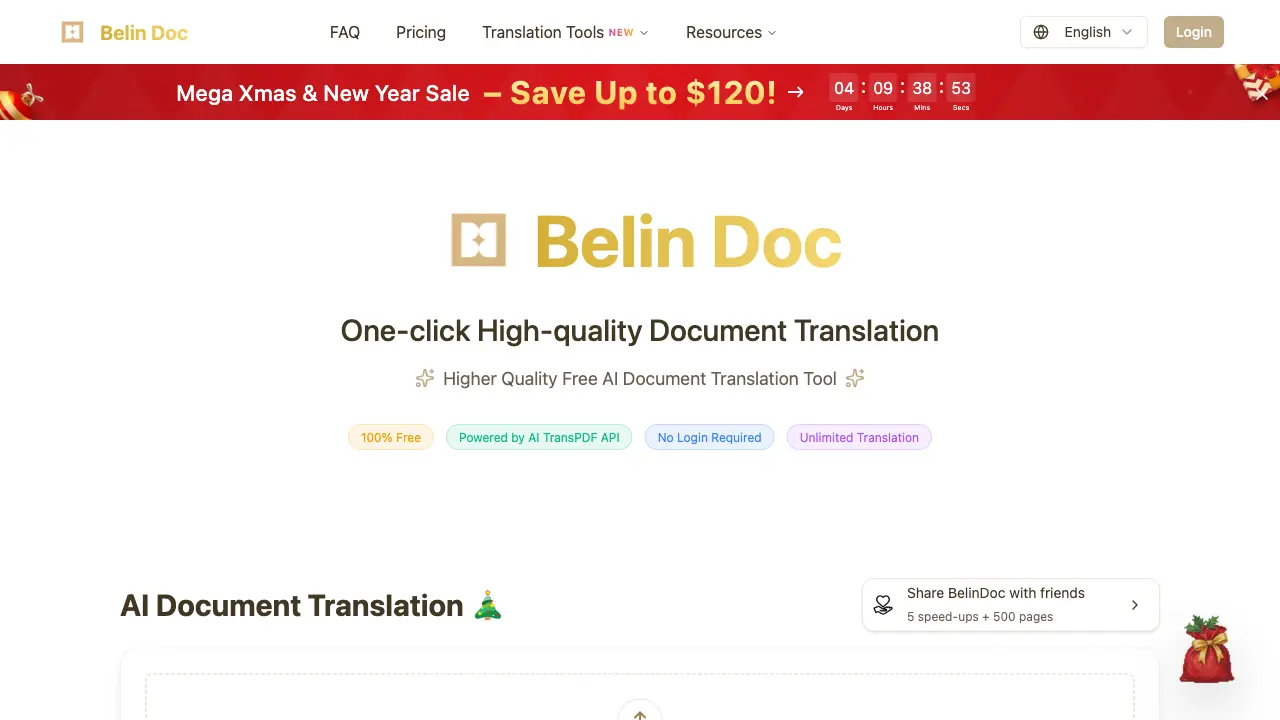
FAQs of Belin Doc
What is Belin Doc and how does it work?
Belin Doc is a free AI‑powered document translation service that combines advanced format‑parsing algorithms with large language models such as Gemini, ChatGPT, Claude, and DeepSeek. Users drag and drop a file, select source and target languages, and the system extracts text, translates it, and re‑assembles the document while preserving layout, tables, images, and formulas.
Is Belin Doc really free to use?
Yes. Belin Doc operates on a zero‑cost model: there are no subscription fees, no credit‑card requirements, and no hidden usage caps. The platform is funded by partnerships and aims to remain the world’s largest free AI document translation tool, offering unlimited translations within the daily page‑limit policy.
Can Belin Doc translate scanned PDFs?
Belin Doc supports scanned PDFs by applying built‑in OCR (optical character recognition) technology before translation. The OCR engine detects text embedded in images, extracts it, and then feeds it to the selected AI model, ensuring that even image‑only documents receive accurate multilingual output.
What makes Belin Doc different from other document translation tools?
Belin Doc distinguishes itself through a combination of high‑fidelity format parsing, top‑tier large‑model translation kernels, and a strict zero‑data‑retention policy. Unlike many competitors, it offers unlimited free usage, no registration, and preserves complex layouts—including tables, formulas, and embedded graphics—without charging extra processing fees.
Do I need to create an account to use Belin Doc?
No account creation is required. Users can access Belin Doc directly from the homepage, upload a file, choose languages, and start translation instantly. This design removes barriers such as sign‑up forms, email verification, or password management, aligning with the service’s “no‑login, no‑limits” philosophy.
What types of documents can I translate with Belin Doc?
Belin Doc accepts a wide range of file formats, including PDF, DOCX, PPTX, XLSX, EPUB, TXT, JPG, JPEG, PNG, and many others. The platform’s parsing engine is optimized for complex structures, so it can handle multi‑page reports, slide decks, spreadsheets, e‑books, and image‑based files while retaining original styling.
How does Belin Doc protect my privacy?
Belin Doc follows a zero‑data‑retention policy: both the original upload and the translated output are automatically deleted from the server within 24 hours of completion. No personal identifiers are collected, and the service does not store any user‑provided files beyond the short processing window, ensuring strong privacy protection.
What is translation with original format preservation?
Format‑preserving translation means Belin Doc extracts text, translates it, and then reconstructs the document so that fonts, headings, tables, images, and mathematical formulas appear exactly as in the source file. This eliminates the need for manual re‑formatting after translation and is achieved through proprietary parsing and layout‑rebuilding algorithms.
Are there any limitations to using Belin Doc?
While Belin Doc is free and unlimited in principle, it enforces a daily page‑limit to distribute resources fairly among millions of users. The limit ensures that each user can translate a reasonable number of pages per day, after which the quota resets automatically.
How long does it take for Belin Doc to translate a document?
Translation time varies with file size, complexity, and current system load, typically ranging from one to ten minutes per document. Smaller files (a few pages) may finish in under a minute, whereas large, image‑heavy PDFs can approach the upper bound of the time window.
How do I provide feedback or report issues?
Users can send feedback, bug reports, or feature requests to the support team at support@belindoc.com. The support address is monitored regularly, and the team incorporates user input into product updates, helping to maintain high translation quality and service reliability.
What's next for Belin Doc?
Future development plans include regular updates to AI models and parsing algorithms, expansion of supported file types, and the launch of native mobile applications. Belin Doc also intends to introduce additional tools such as a document‑splitting utility and a video‑translator, all while preserving its free‑forever commitment.
Which browsers and operating systems are compatible with Belin Doc?
Belin Doc runs in any modern web browser that supports HTML5 and JavaScript, including Chrome, Firefox, Edge, Safari, and Opera, on Windows, macOS, Linux, and mobile platforms. No additional plugins or extensions are required, making the service accessible from desktops, laptops, tablets, and smartphones.
Can I translate documents larger than the daily page limit?
If a single document exceeds the daily page quota, users can split the file into smaller sections using Belin Doc’s built‑in PDF split tool or external editors, then translate each segment separately. The daily limit resets after 24 hours, allowing continued translation of larger projects over multiple days.
Does Belin Doc offer an API for developers?
Belin Doc currently provides a public API that allows developers to integrate its AI translation engine into third‑party applications, websites, or workflows. The API follows RESTful conventions, supports the same file formats as the web UI, and respects the same privacy and usage policies as the consumer service. Documentation is available on the “AI Models” page.
How to use Belin Doc
Belin Doc provides free, AI‑powered document translation, preserving original layout across PDF, DOCX, PPTX, and image files, supporting 60+ languages and zero‑data retention.
The user opens belindoc.com, where no login is required; the interface displays a drag‑and‑drop zone and language selectors, ready for immediate use.
A file is dropped onto the upload area, then the source language is set to ‘Any’, the target language chosen, and an AI model such as Gemini‑2.0‑flash selected.
Optional settings—image translation in PDFs, formula‑recognition enhancement, or priority queue—are toggled to match document complexity, improving accuracy without extra cost.
Pressing ‘Start Translation’ initiates processing; Belin Doc handles up to two parallel tasks, delivering results within one to ten minutes depending on file size.
The completed translation appears in the preview pane; users compare original and translated sections, confirming format fidelity of tables, images, and formulas.
Downloading the file or sharing via email integrates the high‑quality translation into academic papers, marketing materials, or cross‑border e‑commerce listings, leveraging Belin Doc’s free, privacy‑safe service.
