
Background Blur AI
Background Blur AI: Professional Image Depth Effects.

What is Background Blur AI
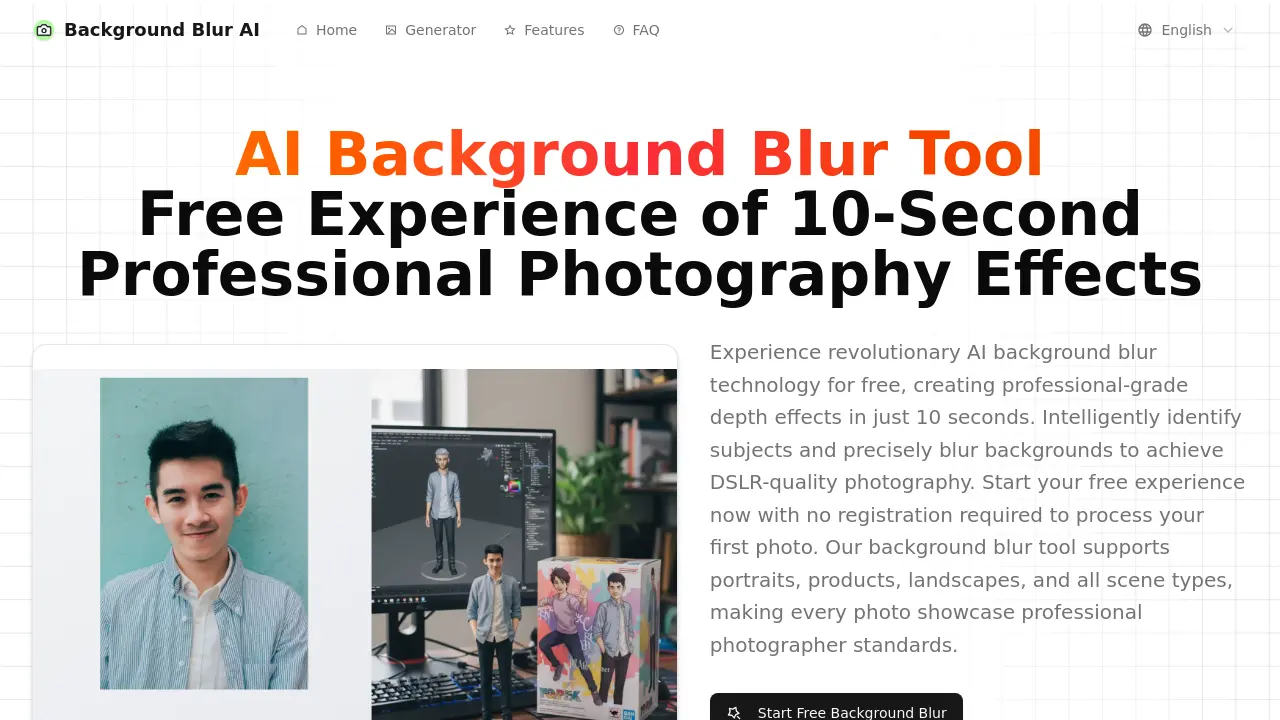
Background Blur AI is an online tool leveraging deep learning algorithms to apply professional-grade background blur effects to images and videos. This AI-powered platform efficiently identifies subjects and precisely blurs backgrounds, emulating DSLR-quality depth of field. It offers fast processing, often completing tasks within 10 seconds, and supports various image formats. Users can adjust blur intensity and preview effects in real time. The service provides a free experience for new users, facilitating quick photo background blur and video background blur without registration.
How does Background Blur AI work
Background Blur AI operates as an online tool leveraging deep learning algorithms for intelligent photo background blur. Users upload images, which the AI then analyzes to identify foreground subjects and background elements, precisely applying blur effects. The platform provides adjustable blur intensity and real-time previews, simulating DSLR-quality depth of field. This AI image background blur tool supports various photo types, ensuring natural edge transitions and rapid processing for a professional finish, even offering video background blur capabilities.
Benefits of Background Blur AI
Background Blur AI offers a free online tool to create professional background blur effects for photos and videos using advanced AI. It intelligently identifies subjects, applies DSLR-quality depth effects, and processes images within 10 seconds, significantly faster than traditional methods. Users can adjust blur intensity, preview results in real-time, and download high-definition photos without registration. The platform supports various scene types, ensuring natural edge transitions and consistent quality across all mainstream browsers and devices for efficient image background blur.
Pros and Cons of Background Blur AI
Pros
- Free core functionality available.
- Fast processing (10 seconds).
- No registration required.
- Supports various image types.
- High-quality, professional blur effects.
- Real-time effect preview.
Cons
- Free version may have limitations.
- Max 10MB, Min 300x300px image size.
- Video background blur not mentioned.
Core Features of Background Blur AI
AI-Powered Background Blur Generation
Automatically identifies subjects and applies professional-grade background blur, simulating DSLR-quality depth-of-field effects in photos and videos for enhanced visual appeal.
Customizable Blur Intensity and Focus
Allows users to adjust the blur intensity and focus area, providing real-time previews to achieve desired background blur effects with precision.
High-Speed, Automated Processing
Utilizes optimized AI algorithms and cloud GPU clusters for lightning-fast background blur processing, completing tasks within approximately 10 seconds without manual selection.
Intelligent Scene and Edge Optimization
Automatically analyzes background complexity and subject outlines, applying optimal algorithms and precise edge detection for natural transitions across various photo types.
Cross-Platform Accessibility and Batch Processing
Supports mainstream browsers and devices for ubiquitous access, alongside capabilities for batch intelligent processing of multiple photos while maintaining consistent quality.
Use Cases of Background Blur AI
- Photographers: Quickly achieve DSLR-quality background blur effects on photos for enhanced professional output.
- E-commerce businesses: Generate product images with professional AI photo background blur for improved visual merchandising.
- Social media users: Enhance portraits and other images with AI image background blur for more engaging content.
- Content creators: Utilize the background blur AI tool to produce visually appealing video content with blurred backgrounds.
FAQs of Background Blur AI
Can the Background Blur AI tool be used for free?
Yes, new users can experience the core background blur functionality completely free of charge. This allows individuals to achieve professional-grade photo background blur effects without any initial cost, making it accessible for quick edits.
What are the limitations of the free version of Background Blur AI?
The free version offers complete background blur functionality, including intelligent subject recognition, effect adjustment, and high-definition download. While the core features are available, heavy users or those requiring advanced functionalities might consider premium options.
Why is the background blur processing so fast with Background Blur AI?
The speed of Background Blur AI is attributed to optimized cloud GPU clusters and highly efficient AI algorithms. This combination enables the background blur processing to be completed within approximately 10 seconds, offering lightning-fast results compared to traditional methods.
What types of photos are most suitable for Background Blur AI effects?
Photos with clear subjects, such as portraits, product photography, and macro shots, are ideal for Background Blur AI. The AI photo background blur technology automatically recognizes various scene types and optimizes the background blur effects for the best possible outcome.
Can the background blur effects be adjusted after processing?
Yes, users can adjust the background blur effects. The platform provides multiple levels of background blur intensity selection. Additionally, it supports real-time preview, allowing for precise control and customization of the final AI image background blur effect before download.
How does Background Blur AI achieve professional-grade visual effects?
Background Blur AI utilizes advanced AI algorithms that simulate the natural depth of field found in high-end lenses. This AI photo background blur approach ensures that the resulting effects rival those achieved with professional photography equipment, delivering authentic and natural depth.
What image formats does Background Blur AI support for upload?
The Background Blur AI tool supports mainstream image formats including JPG, PNG, and WEBP. This broad compatibility ensures that most users can easily upload their photos for background blur processing without needing to convert file types.
Does Background Blur AI offer batch processing capabilities?
Yes, Background Blur AI supports batch intelligent processing. This feature allows users to process multiple photos simultaneously, maintaining consistent background blur standards across all images, which is highly beneficial for photographers and content creators.
How to use Background Blur AI
- Navigate to the Background Blur AI website to access the AI background blur tool.
- Upload your image (JPG, PNG, WEBP, max 10MB, min 300x300px) by dragging and dropping or clicking the upload area.
- Allow the AI to intelligently analyze your photo, automatically identifying the subject and background.
- Adjust the "Blur Intensity" setting using the slider to achieve your desired background blur effect, with options for light, medium, or strong.
- Observe the real-time effect preview to ensure the background blur meets your professional standards.
- Download the high-definition photo with the applied professional background blur effects.
- Share your AI photo background blur creation on social media or integrate it into your projects.
Background Blur AI Website Traffic Analysis
Latest traffic information
- Monthly Visits1.81K
- Bounce Rate39.05%
- Pages Per Visit1.11
- Visit Duration00:00:00
- Global Rank10.28M
- Country/Region Ranking5.11M
Top Keywords
| Keyword | Traffic | Volume | Cost Per Click |
|---|---|---|---|
| blur background | -- | 11.55K | $0.31 |
| background blur | -- | 3.89K | $0.33 |
| bg blur | -- | 1.29K | $0.34 |
| bgblur | -- | 460 | -- |
| blur background ai | -- | 370 | $1.09 |
Top Regions
| Region | Percentage |
|---|---|
| Brazil | 48.9% |
| United States | 25.07% |
| Germany | 24.8% |
| Philippines | 1.24% |
Background Blur AI Alternatives
A browser collection of 13 free creative editors for photos, vector art, PDFs, documents, video, audio, and CAD, opening without an account or install.

An online AI photo editor that removes image backgrounds, erases people, objects and text, and upscales photos 4x. Preview every photo free before paying per image.
Meta Image: browser AI studio powered by Muse Image. Edit photos with prompts, remove backgrounds, restore old photos, generate new images.
Remove image backgrounds, video watermarks, burned-in subtitles and video backgrounds with Rmark AI. Upload a file, preview, then download a clean copy.
Create professional AI headshots from your selfies. Train a personal model, generate 7 to 20 styles, and download up to 2048×2048 photos.
OmniEnhancer is an AI image enhancer and photo editor that improves photo quality, clarity, color, and resolution online, with free daily credits.
TranslateImage AI translates images to 70+ languages while preserving font, layout, and style. Free online AI image translator for photos and manga.
AI Clothes Changer is an online tool that replaces the clothing in a person photo using either a reference image or a text description.
AI Gazou offers free AI-powered image upscaling to enhance photos, product images, and illustrations. Upscale 2x or 4x with natural detail preservation.
PixMira AI is a free AI photo editor and image generator. Use text prompts for precise edits, style changes, and high-quality results in seconds.
AI Gazou removes image backgrounds for free using AI. Upload photos, products, or logos to get transparent PNGs with clean edges and customizable margins.
AI Image Text Editor lets users replace, remove, translate, and redact text inside finished images while preserving the original font, background, and layout.