
VideoDubber: AI Video Translation, Text-to-Speech - Try Free
| Added on: | Apr 28, 2024 |
| Monthly Visits: | -- |
| Social & Email: | -- |

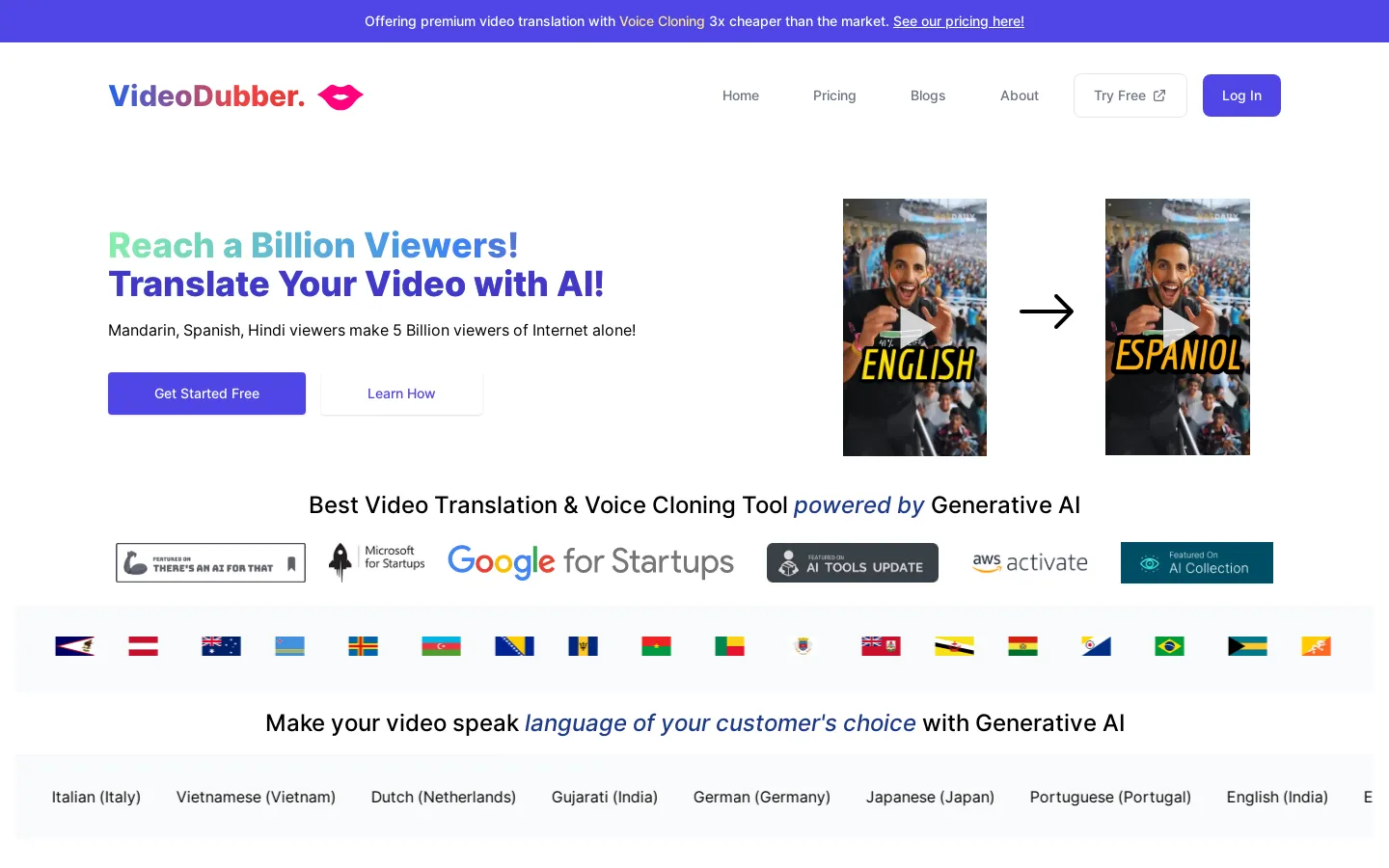
What is AutoDubber
AutoDubber is an AI-powered video translation and text-to-speech tool that can help you expand your audience to over 150 languages. It's a great tool for anyone who wants to make their videos accessible to a wider audience, like those creating educational content or marketing campaigns. AutoDubber's key feature is its ability to clone your voice, which allows you to translate your videos while maintaining your original voice. You can use AutoDubber to create subtitles, dub your videos into different languages, or even create entirely new videos with different voices. AutoDubber uses cutting-edge AI technology to provide accurate and natural-sounding translations. It's easy to use, just upload your video and select the language you want to translate it into. AutoDubber is a great tool for anyone looking to reach a global audience.
Core Features of AutoDubber
AI Video Translation
AutoDubber allows you to translate videos into 150+ languages. With the help of AI, you can expand your audience to a global scale, making your content accessible to a wider range of viewers.
Text-to-Speech
AutoDubber utilizes text-to-speech technology to convert written text into audio. This feature allows you to create voiceovers for your videos or generate audio for various purposes.
Voice Cloning
AutoDubber offers a voice cloning feature that enables you to create a synthetic voice that mimics the original speaker's voice. This functionality is particularly helpful for maintaining brand consistency or creating a personalized experience for viewers.
Try Free
AutoDubber provides a free trial, giving you the opportunity to experience the platform's features before committing to a paid subscription.
FAQs of AutoDubber
What is AutoDubber?
AutoDubber is an AI-powered video translation and text-to-speech platform that helps you reach a wider audience by making your videos accessible in over 150 languages. With AutoDubber, you can translate your videos, add voiceovers, and even clone your own voice to create a truly personalized experience.
How does AutoDubber work?
You can upload your video to AutoDubber and choose the language you want to translate it into. AutoDubber will then automatically translate the text in your video and generate a voiceover in the chosen language. You can also use AutoDubber to create voiceovers from scratch using text-to-speech.
What are the benefits of using AutoDubber?
AutoDubber can help you:
- Reach a global audience: By translating your videos into multiple languages, you can make your content accessible to a wider audience.
- Save time and money: AutoDubber automates the video translation and voiceover process, which can save you a lot of time and money.
- Create a more engaging experience: Using high-quality voiceovers can make your videos more engaging and enjoyable for viewers.
- Improve your SEO: By adding subtitles and transcripts to your videos, you can improve your search engine optimization (SEO).
How is AutoDubber different from other video translation tools?
AutoDubber offers a unique combination of features, including:
- Voice cloning: AutoDubber allows you to clone your own voice to create voiceovers that sound like you.
- High-quality voiceovers: AutoDubber uses advanced AI technology to generate high-quality voiceovers in a variety of languages.
- Easy-to-use interface: AutoDubber is designed to be user-friendly, so you can start translating your videos in minutes.
Does AutoDubber offer a free trial?
Yes, AutoDubber offers a free trial so you can try out the platform before you commit to a subscription. You can translate a limited number of minutes of video for free.
How do I get started with AutoDubber?
To get started with AutoDubber, simply sign up for a free account. You can then upload your video and start translating it into your desired languages. AutoDubber also offers a variety of tutorials and resources to help you get started.
What are the different pricing plans for AutoDubber?
AutoDubber offers a variety of pricing plans to suit different needs. You can choose a plan that fits your budget and the amount of video you need to translate.
What languages does AutoDubber support?
AutoDubber supports over 150 languages, including popular languages like English, Spanish, French, German, Chinese, Japanese, and Korean.
Does AutoDubber work with all video formats?
AutoDubber supports a variety of video formats, including MP4, MOV, AVI, and WMV. You can also upload videos directly from YouTube and other platforms.
What is the quality of the voiceovers generated by AutoDubber?
AutoDubber uses state-of-the-art AI technology to generate high-quality voiceovers that are natural and expressive.
Can I customize the voiceovers generated by AutoDubber?
Yes, you can customize the voiceovers generated by AutoDubber by adjusting the speed, pitch, and volume.
Is it possible to add subtitles to my videos with AutoDubber?
Yes, you can add subtitles to your videos with AutoDubber. You can choose from a variety of font styles and colors to create subtitles that are visually appealing and easy to read.
Does AutoDubber have any integrations?
Yes, AutoDubber integrates with popular platforms like YouTube, Vimeo, and Google Drive. You can easily upload your videos from these platforms and translate them with AutoDubber.
