
anyimg.ai FAQs
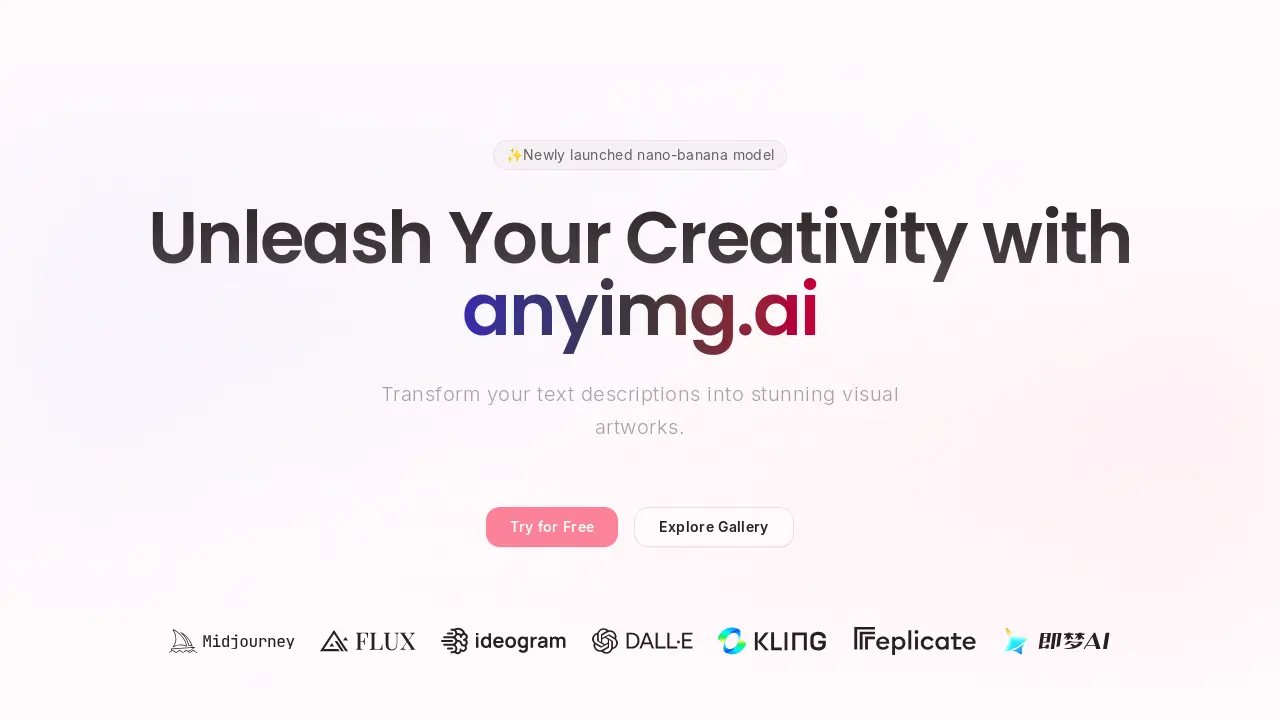
This platform generates high-quality images and unique artwork using advanced AI models, transforming text descriptions into stunning visual content for artists and creators.

FAQs of anyimg.ai
What is anyimg.ai?
anyimg.ai is a powerful AI image generation platform that allows users to transform text descriptions into stunning visual artworks. It leverages cutting-edge AI models to create professional-quality images in seconds, catering to artists, designers, and content creators.
What AI models are available in anyimg.ai?
anyimg.ai offers access to 10+ cutting-edge AI models, including popular options like Stable Diffusion XL, DALL-E 3, Midjourney, Flux, Ideogram, Kling, and Jimeng, along with custom fine-tuned models such as nano-banana. Each model is optimized for different artistic styles and use cases, providing flexibility for diverse creative projects.
Can generated images from anyimg.ai be used for commercial purposes?
Yes, all images generated through anyimg.ai come with commercial usage rights, particularly with the "Ultra" plan. This allows users to utilize the output for business, marketing, product designs, and any commercial project without incurring additional licensing fees, which is a significant benefit for professionals seeking anyimage.io alternative solutions.
What resolution capabilities does anyimg.ai offer for image generation?
anyimg.ai supports image generation up to 4K resolution (4096x4096 pixels). Users can choose from various aspect ratios and sizes to fit their specific needs, ensuring high-definition output suitable for a wide range of applications.
How quickly are images generated on anyimg.ai?
Most images are generated within 10-30 seconds, though the exact time may vary depending on the chosen AI model and the complexity of the prompt. The platform's optimized infrastructure is designed to ensure fast processing times, even for high-resolution outputs, making it an efficient tool for rapid content creation.
Can users customize the artistic style of their images on anyimg.ai?
Absolutely. anyimg.ai provides advanced prompt engineering tools, style presets, and artistic direction controls. Users can specify various artistic styles (e.g., Anime, Realistic, Oil Painting), color palettes, composition, and other parameters to achieve their desired aesthetic. This feature enables precise creative control over the generated artwork.
Does anyimg.ai offer an API for developers?
Yes, anyimg.ai provides a powerful API for developers. This allows seamless integration of AI image generation capabilities into their own applications. The API supports all available models and features, and comprehensive documentation is provided to facilitate development.
What is the newly launched nano-banana model?
The nano-banana model is a newly launched AI model available on anyimg.ai. While specific details on its unique capabilities are not extensively detailed, its introduction signifies anyimg.ai's continuous effort to expand its offerings with cutting-edge AI technologies, providing users with more diverse generation options.
What pricing plans does anyimg.ai offer?
anyimg.ai offers several pricing plans, including a "Free" tier with 10 monthly credits, a "Basic" plan for hobbyists, a "Pro" plan for content creators, and an "Ultra" plan for agencies and large teams which includes commercial licensing and dedicated support. Plans can be purchased monthly or annually, with annual options providing a discount.
How to use anyimg.ai
Anyimg.ai is an AI image generation platform designed to transform text descriptions into visual artworks, offering diverse AI models and artistic styles.
- Navigate to the anyimg.ai website and locate the text input field, labeled "Start Your Creative Journey," to begin generating images.
- Enter a detailed textual description of the desired image in the provided prompt area. The more specific the prompt, the better the output.
- Select an AI model from the available options, such as Flux or DALL-E, and adjust any parameters like aspect ratio or style.
- Initiate the image generation process by clicking the "Generate" button, typically found below the input field and model selections.
- Review the generated images; users can typically find these in a gallery section or directly after generation.
- Utilize the "Use Prompt" or "Use Style" options found in the Gallery or Styles sections to quickly iterate on existing designs.
- For commercial use, ensure your chosen pricing plan includes commercial licensing, as indicated in the pricing details.
- Download your high-resolution AI-generated images, which are typically available without watermarks for paid subscribers.
- Explore additional features like AI Try-On or custom fine-tuned models for advanced image manipulation and generation.
