
LensGo AI Introduction
LensGo AI is an AI animation generator that lets creators and marketers turn videos, images, and text into anime, cartoons, and 3D visuals without editing skills.

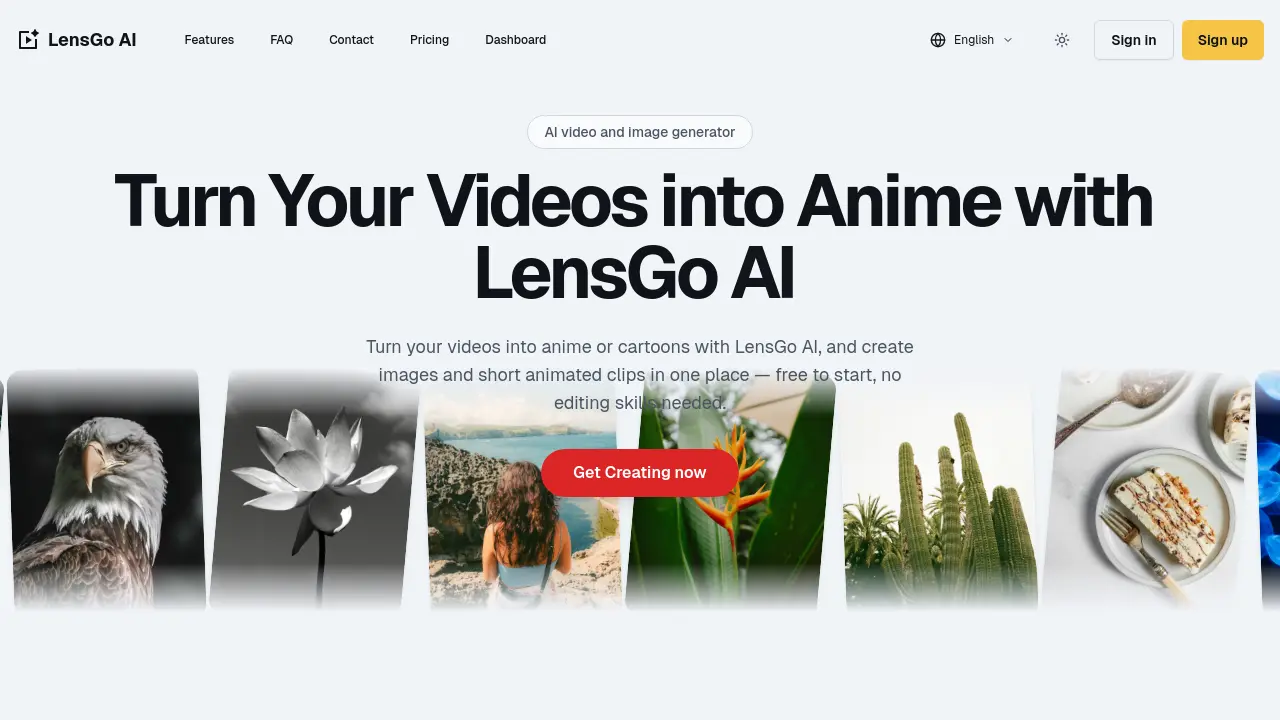
What is LensGo AI
LensGo AI is a browser‑based AI video and image generator that transforms text, photos, and live‑action clips into anime, cartoons, or 3D character styles. Users can sign in via the LensGo AI website or use the free plan to experiment with video‑to‑anime conversion, image‑to‑video animation, and text‑to‑image generation. The platform offers a library of preset styles—Pixar‑like, watercolor, comic—and allows fine‑tuning of duration, aspect ratio, and key settings. Export options include watermark‑free HD files on paid plans, while the free tier provides unlimited previews. LensGo AI’s restyle photo editor and video‑to‑anime feature make it a viable alternative for creators, marketers, and educators seeking quick, high‑quality visual content without editing expertise. Pricing details are available on the LensGo AI pricing page.
How does LensGo AI work
LensGo AI operates as a browser‑based AI video generator that accepts text prompts, photos, or existing clips. Users select a task—text‑to‑image, image‑to‑video, or video‑to‑anime—then choose from preset styles such as anime, comic, watercolor, or 3D character swaps. The platform processes the input through neural networks, renders a preview, and allows iterative refinement before exporting. Free access provides unlimited iterations, while paid plans remove watermarks and grant commercial rights. Login and dashboard management enable project organization and quick re‑use of assets. The interface supports multiple languages and integrates with social media export options.
Benefits of LensGo AI
LensGo AI is a browser‑based AI video and image generator that lets users turn live‑action clips into anime or cartoon styles with a single click. The free tier supports text‑to‑video, image‑to‑video, and video‑to‑anime conversions, while paid plans remove watermarks and grant commercial rights. Users can sign in via the LensGo AI website, access a library of Pixar‑like, comic, watercolor, and 3D character presets, and restyle existing footage using the restyle photo editor. The platform offers a straightforward dashboard, clear pricing, and a free download option for exported content.
Pros and Cons of LensGo AI
Pros
- LensGo AI free to start, no installation needed.
- Browser-based, no editing skills required.
- HD exports suitable for social media.
- Wide range of anime and 3D styles.
- Commercial use rights available on paid plans.
Cons
- Watermark on free exports.
- Limited features on free plan.
- Export speed may vary.
- No custom style training available.
- Support response time unclear.
