
LensGo AI FAQs
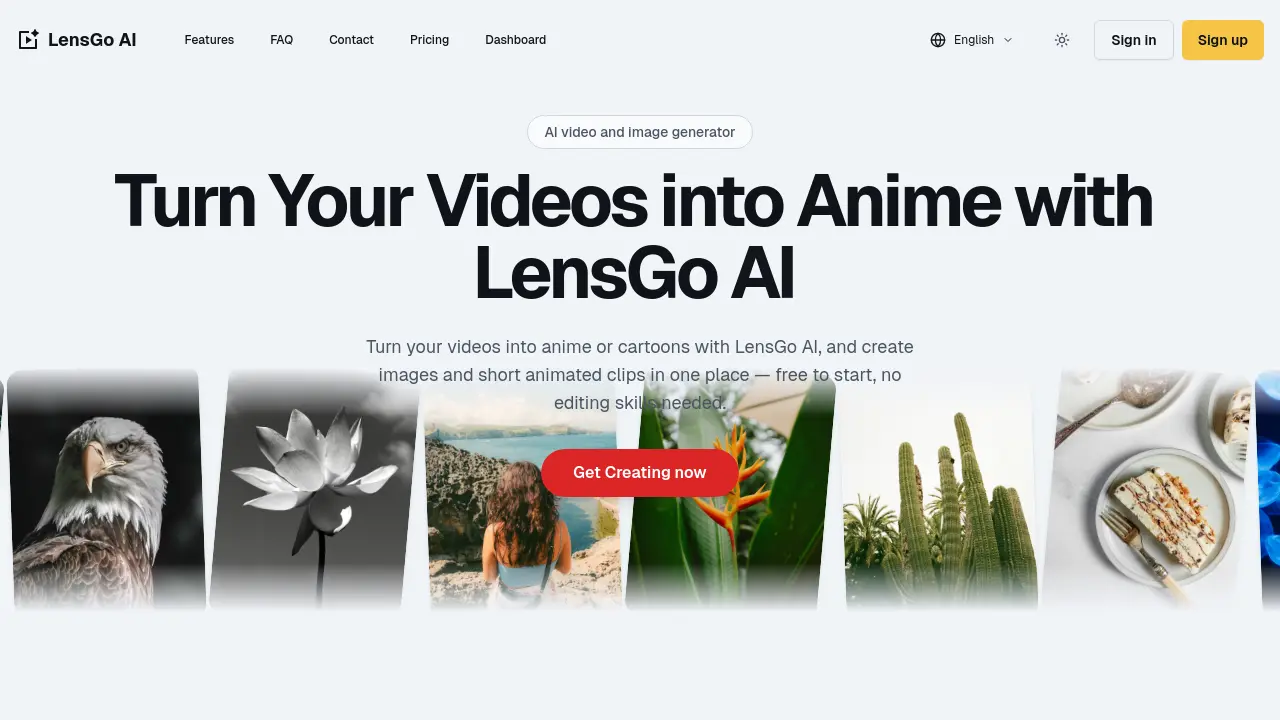
LensGo AI is an AI animation generator that lets creators and marketers turn videos, images, and text into anime, cartoons, and 3D visuals without editing skills.

FAQs of LensGo AI
Is LensGo AI free to use?
LensGo AI offers a free tier that allows users to generate a limited number of videos and images per month. The free plan includes a watermark on exports and access to basic styles. Paid plans unlock higher resolution, watermark‑free exports, and commercial usage rights. The free tier is suitable for experimentation and personal projects.
What can I create with LensGo AI?
LensGo AI enables creation of anime‑style videos, cartoon clips, stylized images, and short animated videos from text prompts, photos, or existing footage. Users can restyle live‑action clips, swap subjects into 3D characters, animate still images, and generate concept art. The platform supports multiple artistic presets and export options for social media, marketing, and educational content.
Can I use LensGo AI as a video to anime converter?
Yes, LensGo AI’s video‑to‑anime feature converts live‑action or user‑uploaded videos into anime or cartoon styles with a single click. The tool applies preset animation filters, adjusts pacing, and renders the output in HD. Users can customize aspect ratio, duration, and key settings before exporting the final clip.
Does LensGo AI work as an AI image generator?
LensGo AI includes a text‑to‑image generator that creates high‑resolution visuals from natural language prompts. The model supports various artistic styles, including watercolor, comic, and Pixar‑like renders. Generated images can be used directly or further animated with the image‑to‑video tool.
Does LensGo AI support image to video and 3D animation?
LensGo AI offers image‑to‑video functionality that animates a single photo into a short clip with camera motion and stylized effects. Additionally, the platform provides 3D character swap options, allowing users to replace live‑action subjects with animated 3D avatars in a few clicks. These features are accessible through the browser workspace without additional software.
Can I use my LensGo AI content for commercial projects?
Content produced under LensGo AI’s paid plans carries commercial usage rights, enabling creators to use exported videos and images in marketing campaigns, client deliverables, and monetized content. The free tier is limited to personal or non‑commercial use, and exports include a watermark. Users should review the licensing terms before distribution.
Do I need video editing or animation skills?
LensGo AI is designed for users without traditional editing experience. The interface guides users through prompt entry, style selection, and export, while the AI handles rendering and animation. Basic familiarity with web browsers is sufficient to create polished videos and images.
How fast does LensGo AI generate videos?
Generation speed depends on the chosen resolution, style complexity, and server load. Typical text‑to‑video or video‑to‑anime renders complete within 30 to 90 seconds for standard HD output. Higher‑resolution or 3D character swaps may take up to 2 minutes, but the platform provides real‑time previews for iterative refinement.
Will my exports have a watermark?
Exports from the free plan include a LensGo AI watermark to indicate the source. Paid subscriptions remove the watermark, allowing users to publish professional‑looking content on social media, websites, or client platforms. Watermark removal is automatic upon upgrading to a paid tier.
Can I train my own styles or characters?
LensGo AI currently does not support custom model training or user‑defined style uploads. All styles are pre‑built into the platform and updated regularly by the development team. Users can influence output through prompt wording and preset adjustments but cannot train new models directly.
How do I sign in or sign up for LensGo AI?
Users can create an account by clicking the “Sign up” button on the LensGo AI website and providing an email address and password. Existing users log in via the “Sign in” link, entering credentials or using single‑sign‑on options if available. The process is fully browser‑based and requires no additional software installation.
What are the pricing plans for LensGo AI?
LensGo AI offers a free tier with limited monthly credits and watermark‑included exports. Paid plans are available on a monthly or annual basis, providing higher resolution output, unlimited iterations, watermark‑free downloads, and commercial usage rights. Pricing details, including plan names and feature lists, are listed on the official LensGo AI pricing page.
Does LensGo AI offer a mobile app or desktop download?
LensGo AI is a cloud‑based web application that runs entirely in the browser. There is no dedicated mobile app or desktop installer; users access the platform via any modern web browser on desktop or mobile devices. The interface is responsive and optimized for touch input on smartphones and tablets.
What file formats can I export from LensGo AI?
Exported videos are available in MP4 format with H.264 encoding, suitable for social media and web playback. Images can be downloaded as PNG or JPEG files, depending on user preference. The platform also supports exporting animated GIFs for quick sharing, though the primary focus remains on high‑quality MP4 and PNG outputs.
Does LensGo AI provide an API for developers?
As of the current release, LensGo AI does not expose a public API for third‑party integration. The service is accessed through the web interface, and all rendering is performed on the company’s servers. Developers interested in programmatic access can contact support for potential partnership or custom solutions.
How to use LensGo AI
- LensGo AI is an online AI video and image generator that transforms text, photos, and clips into anime, cartoons, and animated videos, offering free trials and paid plans.
- Sign in or sign up via the LensGo AI website; the login page supports free access and account creation, enabling personalized dashboards and storage.
- Navigate to the dashboard and select the desired tool: text‑to‑video, image‑to‑video, video‑to‑video, or image generator, depending on content source. This selection determines the processing pipeline and output format.
- Upload media or enter a prompt; LensGo AI accepts natural language prompts and supports photo or clip uploads for seamless input.
- Choose an artistic style—anime, comic, watercolor, or 3D character—and adjust duration, aspect ratio, and key settings via the intuitive style panel.
- Initiate generation; the browser‑based engine renders previews quickly, allowing multiple iterations before final export. The process completes within minutes, and users can preview changes in real time.
- Review the rendered video or image; use the export options to download watermark‑free files on paid plans or share directly to social platforms.
- Interpret results by assessing style fidelity, motion smoothness, and resolution; adjust parameters if necessary to align with branding or educational objectives.
- Leverage LensGo AI’s restyle photo editor and video‑to‑anime free features to prototype concepts quickly, saving production time compared to traditional animation workflows.
- For commercial projects, verify licensing terms on the LensGo AI pricing page; paid subscriptions grant commercial use rights and higher export quality.
- If exploring alternatives, compare LensGo AI to other AI video apps via the FAQ section, noting differences in style libraries and export options.
- Maintain an organized workflow by saving projects in the dashboard; the LensGo AI website supports project tagging and version control for easy retrieval.
