
AIChangeHair FAQs
Free AI hairstyle changer: upload a portrait and preview bobs, bangs, waves, pixie cuts, and buzz cuts while keeping your face, clothing, and lighting natural.

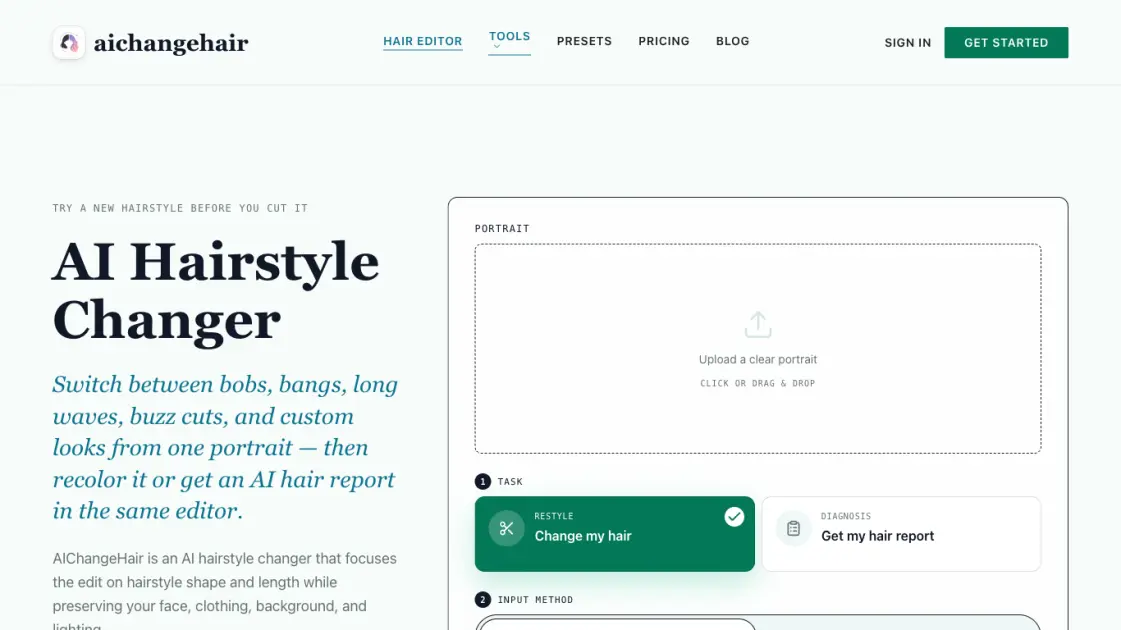
FAQs of AIChangeHair
How does the AI hairstyle changer work?
Upload a portrait, choose a hairstyle or color or both, and the AI builds a focused prompt that edits hair while preserving face, pose, clothing, background, and lighting. Each generation targets the hairstyle shape and length specifically.
Is this a free AI hairstyle changer?
Yes. New users receive 20 free credits on signup plus 10 daily credits. A standard edit costs 10 credits. Paid plans offer more credits, higher resolutions, and faster generation.
Are my uploaded photos private?
Uploads are encrypted in transit and at rest. Images are used only for that generation and are never used for AI training. Users can delete images from their gallery at any time.
Does it work on mobile?
Yes. The tool runs in mobile browsers including iOS Safari and Android Chrome. No app download is required, and the interface supports one-handed use.
Can I combine hairstyle and color in one edit?
Yes. Users can apply a preset hairstyle and a color simultaneously, use a custom text prompt, or activate the AI hair report for face-shape-aware recommendations.
What kind of photos produce the best results?
Clear, well-lit portraits with visible hair at a front-facing or three-quarter angle work best. Photos with hats, heavy shadows, or obscured hair will produce less accurate results.
How long does each generation take?
Most edits complete within 1 to 2 minutes. If a generation fails for any reason, the credits are automatically refunded to the user's account.
How to use AIChangeHair
Upload Portrait
Drag and drop or select a clear portrait image. Works best with visible hair, good lighting, and a front-facing or three-quarter angle.
Choose the Hair Edit
Pick a preset hairstyle, select a color, describe a custom look with a text prompt, or generate an AI hair report. The editor keeps the prompt focused on hair while preserving everything else.
Generate and Download
Preview the AI-generated result, download the image to your device, copy the share link, or start a fresh hair edit from your gallery.
